Windsor 500 User Manual - Issue C
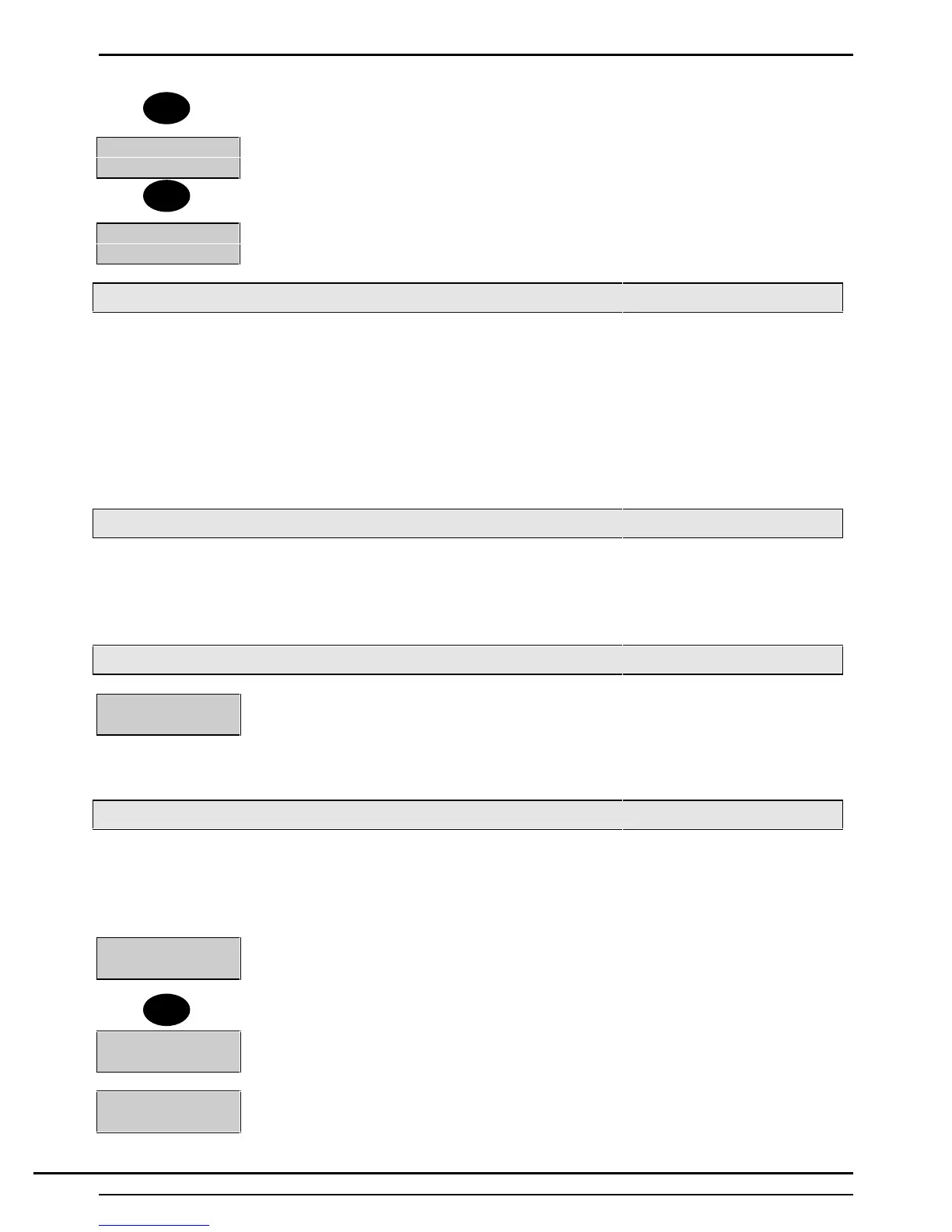
7. Select the area(s) to be set and these will now be displayed in the set status.
Set:1+2
8. Select ↵ and the group set will take place. After the group has been set, the menu
will be displayed or the user will be logged off
Group
Set
Setting Using A Keypoint
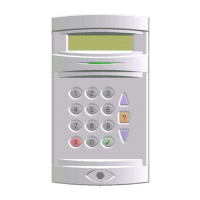
When an Electronic Key is inserted in a Keypoint the user authority and the authority to set the area(s) (or
system) at the particular Keypoint are checked. If setting is permitted, the ’Ready’ LED will be illuminated.
1. Press the ’Set’ button.
2. The setting procedure will begin.
Note: If programmed for ’Timed Set: the ’Day’ LED will flash and the Keypoint sounder may emit a
continuous warning tone during the exit time.
Keyswitch Setting
As an alternative to setting and unsetting from a Keypad/Keypoint, your system may be fitted with an optional
Keyswitch which permits setting and unsetting of an area by turning the Keyswitch.
To set the area(s), turn the Keyswitch to the ’Set’ position. The Area will set instantly and silently.
Aborting The Setting Procedure
Setting Workshop
Stopped
Where an area or system setting procedure incorporates an ’Exit Time’, the setting
procedure can be aborted at any time during the ’Exit Time’ by pressing ’Quit’ at an
area Keypad, re-inserting an Electronic Key at an area electronic Keypoint, or turning a
Keyswitch to the ’Off’ position. The area Keypad(s) will show that the setting has been
stopped. The event will be recorded in the system event log.
Setting with Warnings
The Windsor System will automatically display any condition of which the user should be aware of before
setting the system. These conditions will fall under the heading of ’Setting Warnings’ and do not prohibit the
user from setting the system in the normal way. The user however may wish to change a condition before
setting the area(s) or system, where appropriate.
Set Warning
↵ = Report
If a warning condition exists when the user selects an area (or system) to set, the
Keypad display will immediately show 'Set Warning -‘↵ = Report'.
Press the ‘↵ button to display the setting warning(s). If more than one setting warning is
present, the display will automatically scroll through the list of warnings
Loading Door
Isolated
The display will offer the option to set the area with the displayed condition existing.
Workshop
↵ = Set
Press 'Enter' to proceed with setting or press 'Quit' to return to the ‘User Options
Menu'.
2
↵
↵
Technical Manuals Online! - http://www.tech-man.comTechnical Manuals Online! - http://www.tech-man.com


 To Next Page