Windsor 500 User Manual - Issue C
Changing Late Working Days
The late work option will only be available if there is a programmed Set 2 time for the day. If you log on during
the set 1 warning period, and a set 2 time has been programmed, then the late working option will be
displayed in place of the normal log on menu.
Late working can also be selected out with the set 1 warning period by proceeding as follows:
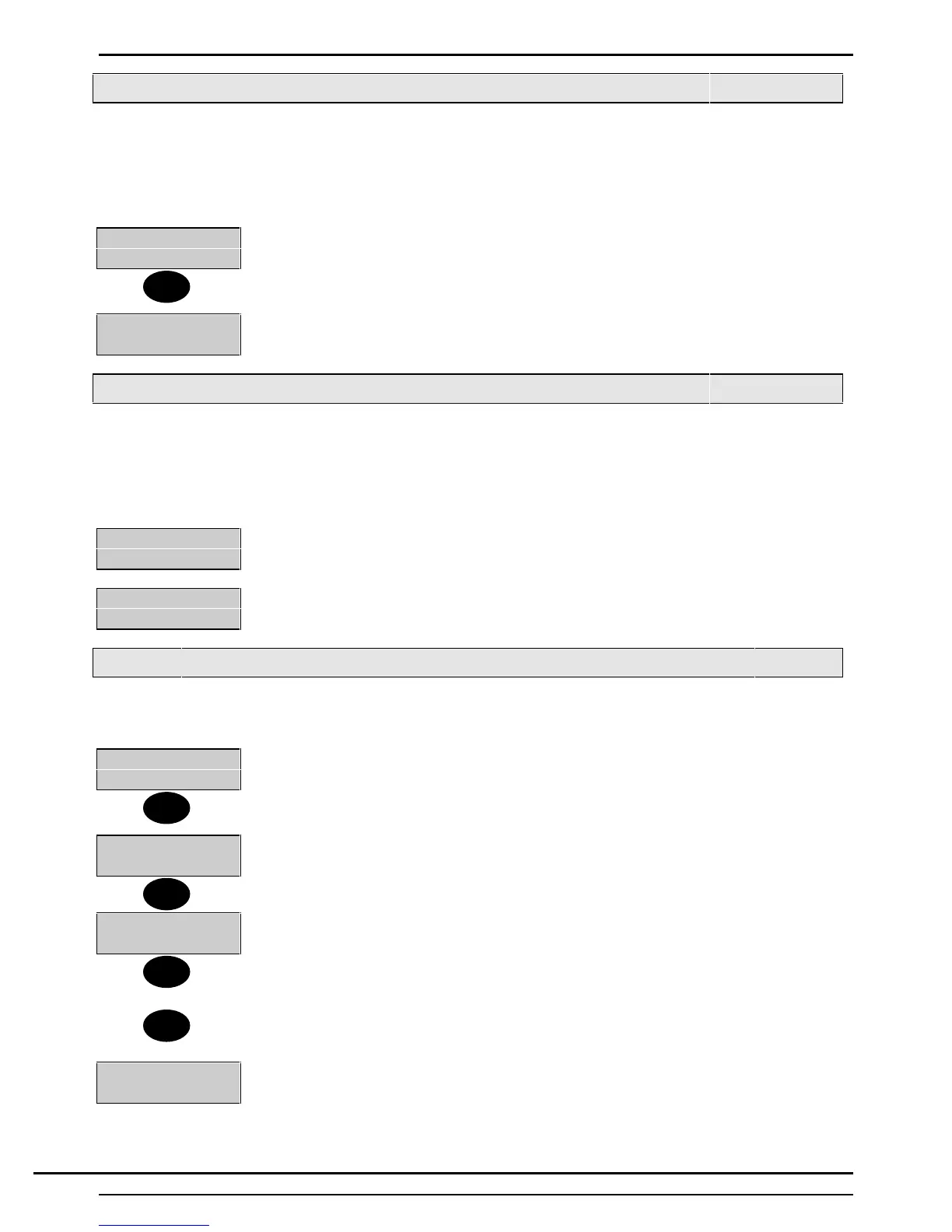
1=Late Work
2=Schedule.......
1. Select 1 from the ’Event Programmer Main Menu’.
1=Area1
2=Area2
2. The display may provide a choice of areas. Choose the required area. If successful
the late working LED will come on.
Extending the Set Time (Commercial Only)
The set time can be extend by up to the end of the programmed schedule day. This is normally midnight but
may be programmed by the engineer to allow operation though midnight.
It is only possible to extend the set time by logging on during the set warning period. The Ext Time option will
appear on the event programmer menu.
0=Ext Time
1=Late Work ...
1. Select 0 from the ’Event Programmer Main Menu’.
Ext Time
(in mins)-___
Enter the number of minutes in the range 1-255. This operation can be repeated so
long as the extended time is before the end of the programmed schedule day.
Viewing/Changing Scheduled Times
You can only change the times if this option has been programmed by the installation engineer. To view or
change the scheduled times proceed as follows:
1=Late Work
2=Schedule
1. Select 2 from the ’Event Programmer’ menu
Schedule
Number_
2. The display will prompt for the schedule number. There are 4 possible schedules.
For example enter 1 for schedule 1.
0=Copy 1=Mon
2=Tue 3=Wed
3. The display will show the days of the week.
Note: the copy option will only appear if the you are allowed to change the schedule
times.
4. Select the number corresponding to the day to be viewed, or press ▼ to display the
remaining days and select a number.
5=Fri 6=Sat
7=Sun
5. Choose Sunday for example.
1
2
1‘
▼
▼
Technical Manuals Online! - http://www.tech-man.comTechnical Manuals Online! - http://www.tech-man.com


 To Next Page