Windsor 500 User Manual - Issue C
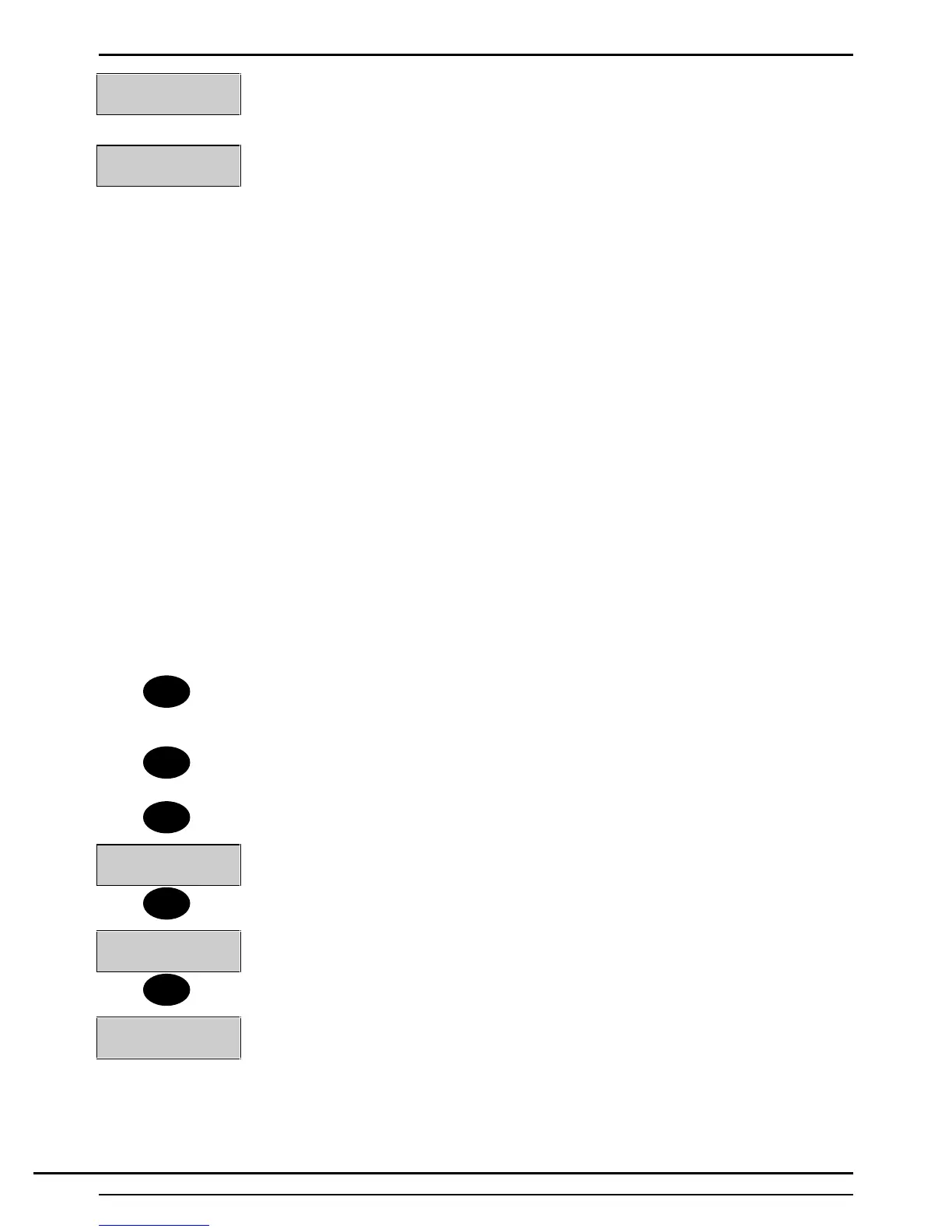
Text Number_ _
Again you are prompted for a Text Number. Enter ‘09’, for example, and then confirm
it.
Cct number 2
PIR In BAR
Circuit 2 now has the desired label. Should the text library not contain the desired label
the keypad provides a means to enter the text manually.
Here is a list of all available characters.
ABCDEFGHIJKLMNOPQRSTUVWXYZ
abcdefghijklmnopqrstuvwxyz .-
/#%^&@<>0123456789
(Notice the space between the ‘z’ and the ‘full stop’).
By using the ▼ key, you can scroll through the characters from A to 9 and using the ▲
key you can scroll from 9 to A.
However, a shortcut may be employed which provides a means of quickly moving the
display close to the character required using the numbers on the keypad. The numeric
keys on the Keypad can be used as follows:
1=A
2=M
3=Z
4=a
5=m
6=z
7=1
8=9
9=‘ ‘ (space)
0=clear all characters to the right
4. When the required character is displayed, press the 'Enter' button to move the
cursor to the next character. Repeat for all characters and spaces in the text
descriptor.
Note: Entering a character will overwrite the existing character. To remove any excess
existing characters, press ‘0’. To edit a particular character, press 'Enter' until the
required character is flashing.
5. Press 'Quit' to save the text descriptor.
Cct Number-
6. The display will prompt for the next number of the selected function.
7. Press 'Quit'.
1=Circuit 2=User
3=Area 4= Group
8. The display will return to the 'Text Edit Menu'.
9. Press 'Quit' again.
6=Text 8=PIN
↵ = Next Page
10.The display will return to the ‘User’s Menu'.
↵
↵
↵
Quit
Quit
Quit
Technical Manuals Online! - http://www.tech-man.comTechnical Manuals Online! - http://www.tech-man.com



 To Next Page