Windsor 500 User Manual - Issue C
User Type User Authority
None No access permitted.
Manager All user functions for programmed areas.
Ordinary All user functions for programmed areas, except viewing/printing the event log, isolating a
Keypad, changing user authority and changing other user PIN numbers.
Set/Unset Set, unset, logging the engineer on and test functions for programmed areas and
view/print area log(s).
Set Only Set, logging the engineer on and test only for programmed areas.
Reset Authority to carry out Customer Engineer Reset (if programmed) in authorised areas.
Duress Special PIN code available to all users and used in the event of a demand to unset the
system or area under duress. Use of this PIN code will unset the areas(s), but will transmit
a ’silent’ personal attack message to the alarm company central station. Incrementing the
first digit of the any PIN code will have the same effect.
Bank Reset Special PIN code that performs Bank reset, view area log, bypass and perform reset (only
HS Version).
ATM Special PIN code that performs ATM bypass when logged on (only HS version).
Event Log Can only view the event log.
Cleaner Set and Unset only.
Unset Unset only.
Access A user with Access user type authority has no authority for any menu function. The only
action on entry of an Access user PIN code is to trigger and output to open a door.
Use -04
Ordinary
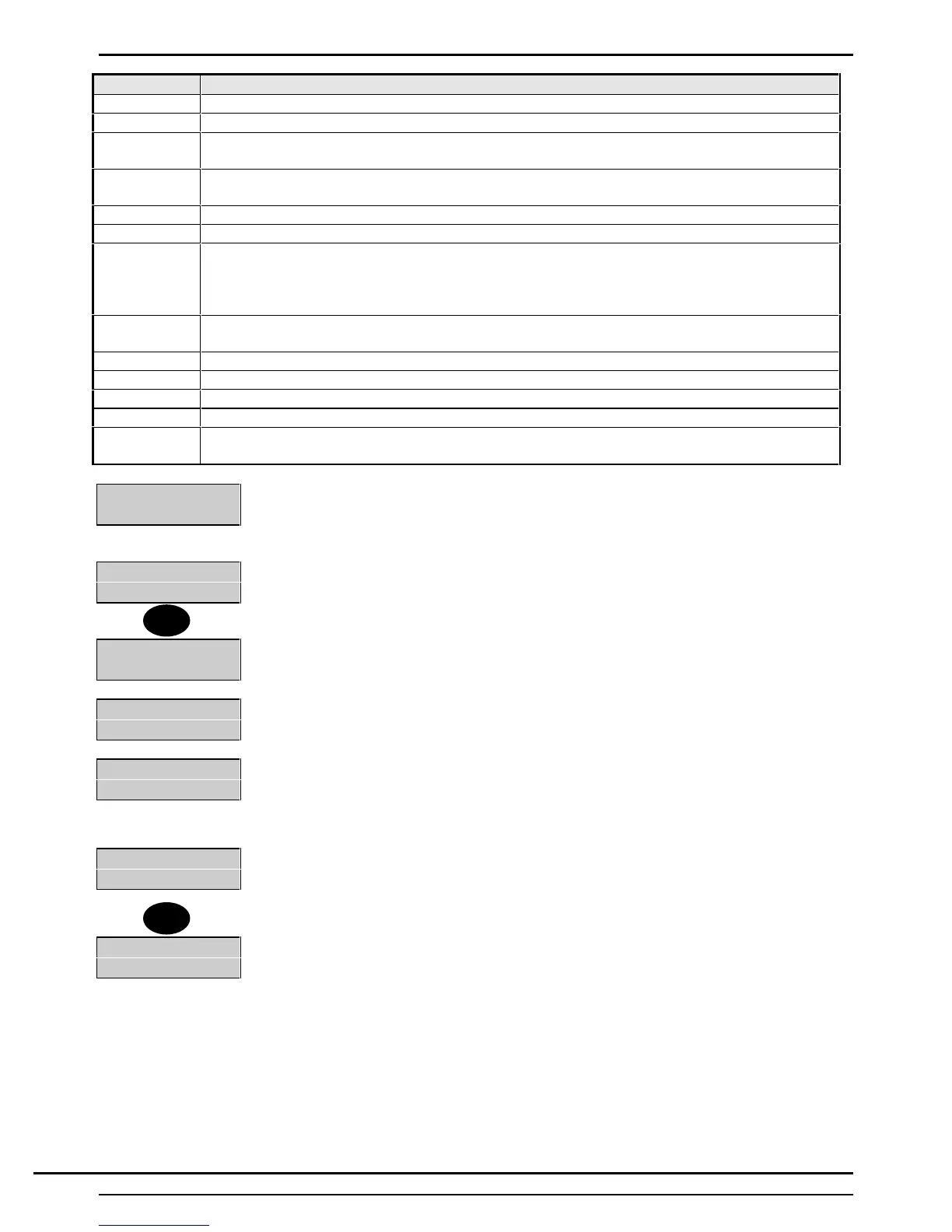
8. The display will show the selected authority, then prompt for the area authority to be
allocated, beginning with area 1.
User-04
Area 1- Off.......
9. Select 1 if area authority for area 1 is to be allocated to the selected user, or select
‘0’ if no authority is to be given for area 1
User-04
Area 1 - On......
10. The display will then move on to other areas configured for the system. Repeat the
above procedure for each area, as applicable.
User-04
Area 2 - Off......
User-04
Gp1-Off Gp2-Off..
11. The system will then prompt for authority to be allocated to bypass any
programmed groups of circuits. Again, select 1 for authority or 0 for no authority.
Repeat the procedure for each group, as applicable.
Note: Up to six bypass groups can be configured .
User Number--
13. When authority has been allocated to the user, press 'Quit'. The display will prompt
for the next user number. Repeat procedure for any other users, or return to the user
options menu by pressing 'Quit'.
4=User 5=Time
6=Keys........
Note: The ▲ ▼ keys can be used to move between fields without editing the current
value.
1
Quit
Technical Manuals Online! - http://www.tech-man.comTechnical Manuals Online! - http://www.tech-man.com



 To Next Page