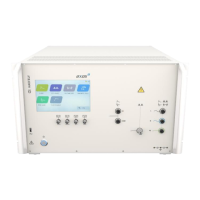
A wide range of cost-efficient and user friendly coupling / decoupling networks for power lines as
well as for symmetrical and asymmetrical data- and signal-lines are available as options.
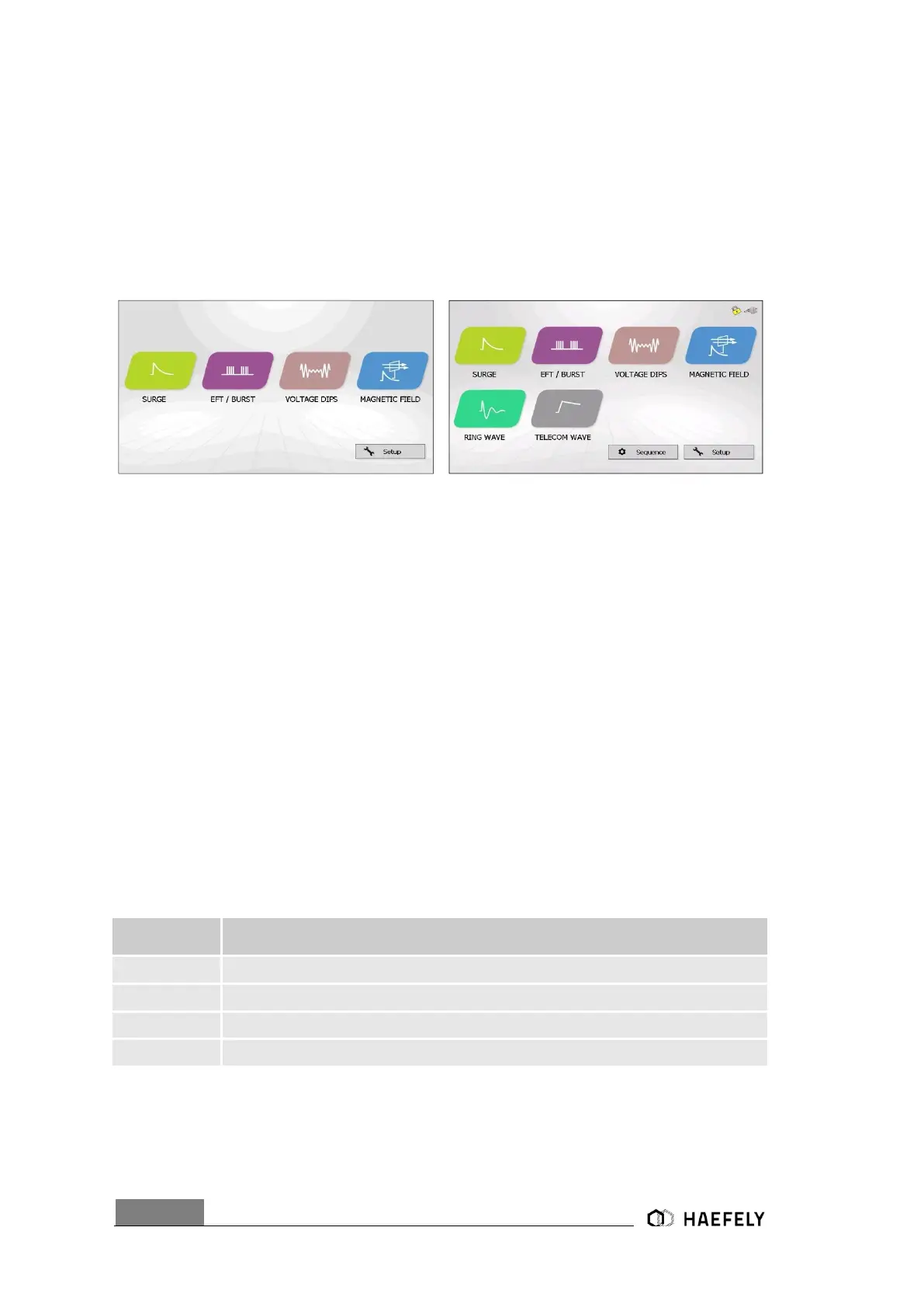
The Figure 1-1: Axos
5
and Axos
8
Start display shows the starting menu of the AXOS. Test is
selected through the touch screen by pressing the corresponding icon (Surge, EFT/Burst, Voltage
Dips, Magnetic field, Ring Wave and Telecom Wave).
If the expandable version of AXOS is acquired, Only the Burst test is available. Other icons are
disable (light grey) and can only be enable via key code upgrade.
Figure 1-1: Axos
5
and Axos
8
Start display
After selecting one of the functions as shown in the Figure 2-1, there are generally two operating
modes of the menu available. Only in pre-compliance is it possible to change parameters even
though the equipment is under test. In addition, by pressing a function parameter a basic
description gets open and describes the characteristic of it. The values can be directly specified
as for each criteria necessary. The same is possible in standard operating mode.
Additionally Ipeak and Upeak to the EUT get displayed on the screen.
It is possible to come back from every application to the start menu as shown in Figure 2-1, when
pressing the “home” button. Any test procedure stops immediately.
The LED on every output & coupling paths is lit when specific line output paths have been
selected.
1.2 Scope of supply Axos
5
Test device, one of following models


 To Next Page