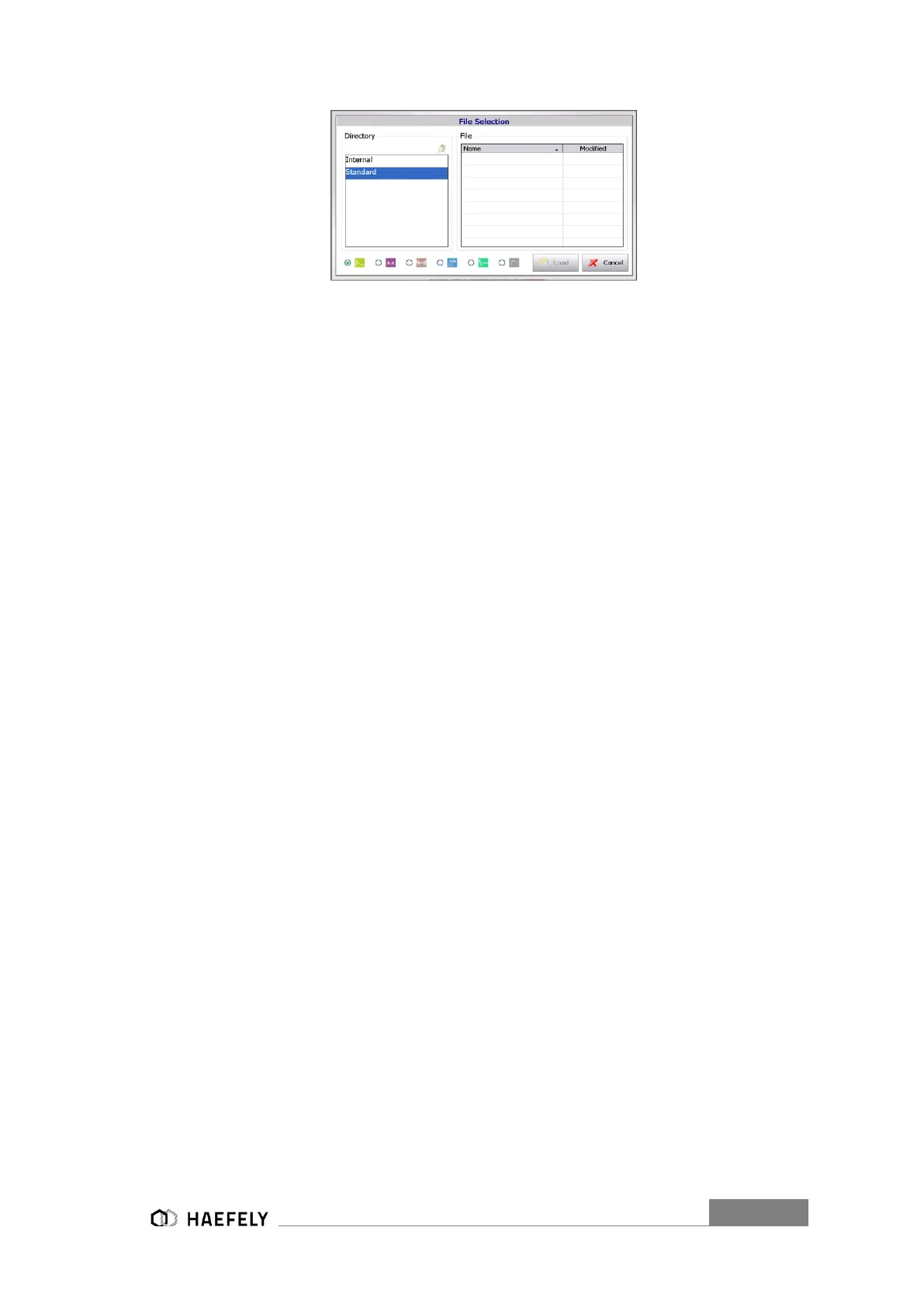
Figure 6-5 File selection Internal/Standard
However, through the “Setup” menu predefined programs can be loaded and applied via an
external “start/stop” device. It gets controlled though Pin 7. When particular file has been selected,
it must be confirmed with “load”.
When file wants to be applied and started without any external signal parameter, it
must be selected inside the specific modus (e.g. Surge”) via “load”. However, if
controlled from an external signal, it must be selected through the “Setup” (Figure
6-3 Setup Menu) and then confirmed as seen inFigure 6-5 File selection
Internal/Standard. Selection in “setup” menu will not be applied to generator when
not external control of the program..
6.3.2 Defined AXOS Commands
Predefined commands are available for the AXOS. Those commands will be given to the unit via
LAN network. No Remote software is necessary. For example, remote control programs can be
written in C language.
To receive all commands contact either Haefely or your representative directly. Below you will
find an example of minimal commands of programming a combination wave generator.
CW:SET:PEAK_VOLTAGE 2500:V
CW:SET:PEAK_VOLTAGE? V
2500.000
CW:SET:TRANS_PEAK_VOLTAGE OFF
CW:SET:TRANS_PEAK_VOLTAGE?
OFF
CW:SET:REP_RATE 5
CW:SET:REP_RATE?
5.000
CW:SET:SURGES 10
CW:SET:SURGES?
10.000
CW:SET:SYNC INT
CW:SET:SYNC?
INT


 To Next Page