HI Generator output Surge; (Direct
output)
Direct output of surge generator
Connection to external CDN. (Consider safety capture1)
Do not connect directly any external supply voltage,
generator will be damaged.
COM Generator output Surge
(Direct output)
Direct output of burst generator to external CDN or EUT
Connection for single phase EUT to the internal
coupling/decoupling network
Connection to ground reference plane or the verification adapter
USB port for data transfer
Save report data or test files onto USB memory stick
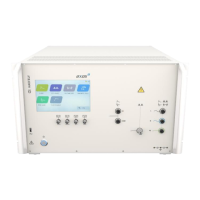
Every command and adjustment will be controlled and entered via
the touch screen
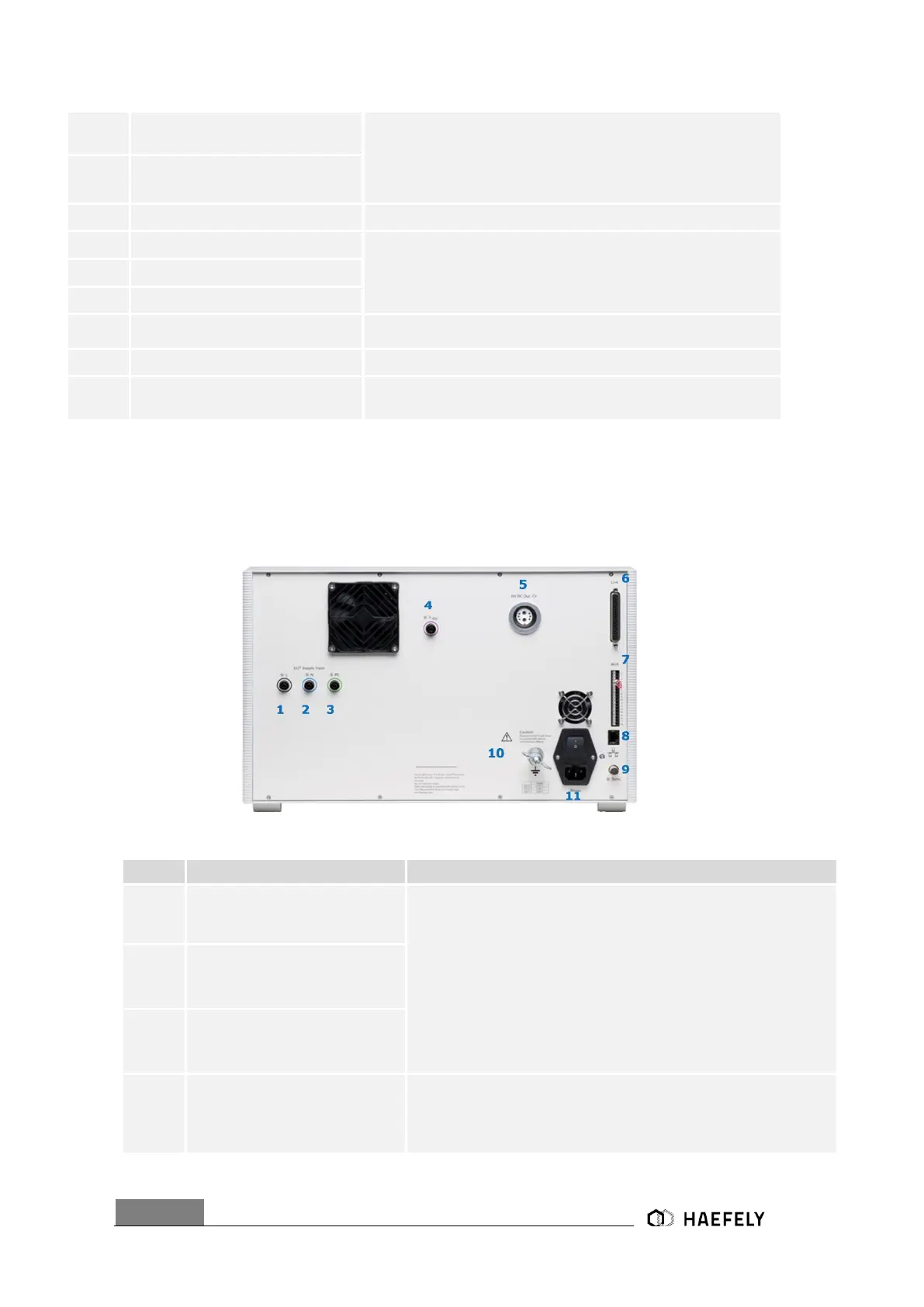
6.2 Device back pannel
Figure 6-2 Axos
8
back pannel
L “EUT Supply Input” (direct
connection of power supply via
banana plug)
direct single-phase connection of power supply to the EUT. It can
either be connected to a DC power supply or to AC power supply.
Awareness, the power supply should NOT be secured by a ground
fault Switch. If yes please take capture 4.4 in consideration
N “EUT Supply Input” (direct
connection of power supply via
banana plug)
PE “EUT Supply Input” (direct
connection of power supply via
banana plug)
V dip (for Voltage dips &
interrupts)
Input for the voltage dips und interrupts. For voltage interrupts it has
to be connected via banana plug with position 2. However. when
using external transformer, the only connection to the
generator is through the V dip input


 To Next Page