3-48 7. PLC2Way
Notes on Screen Data Transfer
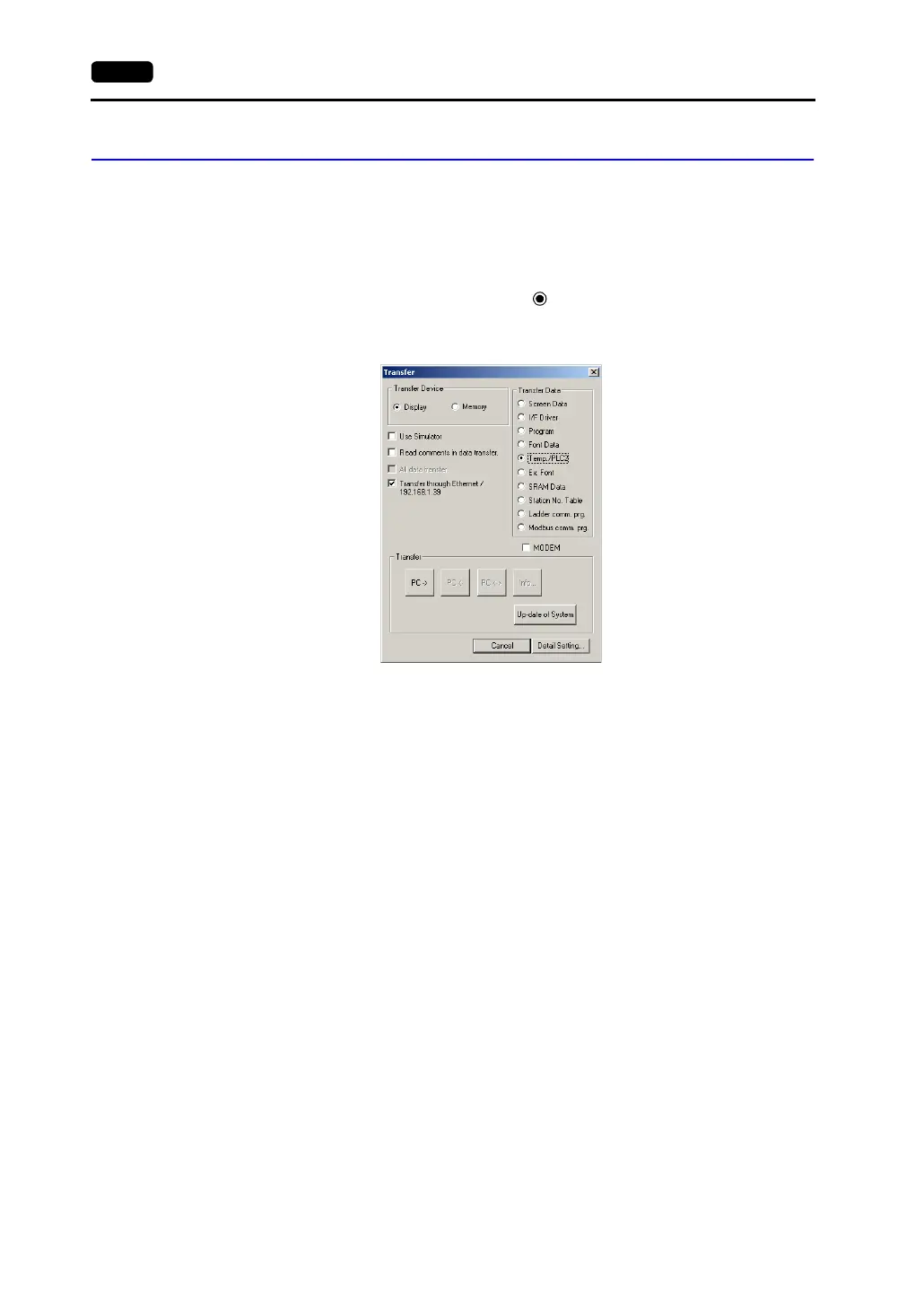
Temperature Control/PLC2 Program
When using the temperature control network/PLC2Way communications, it is necessary to
transfer the temperature control/PLC2 program to the V7 series. When the temperature
control network/PLC2Way setting has been made, the program is automatically transferred
to the V7 series together with screen data. When [ Temp./PLC2] is selected in the
[Transfer] dialog, only the temperature control/PLC2 program can be transferred to the V7
series.
When the Main Menu screen is displayed after transferring screen data, the [Extension]
switch appears. If the [Extension] switch does not appear, transfer font data. Pressing the
switch brings up the “Extension Program Info.” screen where the temperature
control/PLC2Way driver setting and temperature control network/PLC2way setting can be
reviewed. For more information, refer to “Chapter 2 MONITOUCH Operations.”



 To Next Page