5-4 1. MITSUBISHI PLC
Communication Setting
The recommended communication parameter settings of the PLC and the V7 series is as follows:
A Series Link
*1 Trans. Mode 1: without CR/LF, Trans. Mode 4: with CR/LF
If [Trans. Mode 4] is selected for [Trans. Mode] in the [Comm. Parameter] dialog of the V7 series,
select [MODE4] in the case of RS-232C, or [MODE8] in the case of RS-422.
QnA Series Link, QnH (Q) Series Link
* The maximum baud rate available with the V7 series is 115200 bps. Select the appropriate baud
rate depending on the used PLC and environment.
A Series CPU, QnA Series CPU
Communication parameters for the V7 series are automatically set.
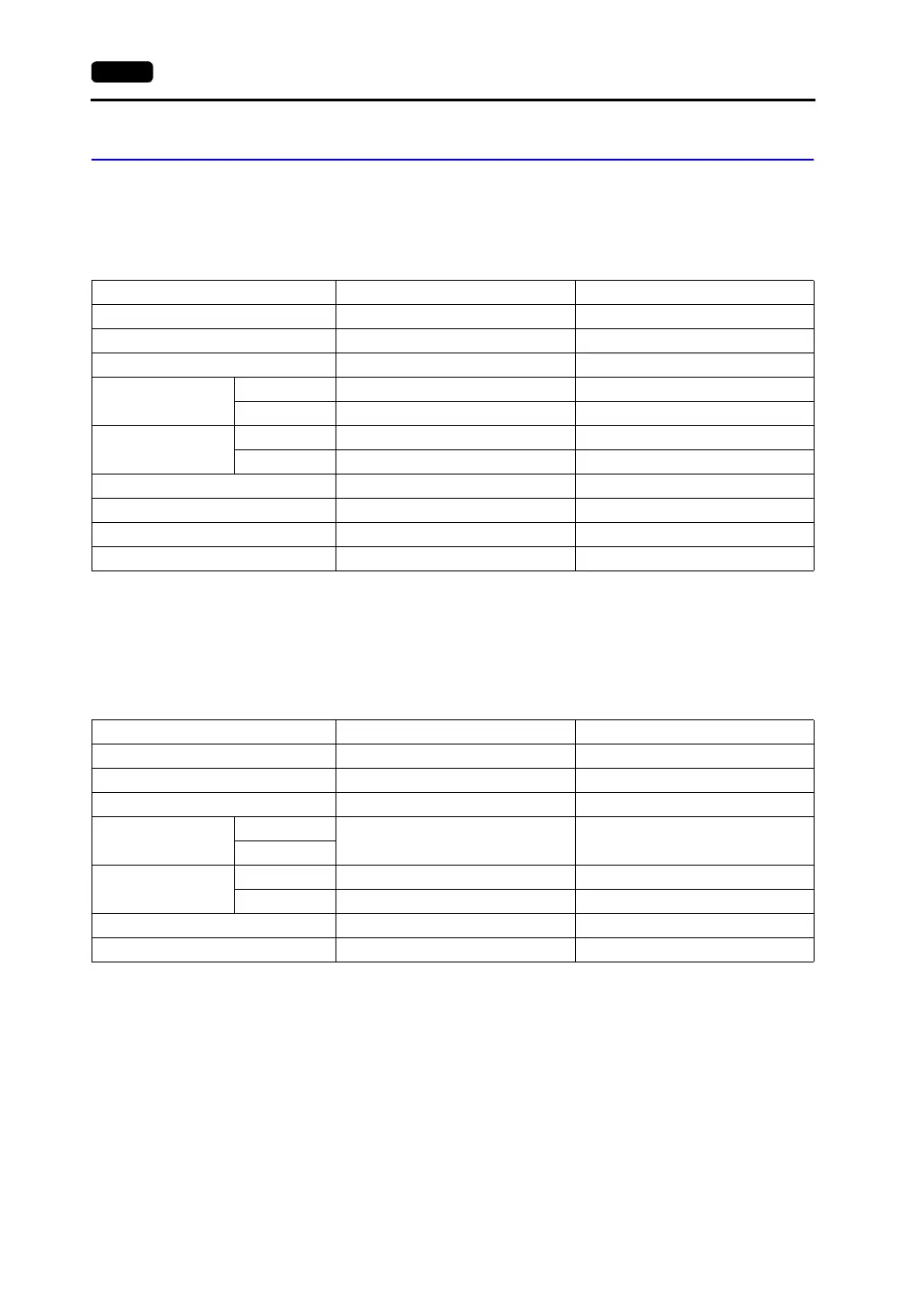
Item Setting on PLC V7 Comm. Parameter Setting
Baud rate 19200 bps 19200 bps
Port 0 for both stations ×10, ×10
Parity Even Even
Transmission
mode
*1
RS-232C MODE1 Trans. Mode 1
RS-422 MODE5 Trans. Mode 1
Transmission code
Data length 7 7
Stop bit 1 1
Sumcheck Provided (fixed) −
Write while running Possible (fixed) −
Terminating resistance at sender Provided (fixed) −
Terminating resistance at receiver Provided (fixed) −
Item Setting on PLC V7 Comm. Parameter Setting
Baud rate* 19200 bps 19200 bps
Port 0 for both stations ×10, ×10
Parity Even Even
Transmission mode
RS-232C
MODE5 (binary mode) (fixed) −
RS-422
Transmission code
Data length 8 (fixed) −
Stop bit 1 1
Sumcheck Provided (fixed) −
Write while running Possible (fixed) −



 To Next Page