5
2. OMRON PLC 5-29
Connection to PLCs
SYSMAC CS1 DNA
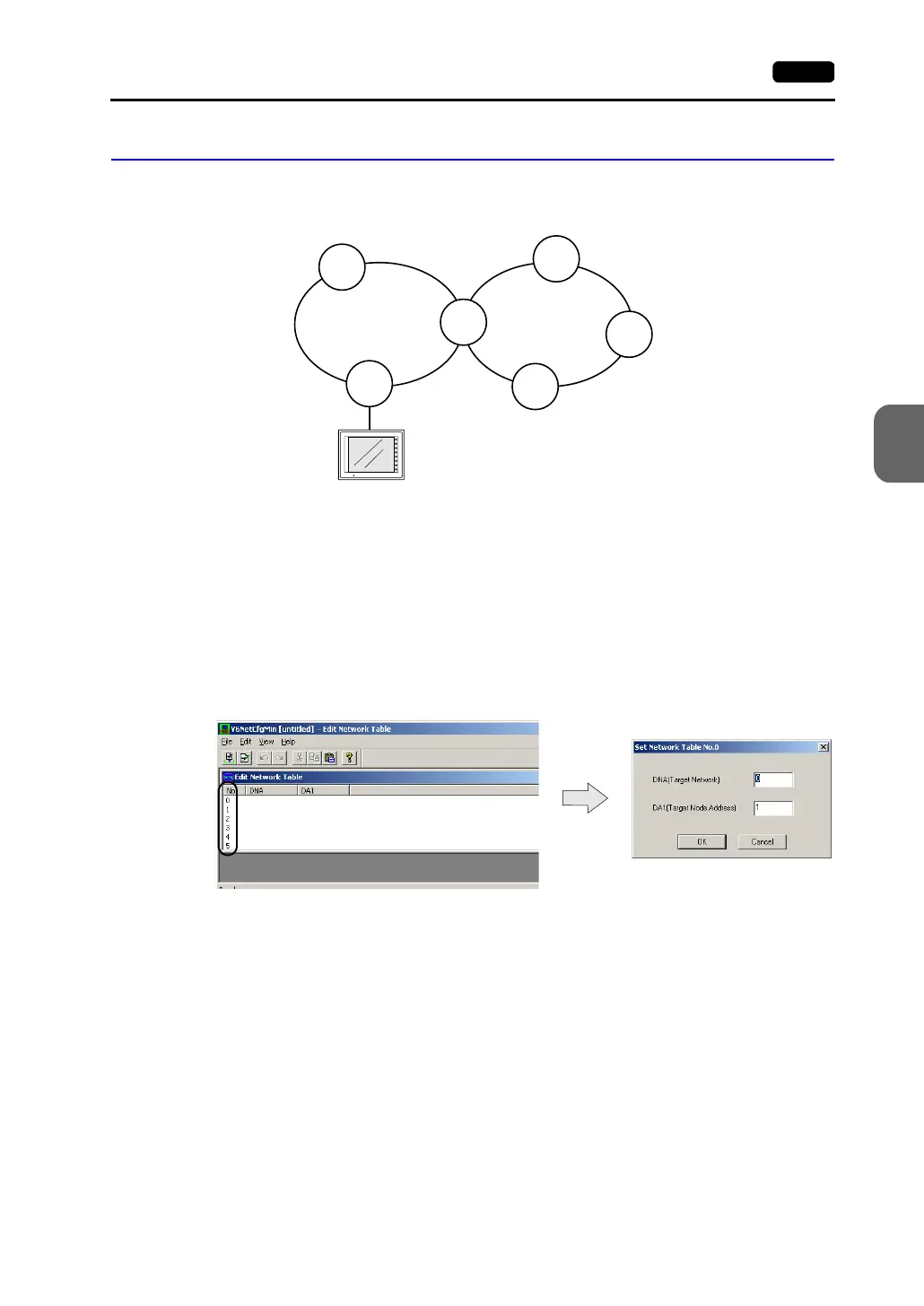
When connecting the V7 series to CS1 on a network (Controller Link), the V7 series can also access
another CS1 on the network.
V-SFT Setting
• Select [System Setting] → [Comm. Parameter] → [Detail] tab, and select [1 : n] for
[Connection].
• Select [System Setting] → [Network Table Setting] → [PLC]. The network table edit
window is displayed.
Double-clicking on the number brings up the dialog where CS1 on the network can be
registered.
CS1
(1-1)
CS1
(1-3)
(2-1)
CS1
(1-2)
CS1
(2-3)
CS1
(2-2)
CS1
(2-4)
F1
F2
F3
F4
F5
F6
F7
SYSTEM
POWER
Network No. 1 Network No. 2
V7 series
Double-click.



 To Next Page