5
1. MITSUBISHI PLC 5-17
Connection to PLCs
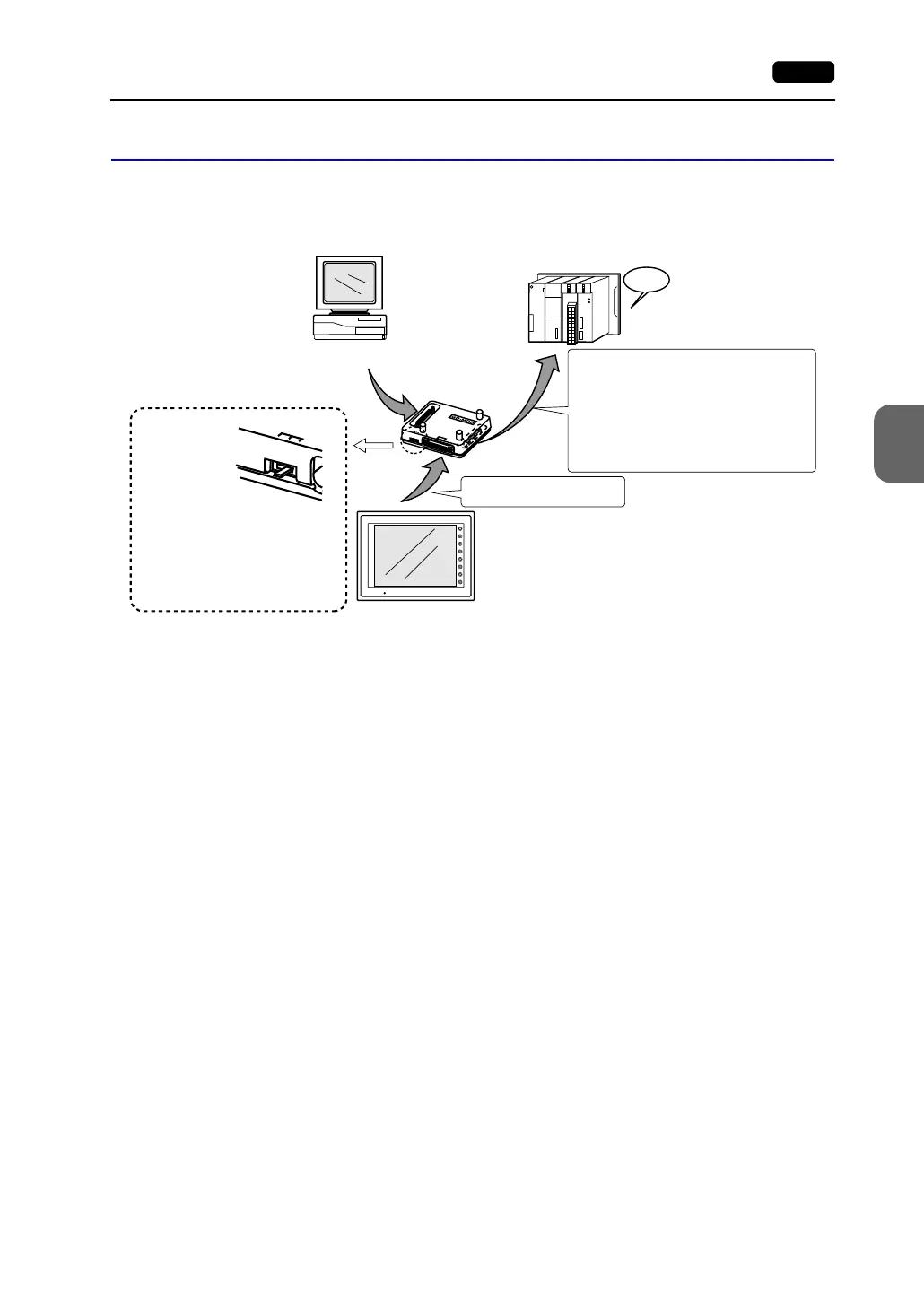
V-MDD (Dual Port Interface)
V-MDD is the add-on connector with two ports, specifically designed for the connector on
MITSUBISHI’s A series, QnA series or FX series CPU programmer.
• The power to the V-MDD is supplied from the CPU. Check the electric capacity of 5 V
at the CPU. (Current consumption: max. 350 mA)
• Keep the cable between the CPU and V-MDD as short as possible. (Max. 1 to 1.5 m)
• Be sure to consider noise problems when performing wiring.
• When V-MDD is used for connection with the V7 series, set 1.5 seconds or above for
the timeout time in the [Comm. Parameter] dialog.
• Please read the instruction manual for V-MDD before use.
CPU
GD
G
P
P
V7
12
3
F1
F2
F3
F4
F5
F6
F7
SYSTEM
POWER
A6GPP, A7PHP, computer, etc.
MITSUBISHI A/QnA/FX series
MB-CPUQ cable (optional)
Slide switch
1: A series
2: QnA series
3: FX series
* Set the slide switch before turning
the power on.
When connecting to the CPU of MITSUBISHI A/QnA series:
Insert the connector on the backside into the CPU port
directly or use the MDD-CPU (optional) cable for
connection.
When connecting to the CPU of MITSUBISHI FX1/2 series:
Use the MDD-CPU cable (optional) for connection.
When connecting to the CPU of MITSUBISHI
FX2N/1N/0N/1S series:
Use MITSUBISHI’s conversion cable “FX-20P-CADP.”
V-MDD cannot be used with the MI4-FX cable.



 To Next Page