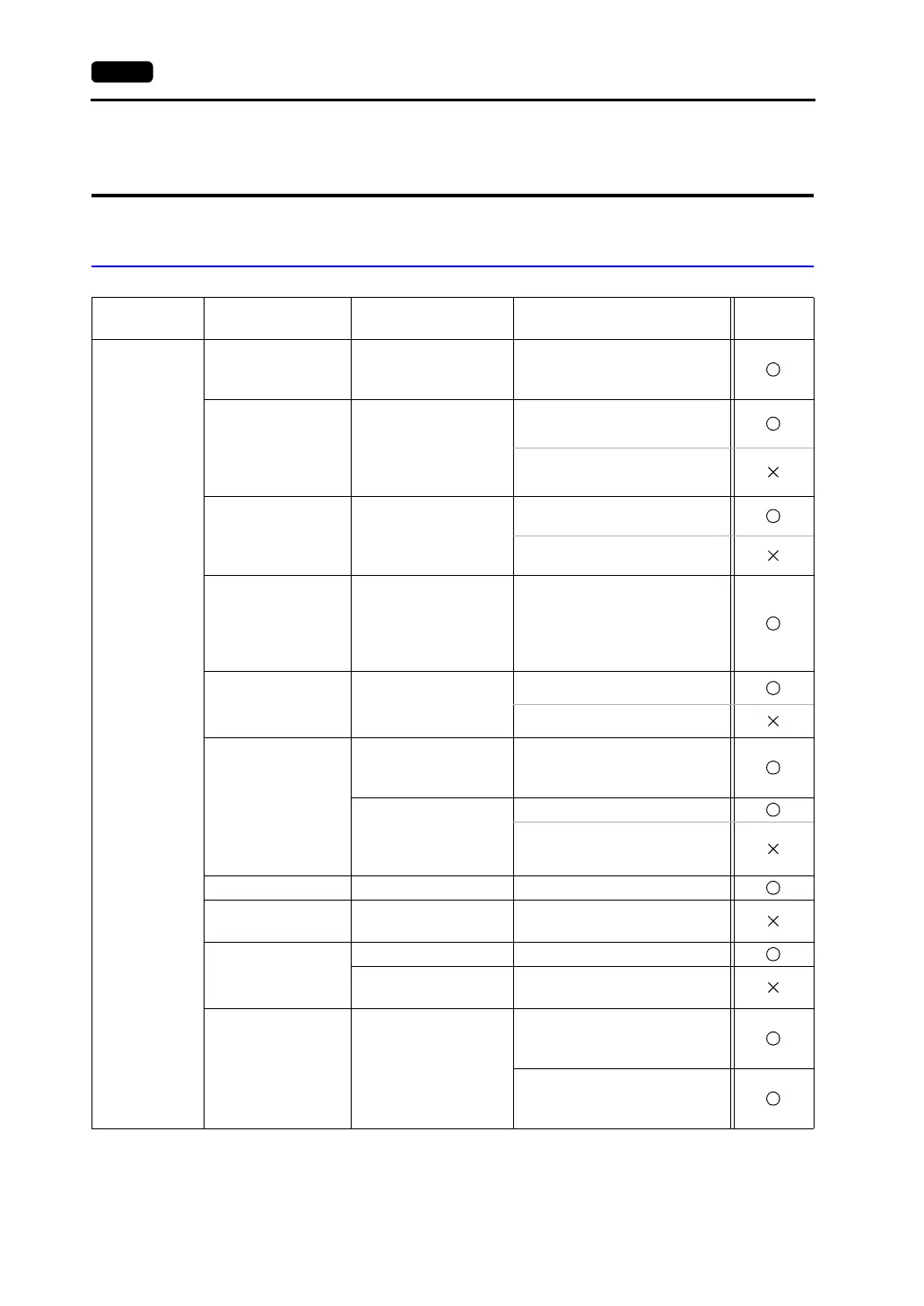
5-22 2. OMRON PLC
2. OMRON PLC
Available PLCs
Select PLC
Type
PLC Unit/Port Connection PLC2Way
SYSMAC C
C20H,C28H,C40H
CPU unit with built-in
port
(host link port)
RS-232C [Wiring Diagram 1]
C120, C120F
C200H
C500, C500F
C1000H
C2000, C2000H
C120-LK201-V1
C120-LK202-V1
RS-232C [Wiring Diagram 3]
RS-422 [Wiring Diagram 4]
C200H
C200HS-CPU01, 03
C200HS-CPU21, 23
C200HS-CPU31, 33
C200H-LK201
C200H-LK201-V1
C200H-LK202
C200H-LK202-V1
RS-232C [Wiring Diagram 3]
RS-422 [Wiring Diagram 4]
C200HS-CPU21, 23
C200HS-CPU31, 33
CQM1-CPU21
CQM1-CPU41, 42,
43, 44
CPU unit with built-in
port
(host link port)
RS-232C [Wiring Diagram 2]
C500, C500F
C1000H
C2000, C2000H
C500-LK203
RS-232C [Wiring Diagram 3]
RS-422 [Wiring Diagram 4]
C200HX
C200HG
C200HE
CPU unit with built-in
port
(host link port)
RS-232C [Wiring Diagram 2]
Mounted on the CPU
slot
(C200HW-COM02 to
06)
RS-232C [Wiring Diagram 2]
RS-422 [Wiring Diagram 5]
SRM1-C02 RS-232C interface RS-232C [Wiring Diagram 2]
CPM1A
CPU unit
(peripheral port)
OMRON’s cable
[CQM1-CIF01]
*1
CPM2A
RS-232C interface RS-232C [Wiring Diagram 2]
CPU unit
(peripheral port)
OMRON’s cable
[CQM1-CIF01]
*1
CPM2C
CPU unit
(peripheral port)
OMRON’s adaptor unit
[CPM2C-CIF01]
+ RS-232C [Wiring Diagram 2]
OMRON’s cable
[CS1W-CN118]
+ RS-232C [Wiring Diagram 2]
(To be continued)



 To Next Page