2-12 1. Operation of V7 Main Menu
3-1. CREC Menu Screen
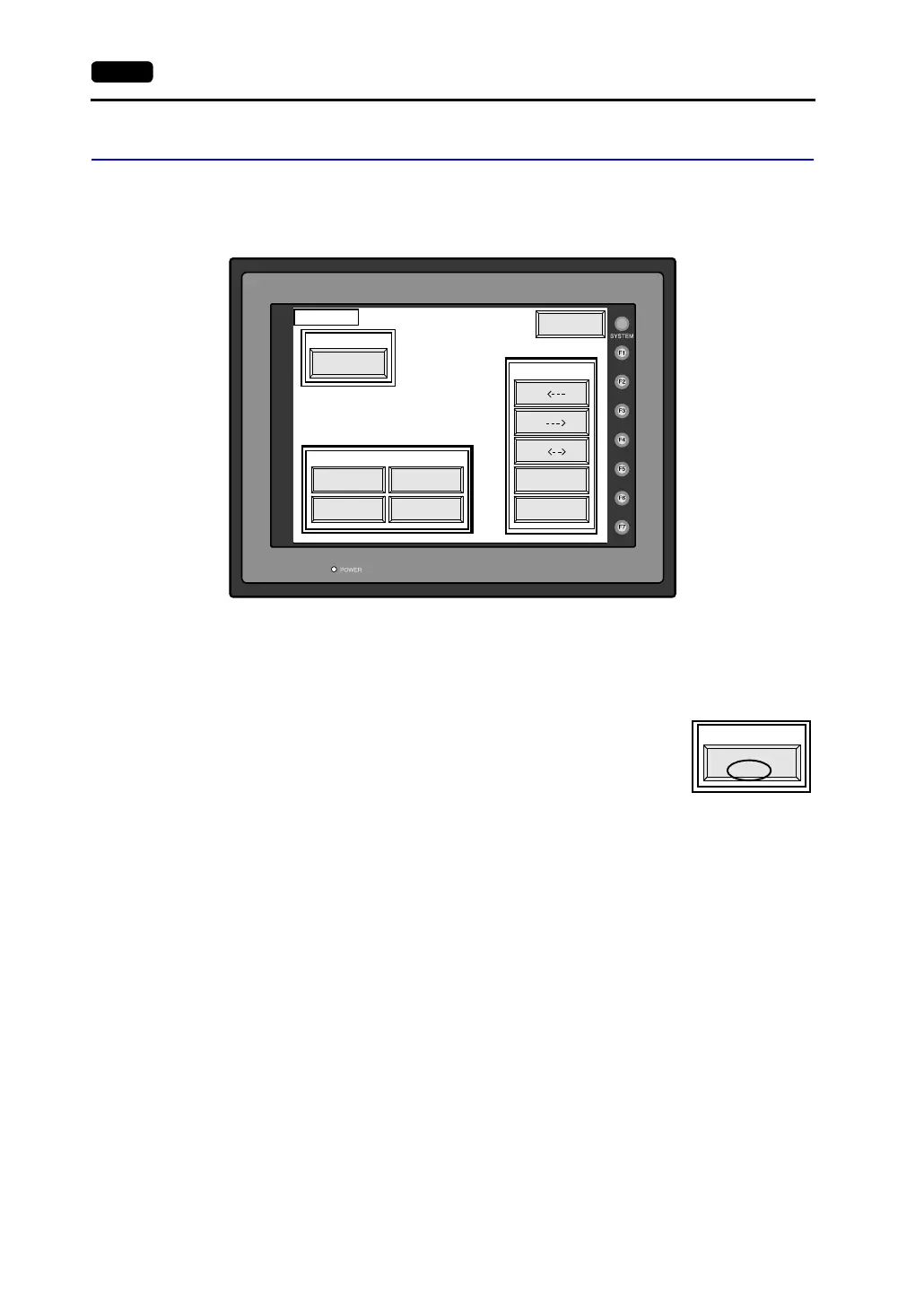
When the [CREC Menu] switch on the “Card Menu” screen is pressed, the following “CREC
Menu” screen appears. This screen is used to transfer screen data between the V7 series
and a memory card. The procedure for transferring data is described below.
1. Connecting the CREC
Check on the “Port Selection” field that the CREC cable (CREC-CP) is connected to a
modular jack port.
• MJ1: Connect the CREC to the MJ1 port. Normally MJ1 is
selected.
• MJ2: Connect the CREC to the MJ2 port. Only when
[Memory Card] is selected for [Modular Jack 2], “MJ2”
is indicated in the “Port Selection” field.
2. Mounting the Memory Card
Insert a memory card into the card recorder (CREC).
Modular Jack
MJ1
CREC Menu
Transfer
Start
Cancel
Return
Screen Data Font Data
I/F Driver Sys. Program
Data Selection
Port Selection
Display
Display
Display
Card
Card
Card
Modular Jack
MJ1
Port Selection



 To Next Page