EB+ Gen3Installation guide
1092013 Innovative Vehicle Solutions
The Test menu displays data and operates some of the
auxiliary functions of the EBS.
Load
Displays the current trailer load.
Tilt Angle Displays the angle of the trailer in degrees as
read from the EBS.
Air Pressure Displays the EBS air pressures.
Wheels Displays the current trailer wheel speeds.
Aux Test This menu is used to switch ‘ON’ or ‘OFF’ the
EB+ auxiliary functions.
Brake Test This menu is used to switch ‘ON’ or ‘OFF’ the
EB+ load sensing function.
The Settings menu is used to set the configuration of
the Service Interval, Info Centre 2, LED Settings and swop
trailer fitted TPMS wheel sensors.
Service
Service Interval
Used for altering the EB+ service indicator.
Both days and distance (miles or km) can be
altered.
The entered durations will be added to the
current odometer reading and only become
active when the Service Reset is actioned.
Service Reset Used for resetting the EB+ service indicator.
Note: The amended duration will be the
internally stored service interval.
Info Centre
Language
The Info Centre 2 has multiple languages.
Start Screen This menu allows the user to choose Info
Centre functions to be displayed at start up,
before the main menu.
PIN A PIN is used to protect a number of the Info
Centre menus.
Unlock Use this menu to unlock the Info Centre via a
valid PIN.
Wheel Scale Displays the EB+ wheel scale and sensor teeth
settings.
Date Format Allows the user to set the date format.
Date The time and date stored in the Info Centre is
used to record the time and date at which EB+
faults occur.
Time Used to set the 24hr clock time.
Units Use to select metric or imperial units for the
Info Centre.
Contrast Use this menu to adjust the LCD screen
contrast.
Display Self test function for the Info Centre display.
TPMS ID Displays a complete list of configured wheels
and sensor ID’s and allows the operator to
swap over wheel sensors (WUS)
LED Settings
LED Flash B+
Used to configure the action of the Service LED
when the Info Centre is powered by the EBS.
LED Flash Batt Used to configure the action of the Service LED
when the Info Centre is battery powered.
Tilt Angle Used to set the tilt angle before the Service
LED flashes.
The Start Screen menu allows the user to choose Info
Centre functions to be displayed at start up, before the
main menu.
The user can choose 1 from 10 options available:
s¬ None (
if selected there will be no start screen)
s¬ Distance
s¬ DTC
s¬ AUX
s¬ Axle Load Sum
s¬ Language
s¬ Unlock
s¬ Tilt Angle
s¬ Tyre Pressure
s¬ User Defined (
if selected go to user defined section below)
The user defined start screen can display up to 5 of the
following items:
s¬ Odometer
s¬ Service
s¬ Service Interval
s¬ DTC
s¬ Stored DTCs
s¬ Lining Wear
s¬ Reservoir
s¬ Axle Load Sum
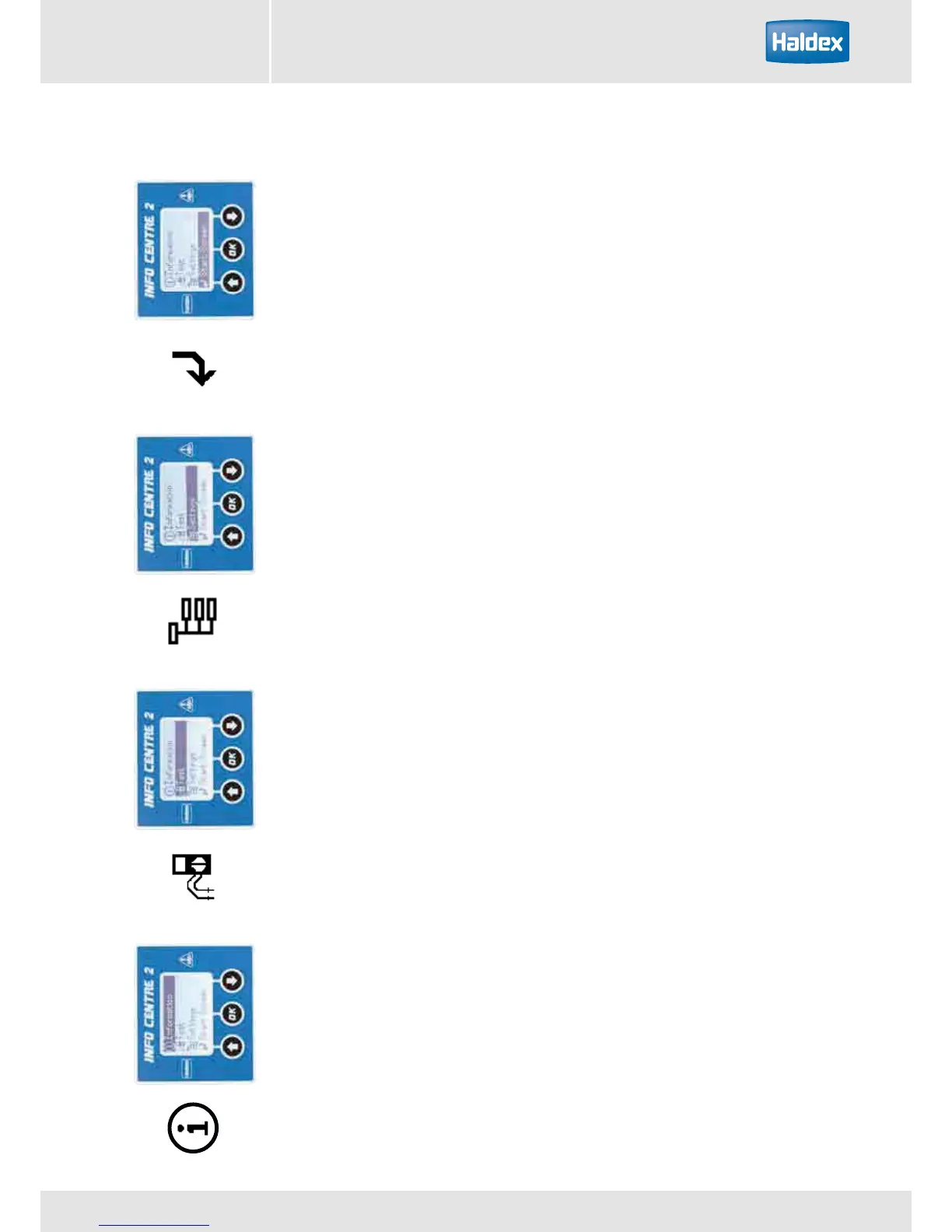
Information Test Settings Start Screen
For more detailed information refer to the “Info Centre 2
Operators Guide” (reference no. 006 300 001) available
from www.haldex.com
The information menu displays data from the EBS.
DTC
Active
Displays up to 8 active DTCs
Stored Displays up to 8 stored DTCs
Clear Clears all DTCs from the EB+
Service Lamp Displays the reason for the flashing trailer
warning lamp.
LED Flashing Displays the reason for the flashing Info
Centre service LED.
Lining Wear
Lining wear
Displays the brake lining wear status (OK or
service) of the trailer.
LWI Reset Used to reset the lining wear status indicator
following the replacement of the brake
linings.
Tyre Pressure
Tyre Pressure
The tyre pressure monitoring system
constantly measures the air pressure and
temperature in the trailer tyres.
Distance
Odometer Data
Displays the mileage that is stored in the EB+.
It can be configured to display in miles or km.
Trip 1 Data Displays the mileage recorded by the EB+
since trip 1 was last reset.
Trip 2 Data Displays the mileage recorded by the EB+
since trip 2 was last reset.
Service (km) Displays the distance (Miles or km) until the
next service.
Service (Days) Displays the number of days until the next
service.
Trailer
Load Plate
Displays the EB+ load plate info.
Configuration Shows a graphic display of the EB+
configuration.
VIN Displays the VIN from the EB+
ECU Version Displays the EB+ software version
Displays the EB+ serial number
Displays the Info Centre version
Fleet+ Data The Fleet+ PC program enables the
operator to view trailer information.
The Info Centre extracts summary data to
provide an understanding of recorded events.
Info Centre 2 menu



 To Next Page