Chapter 5 Video Configuration
© 2013 Harmonic Inc. Harmonic All rights reserved. 124 Ellipse 3000 Release 3.0, Rev. B
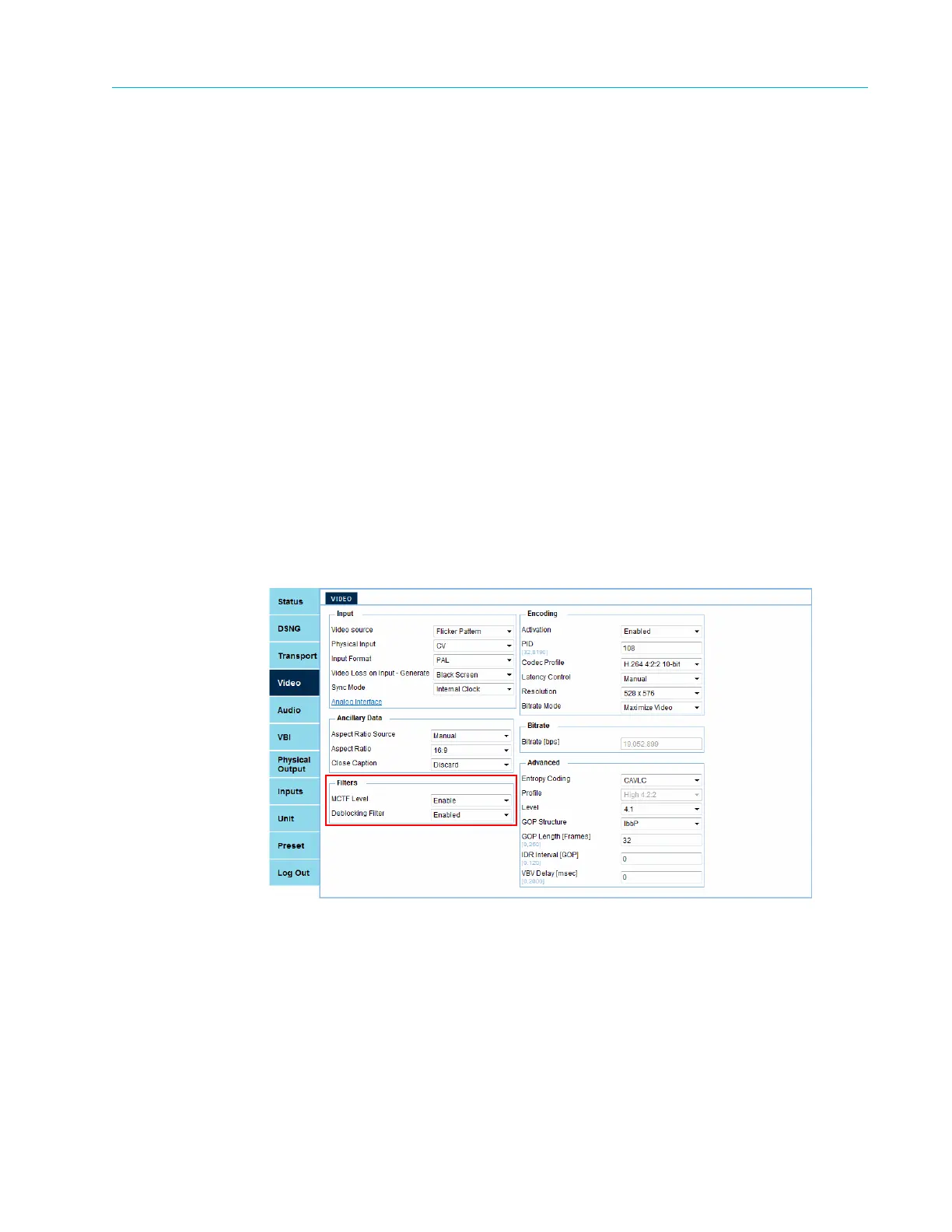
Filters Sub-Menu/Box
5.3 Filters Sub-Menu/Box
The Filters sub-menu/box comprises:
■ MCTF Level – The Motion Compensated Temporal Filter (MCTF) is used for reduction of
random noise. It uses motion prediction in order to avoid motion blur by applying temporal
filters along motion trajectories. Options:
❑ Disabled
❑ Enabled
■ Deblocking Filter – If the coding format is MPEG-2 (see Codec Profile), this parameter is
hidden. A deblocking filter is applied to macroblocks in decoded video to improve visual quality
and prediction performance by smoothing the sharp edges which can form between blocks
when block coding techniques are used. Options:
❑ Disabled
❑ Enabled (Default)
Front Panel
To access the Filters sub-menu on the front panel:
❖ Navigate Root > Configuration > Video > Video > Filters.
Web Manager
Figure 5–6: Filters box



 To Next Page