Chapter 4 Transport Stream Configuration
© 2013 Harmonic Inc. Harmonic All rights reserved. 72 Ellipse 3000 Release 3.0, Rev. B
General Sub-Menu/Tab
4.1 General Sub-Menu/Tab
The TS General menu/tab allows setting the general parameters of the transport stream.
Front Panel
To access the Transport Stream General menu on the front panel:
❖ Navigate Root > Configuration > Transport Stream > General.
The available options and menus are (see Figure 4–1 on page 70):
■ Output Rate – Sets the TS output rate, see 4.1.1 Output Rate.
■ Broadcast Standard – Sets the transport stream broadcasting standard, see 4.1.2 Broadcast
Standard.
■ Packet Length – Sets the length of the transport stream packet, see 4.1.3 Packet Length.
■ Scrambling Mode – Sets the scrambling mode for the transport stream, see 4.1.4 Scrambling
Mode.
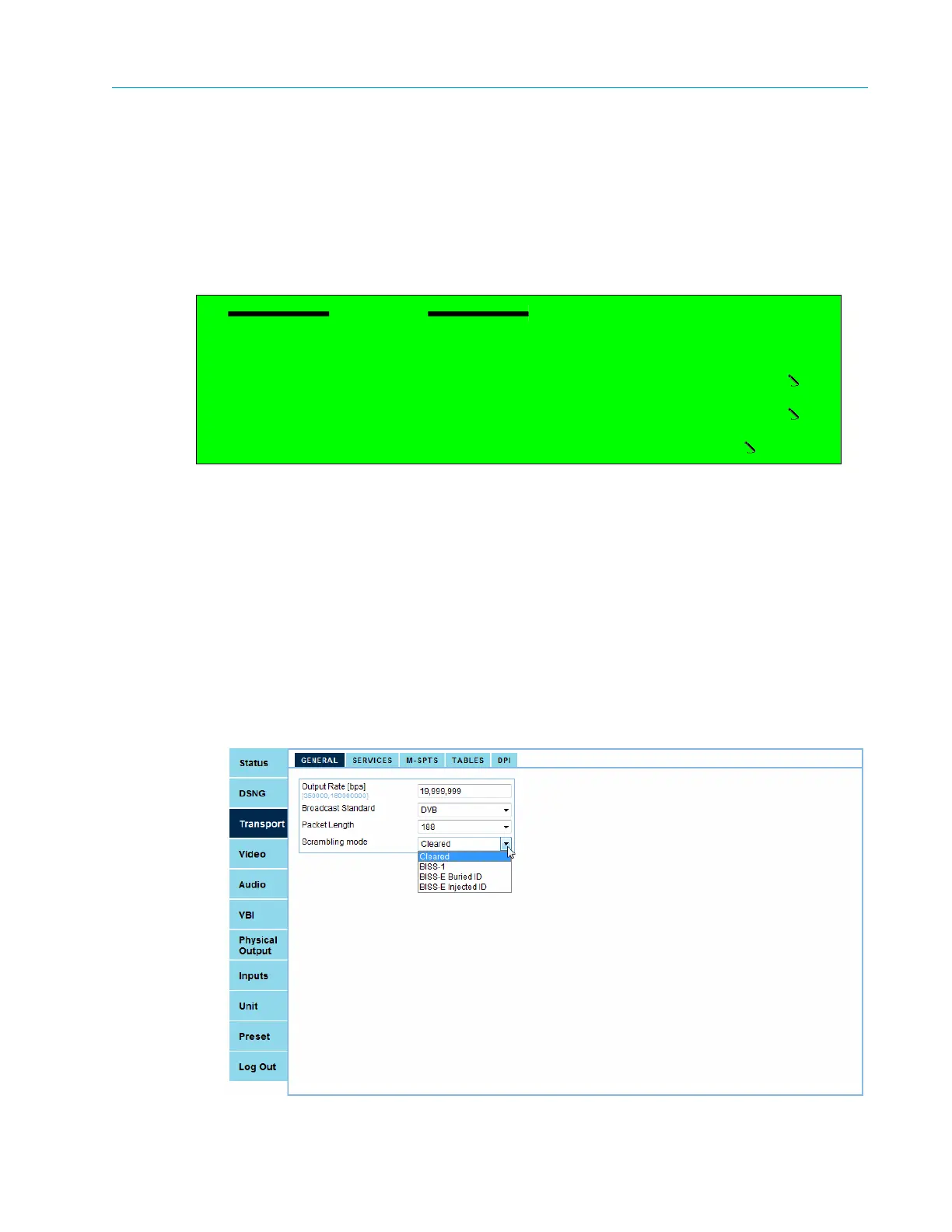
Web Manager
To access the TS General menu in the Web Manager:
❖ Select Transport > General (see Figure 4–2).
Figure 4–2: Web Manager – Transport Main Menu / General Menu
General
1 Output Rate
2 Broadcast Standard
DVB
3 Packet Length
188
4 Scrambling Mode
Cleared



 To Next Page