Chapter 3 Ellipse Management
© 2013 Harmonic Inc. Harmonic All rights reserved. 58 Ellipse 3000 Release 3.0, Rev. B
Preset Menu
3.3.3 Delete Menu
The Delete menu allows the user to delete an existing preset file from the preset files list.
The Delete menu provides the following options and parameters:
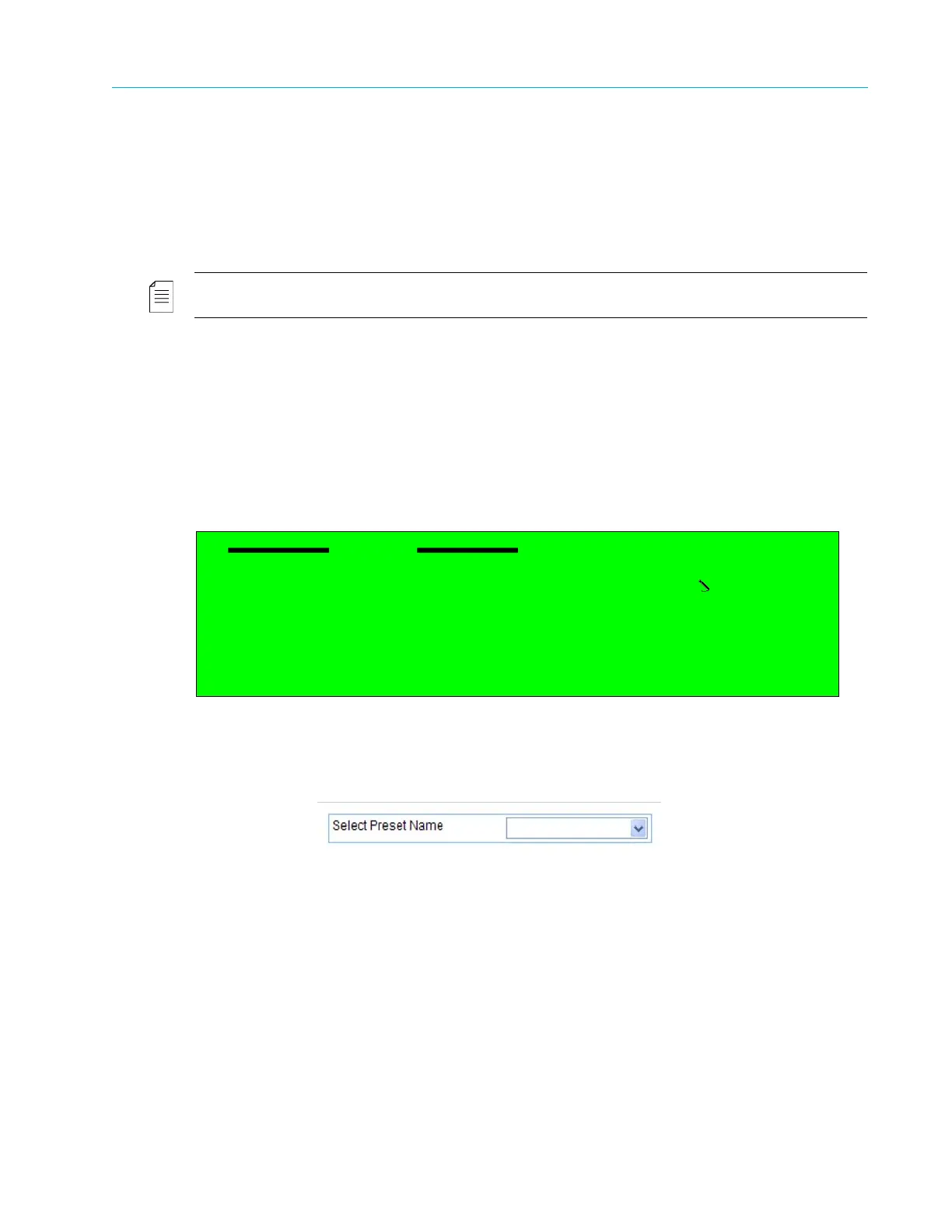
■ The Select Preset Name parameter allows selecting a preset file to delete. This option displays
a list of the preset files.
NOTE: The default factory preset file cannot be deleted.
■ The Delete Preset option allows the user to delete the selected preset file. This option executes
the Delete command, not leading to a new screen.
To activate the Delete option in the Web Manager, click <Enter> to approve the selection.
After executing the delete option, the display returns to the Preset menu screen.
Front Panel
To access the Delete menu on the front panel:
❖ Navigate Root > Preset > Delete.
Web Manager
To access the Delete menu in the Web Manager:
❖ Select Preset > Delete.
Delete
1 Select Preset Name
Preset-1.db
2 Delete Preset



 To Next Page