Chapter 10 Unit Configuration
© 2013 Harmonic Inc. Harmonic All rights reserved. 265 Ellipse 3000 Release 3.0, Rev. B
Ellipse System Sub-Menu/Tab
10.3.1 Description Menu
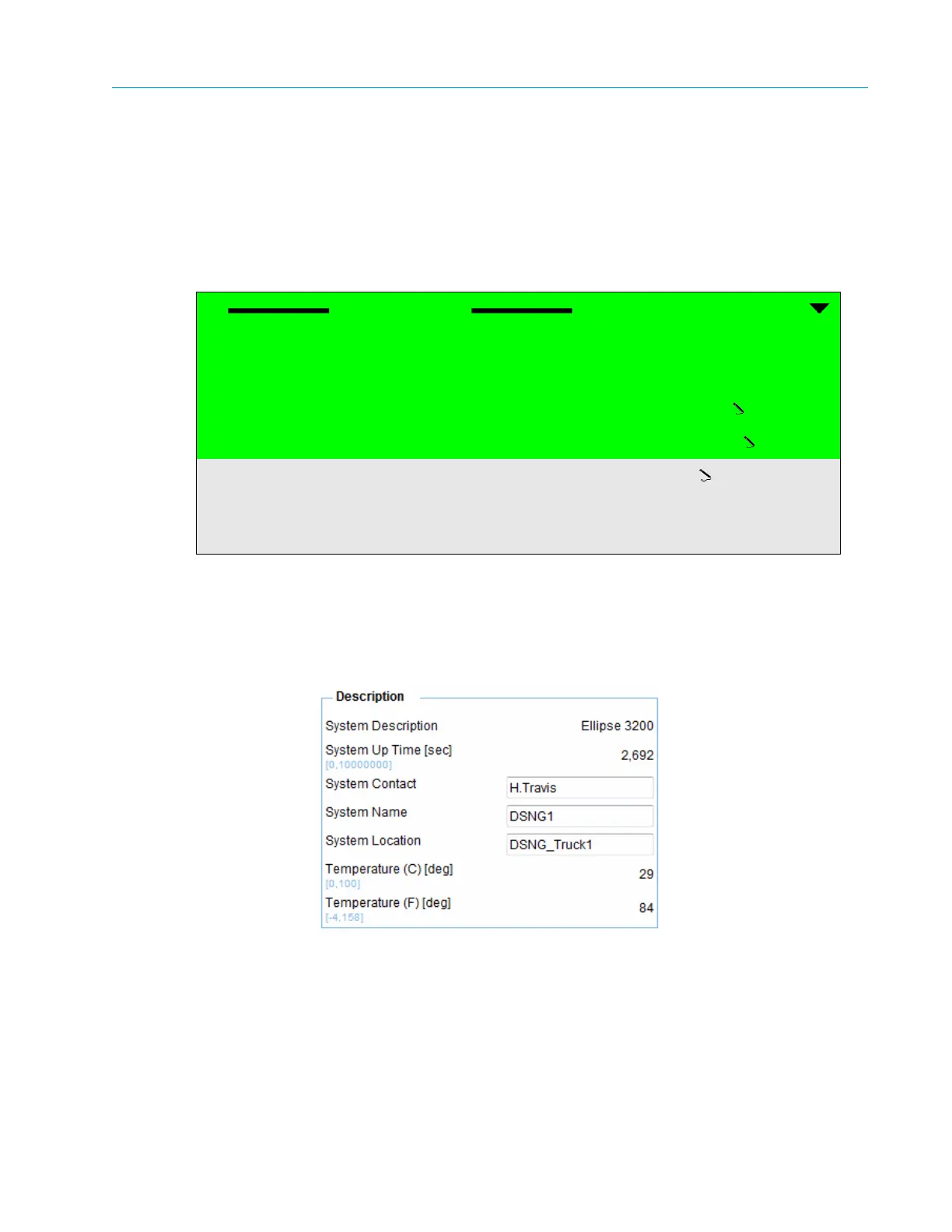
The Description menu allows setting the identity and description names and system parameters.
Front Panel
To access the System Description menu on the front panel:
❖ Navigate Root > Configuration > Unit > System > Description.
Web Manager
To access the System menu in the Web Manager:
❖ Select Unit > System (see Figure 10–3 on page 264).
The following sections detail the System menu options and parameters.
Description
System Description Ellipse 3200
System Up Time 00050619
System Contact
H.Travis
System Name
Ellipse
System Location
Room1_Rack1
Temperature (C) 036
Temperature (F) 096



 To Next Page