Chapter 8 Output Interface Configuration
© 2013 Harmonic Inc. Harmonic All rights reserved. 243 Ellipse 3000 Release 3.0, Rev. B
ASI OUT Sub-Menu/Tab
8.2 ASI OUT Sub-Menu/Tab
Front Panel
To access the ASI OUT sub-menu on the front panel:
❖ Navigate Root > Configuration > Physical Output > ASI OUT.
Web Manager
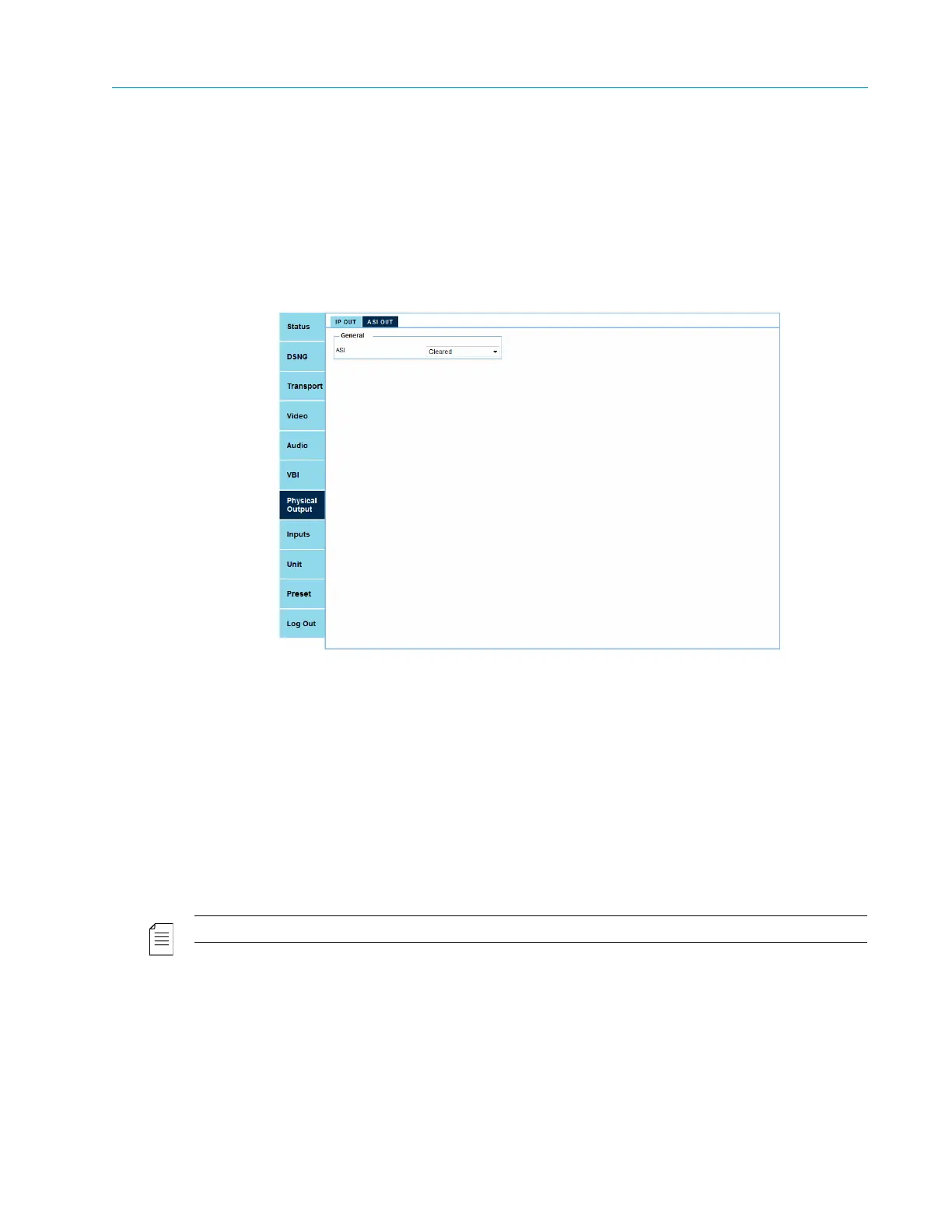
Use the ASI OUT sub-menu/tab to set the DVB-ASI Output scrambling mode (clear or scrambled)
to support encoder cascading.
The ASI OUT sub-menu/tab comprises the following:
■ General sub-menu/tab
❑ ASI – Set the DVB-ASI Output scrambling mode (clear or scrambled) to support encoder
cascading. Options:
• Cleared – DVB-ASI output stream is clear. (Default)
• Scrambled – DVB-ASI output stream is scrambled. The output scrambling level is following
the encoder scrambling mode / level, set by the Scrambling Mode parameter (for details,
refer to 4.1.4 Scrambling Mode).
NOTE: Scrambling the cascading input is not supported in this release.



 To Next Page