Chapter 6 Audio Configuration
© 2013 Harmonic Inc. Harmonic All rights reserved. 211 Ellipse 3000 Release 3.0, Rev. B
Coding Scheme Configuration
6.5.7 Dolby Digital Pass Through Parameters
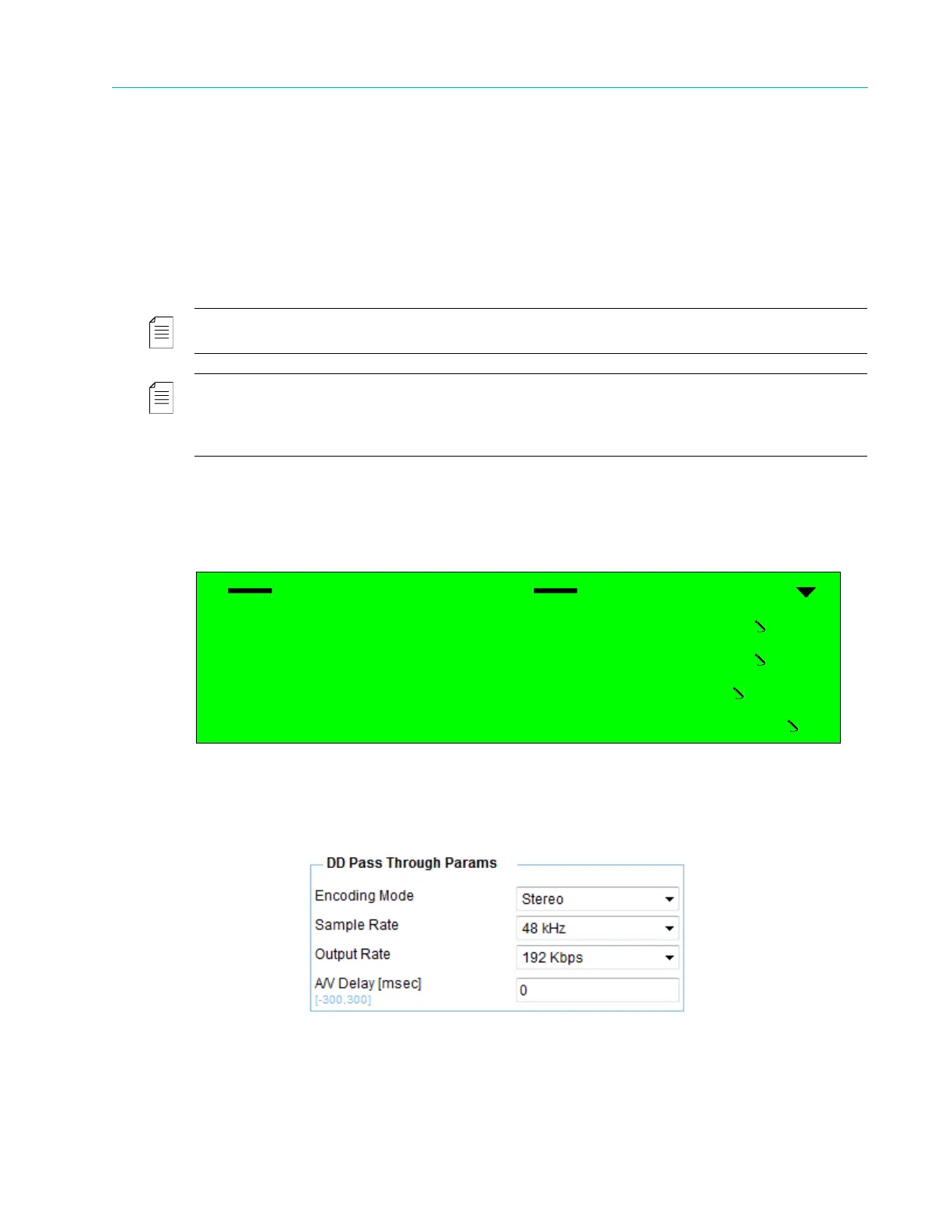
The DD Pass Through Parameters menu is the specific configuration menu of the Dolby Digital
pass through coding scheme. This menu allows setting the specific audio parameters for the pass-
through coding scheme.
When set to DD Pass Through, the Ellipse does not encode the audio stream and instead passes it
as is. The output rates of this coding scheme match output rates of the Dolby Digital coding
scheme, to match the definitions already assigned to the stream by the original encoder.
NOTE: When Ellipse transmits pass through coding schemes, the Ellipse must synchronize with the external
equipment sending the audio stream (see Appendix D, Audio Pass Through Schemes Set-Up).
NOTE: The coding scheme of the selected audio channel must be set to DD Pass Through.
Max Input Level and Impedance parameters are valid only when the Audio Source parameter value is Analog.
When the Audio Source is set to Digital or Embedded (Not Available), these parameters are available but do not
affect the audio encoding.
Front Panel
To access the DD Pass Through Parameters menu on the front panel:
❖ Navigate Root > Configuration > Audio > [Audio Channel] > DD pass through params.
Web Manager
To access the DD Pass Through Parameters box in the Web Manager:
❖ Select Audio > Aud#.
The following sections detail the DD Pass Through options and parameters.
DD Pass Through Params
1 Encoding Mode
Stereo
2 Sample Rate
48 kHz
3 Output Rate
192 Kbps
4 A/V Delay Offset
000



 To Next Page