Chapter 6 Audio Configuration
© 2013 Harmonic Inc. Harmonic All rights reserved. 210 Ellipse 3000 Release 3.0, Rev. B
Coding Scheme Configuration
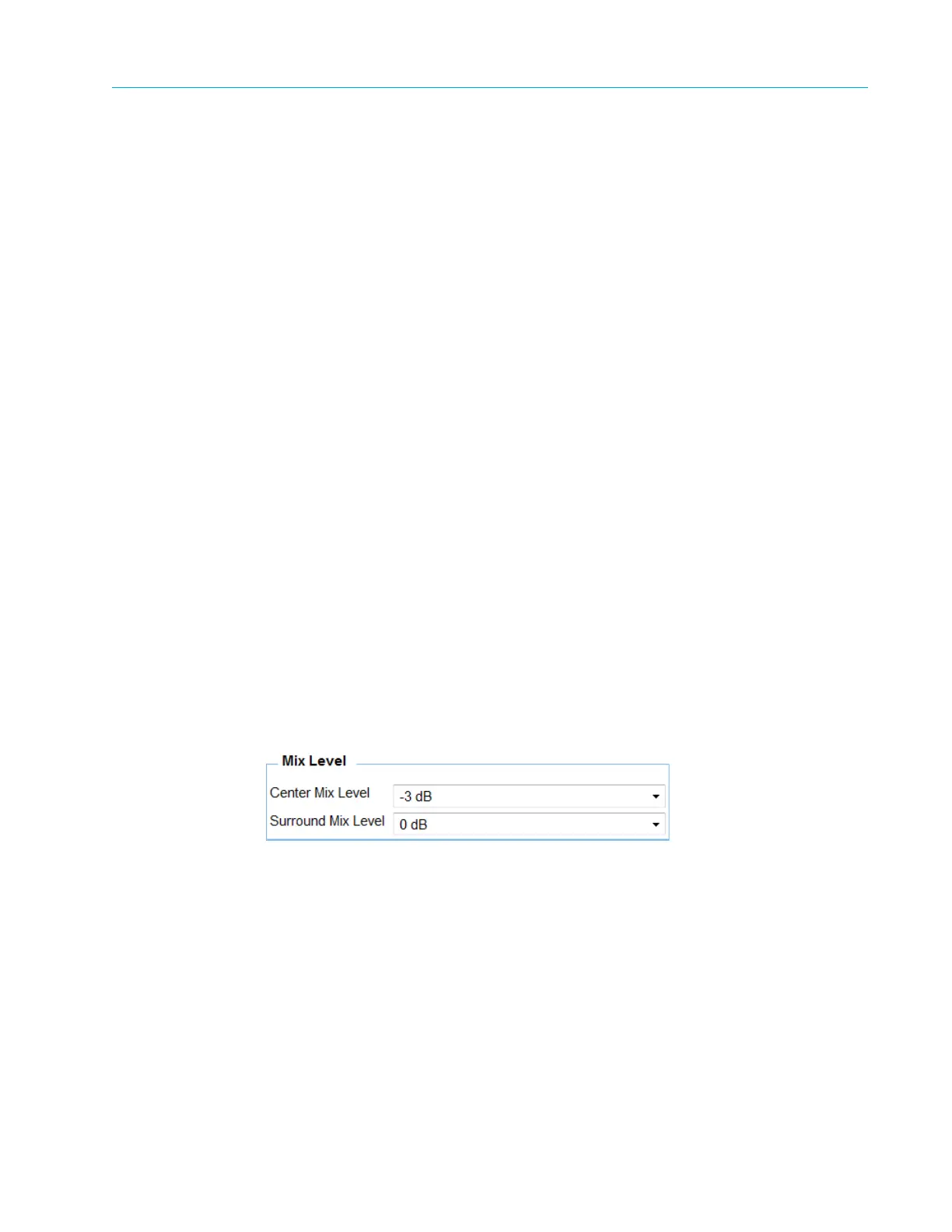
6.5.6.5 Mix Level
You can only access Mix Level when DD 5.1 Extended BSI is off.
The parameters are:
■ Center Mix Level
■ Surround Mix Level
Center Mix Level
The options are:
■ -3 dB
■ -4.5 dB
■ -6 dB
Surround Mix Level
The options are:
■ -3 dB
■ -6 dB
■ 0 dB
Front Panel
To access the Mix Level menu using the front panel:
❖ Navigate Root > Configuration > Audio > [Audio Channel] > Mixing Level.
Web Manager
To access the Mix Level box in the Web Manager:
❖ Select Audio > Aud#.



 To Next Page