Chapter 3 Ellipse Management
© 2013 Harmonic Inc. Harmonic All rights reserved. 68 Ellipse 3000 Release 3.0, Rev. B
Status Menu/Tab
3.5.3 Alarm Status
The Alarm Status screen displays a list of raised (activated) encoder alarms. The list details status
information regarding each alarm. The alarms are dropped from the list as soon as the cause for
the alarm is solved.
Front Panel
To view the Alarm Status menu on the front panel:
❖ Navigate Root > Status > Alarm Status.
The available information is a list of currently active alarms. Each row details the severity of the
alarm (in this example: critical), the alarm type (in this example: Video comp 2 fault), and its time
of occurrence as HH:MM:SS (11:41:28).
Web Manager
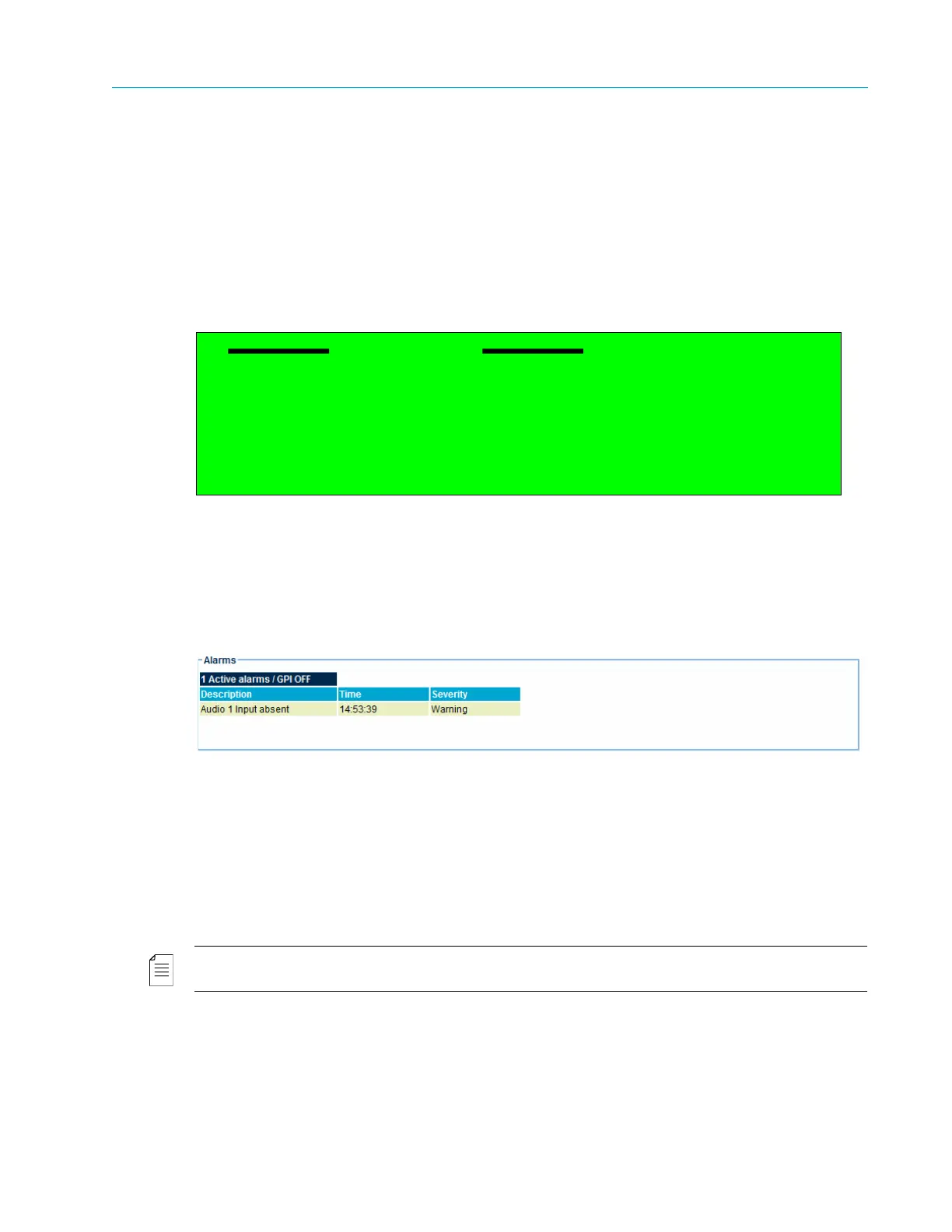
To view the Alarms list in the Web Manager, see the Status section for Alarms (see Figure 3–13).
Figure 3–13: Alarms List Display
3.5.4 Access Authorizations
The Access Authorizations parameter displays the access authorization level of the user. This is a
read-only parameter and does not lead to new screens.
To view the Access Authorization parameter on the front panel:
❖ Navigate Root > Status > Access Authorizations.
NOTE: The Access Authorizations parameter is currently not available through the web manager.
Alarm Status
1 Critical: Modulator failure 11:41:28



 To Next Page