Chapter 4 Transport Stream Configuration
© 2013 Harmonic Inc. Harmonic All rights reserved. 81 Ellipse 3000 Release 3.0, Rev. B
Services Sub-Menu/Tab
4.2.2 TS Service Configuration
Configuring a transport stream service requires setting up the service basic information,
configuring the scrambling mode of the service and defining the elementary stream PID.
NOTE: The web management of the Service basic parameters is grouped next to the selected service (see
example in Figure 4–3).
Additional parameters are listed for configuring of the selected service. Clicking the tag box enables the
parameter for the service and displays a roll down menu for setting its scrambling state (clear or scrambled, see
example in Figure 4–3).
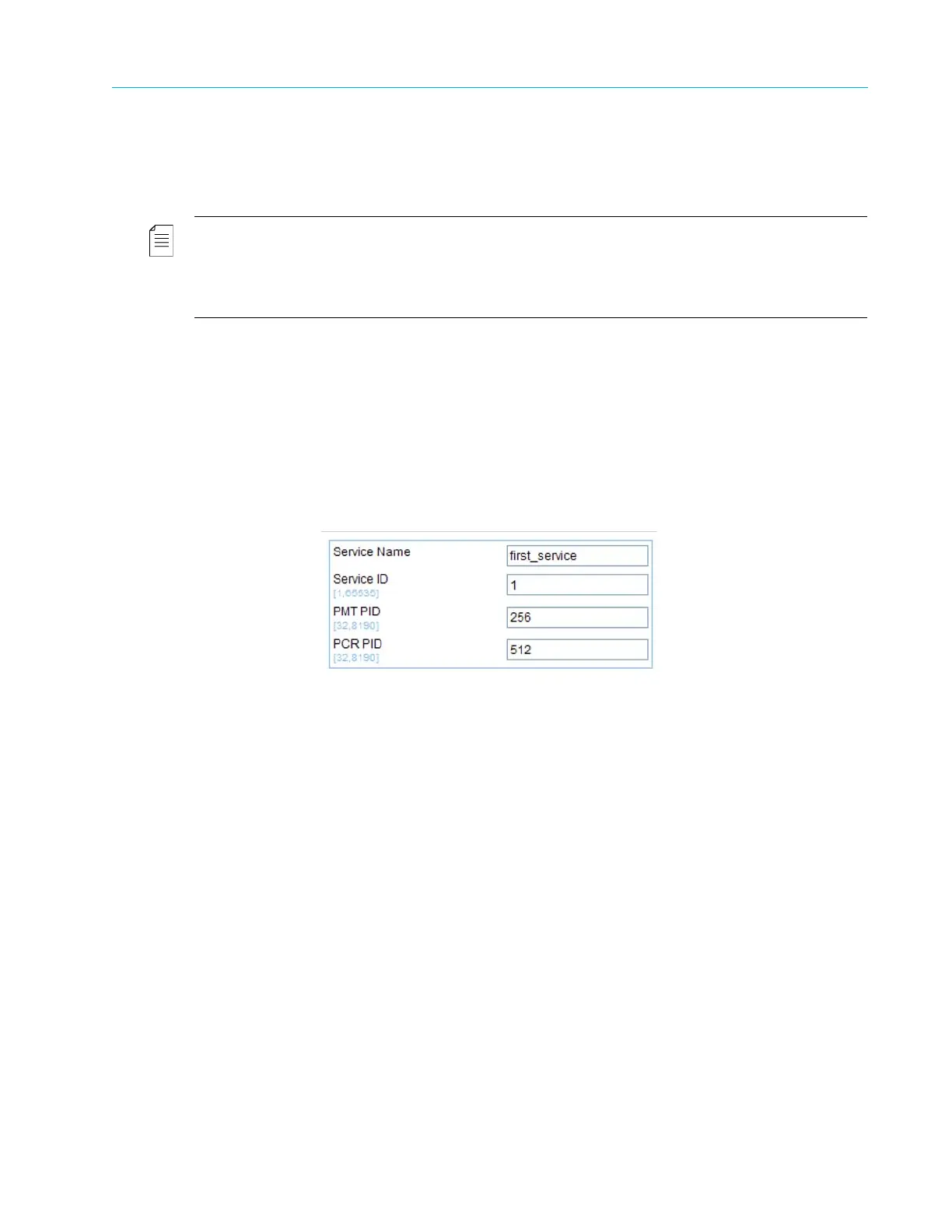
The menu provides access for setting up the basic parameters of the selected service:
■ Service Name – Defining the service name (free text).
■ Service ID – Setting the service ID.
The range is +00001 to +65535.
■ PMT PID – Selecting the program management table identification (PMT PID) for the service.
The PMT PID default value is 256. The range is 32 to 8190.
■ PCR PID – Selecting the service program clock reference identification (PCR PID) for the service.
The range is 32 to 8190. The default is 512.
In addition, the Services Configuration menu enables the user to set-up the following:
■ Configuring the stream scrambling mode and parameters, detailed in 4.2.3 TS Scrambling
Management.
■ Listing, adding or dropping a stream PID, detailed in 4.2.4 Add and Drop PID.



 To Next Page