Chapter 4 Transport Stream Configuration
© 2013 Harmonic Inc. Harmonic All rights reserved. 80 Ellipse 3000 Release 3.0, Rev. B
Services Sub-Menu/Tab
4.2.1.3 Drop a Service
The Drop Service menu displays the encoded services in the Service List. Selecting a service drops
it from the Service List.
Front Panel
To drop a service using the front panel:
1. Navigate Root > Configuration > Transport Stream > Services > Drop Service.
2. Select Select Service to Drop to display the list of services in the stream.
3. From the displayed list select the stream to drop and press <Enter> to approve the selection
and return to the Drop Transport menu.
4. Select Drop to remove it from the M-SPTS list.
Once selected, this option executes the Drop command, not leading to a new screen. After
executing the drop command, the Services menu displays.
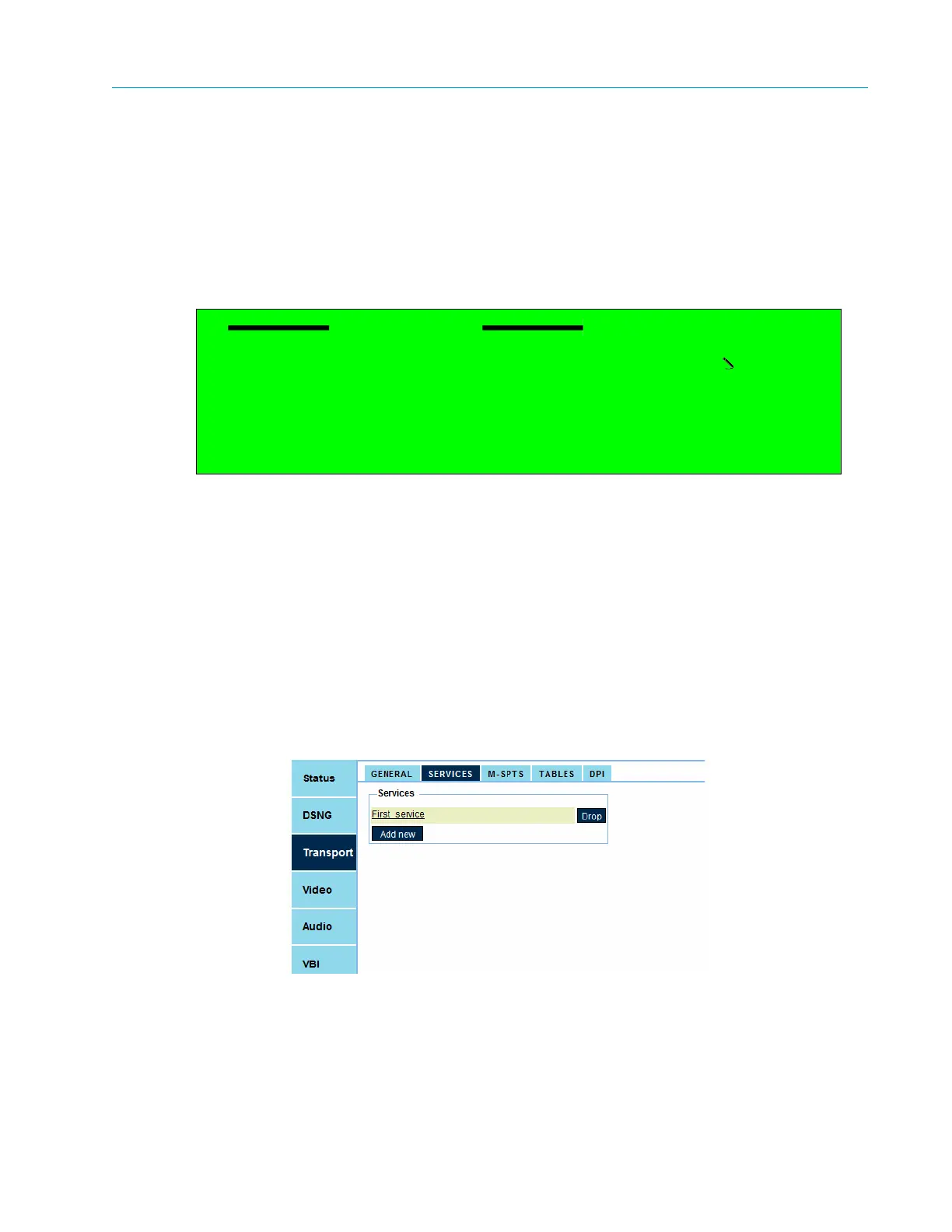
Web Manager
To drop a service using the Web Manager:
1. Select Transport > Services.
2. Press Drop next to the service.
Drop Service
1 Select Service To Drop
Service 1
2 Drop



 To Next Page