Chapter 6 Audio Configuration
© 2013 Harmonic Inc. Harmonic All rights reserved. 142 Ellipse 3000 Release 3.0, Rev. B
Audio General Menu
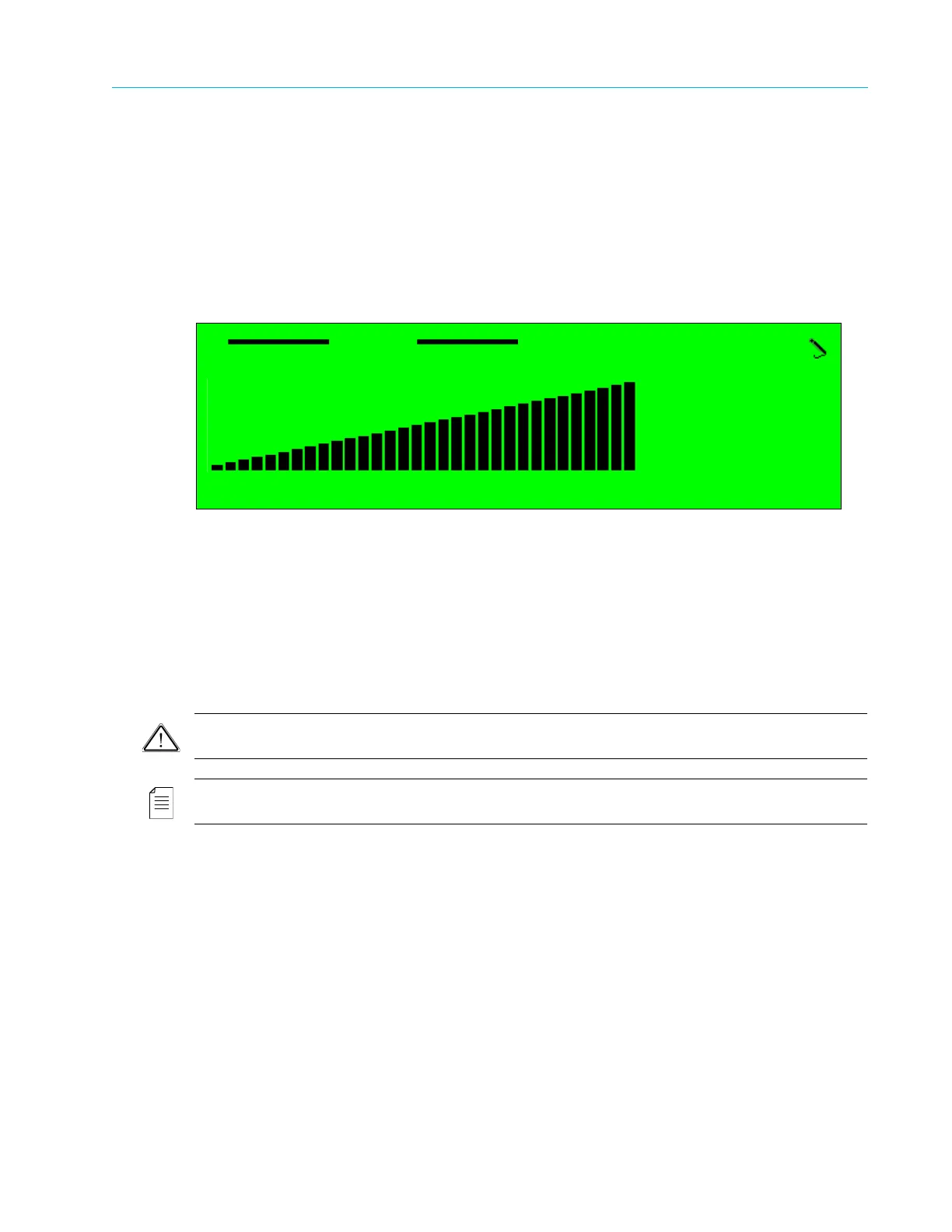
6.2.4 Volume
The Volume parameter sets the volume level for the audio channel.
The range is -3 to +9 dB. Default value is 0.
Front Panel
To set the Volume parameter on the front panel:
❖ Navigate Root > Configuration > Audio > [Audio Channel#] > General > Volume.
Web Manager
To set the Volume parameter in the Web Manager Audio General menu:
❖ Select Audio > Aud#.
6.2.5 Max Input Level
The Max Input Level parameter defines the maximum audio level value and enables setting the
audio level for the input audio signal.
CAUTION: Receiving a higher input level than the maximum input level may cause distortion.
NOTE: This parameter is valid only when the audio source is analog. When the audio source is set to Digital or
Embedded (Not Available), this parameter is available but does not affect the audio encoding.
The full audio path is described in the following two sections, namely Encoder Side (Ellipse) and
Decoder Side (PVR-7K).
Encoder Side (Ellipse)
The Ellipse analog signal is a differential input that feeds the A/D via the XLR pins.
The full scale of each pin is determined by a parameter called Max Input Level. This parameter
defines the maximum allowed analog level of the input. Any value above drives the internal ADC
to be over loaded and causes unwanted audio distortion. In professional terms it is called A/D full
scale (0dBFS).
The CVA (Configurable Volume Attenuator), managed by the above parameter, attenuates a large
signal and adapts the level for the A/D. In the example below the signal attenuates from 17.4 Vpp
to 3 Vpp (the A/D maximum value).
Volume
+9 @
< -9 - +9 >



 To Next Page