Chapter 5 Video Configuration
© 2013 Harmonic Inc. Harmonic All rights reserved. 129 Ellipse 3000 Release 3.0, Rev. B
Bitrate Sub-Menu/Box
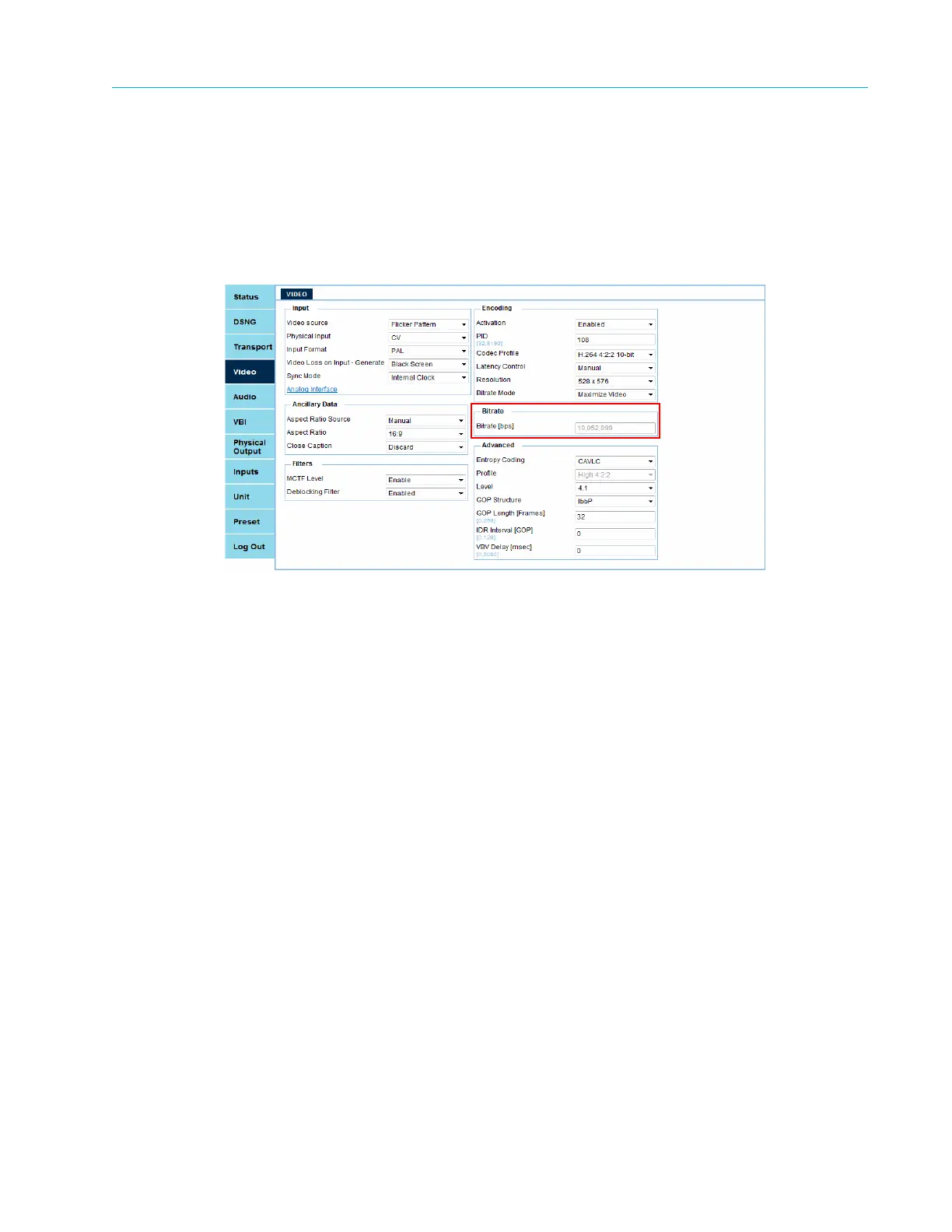
5.5 Bitrate Sub-Menu/Box
Front Panel
To access the Bitrate sub-menu on the front panel:
❖ Navigate Root > Configuration > Video > Video > Bitrate.
Web Manager
The Bitrate sub-menu/box comprises:
■ Bitrate – When Bitrate Mode is set to Maximize Video and Activation is set to Enabled then
you cannot set this parameter and it displays the actual bitrate value. When the Bitrate Mode
is set to Manual then the entered value for Bitrate is the value assigned to the video engine.
The Ellipse 3000 supports CBR. The maximum output TS rate is 160 Mbps. Changing this
parameter is service affecting.



 To Next Page