Chapter 10 Unit Configuration
© 2013 Harmonic Inc. Harmonic All rights reserved. 281 Ellipse 3000 Release 3.0, Rev. B
Ellipse System Sub-Menu/Tab
10.3.8 BOOTP Control Menu
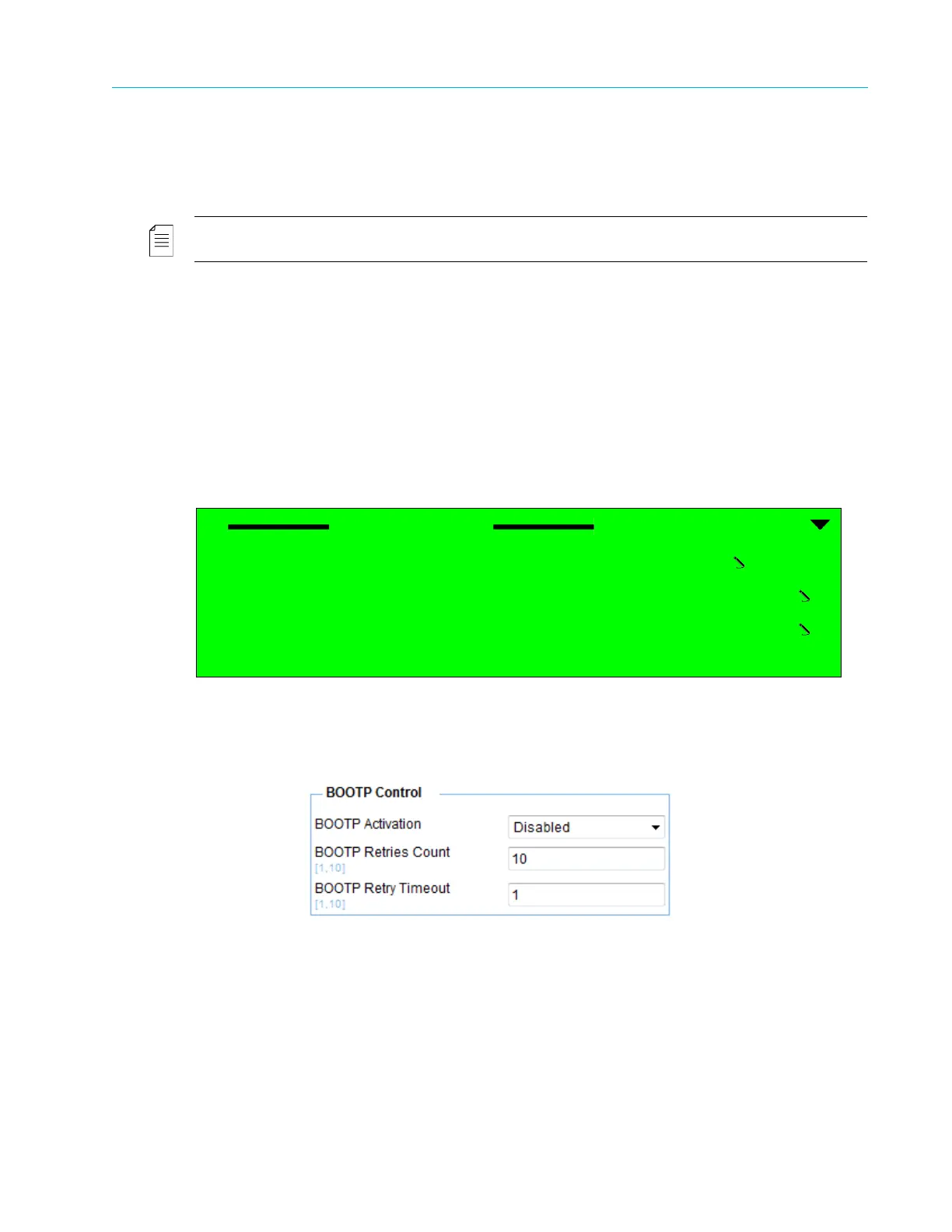
The Bootstrap Protocol (BOOTP) Control menu allows setting the basic parameters for managing
the operation of the BOOTP software updating protocol.
NOTE: The BOOTP software update protocol is performed using the NMX application.
The available options are:
■ BOOTP Activation – Enables/Disables updating the encoder software using BOOTP.
■ BOOTP Retries Count – Sets the number of update tries for the BOOTP before failure is
declared. The range is 01 to 10 tries.
■ BOOTP Retry Time Out – Sets the time out for each BOOTP try. The range is 01 to 10 sec.
Front Panel
To access the BOOTP Control menu on the front panel:
❖ Navigate Root > Configuration > Unit > System > BOOTP Control.
Web Manager
To access the BOOTP Control parameters in the Web Manager:
❖ Select Unit > System.
BOOTP Control
1 BOOTP Activation
Disabled
2 BOOTP Retries Count
10
3 BOOTP Retry Time Out
01



 To Next Page