Chapter 4 Transport Stream Configuration
© 2013 Harmonic Inc. Harmonic All rights reserved. 79 Ellipse 3000 Release 3.0, Rev. B
Services Sub-Menu/Tab
4.2.1.2 Adding a Service
The Add Service menu adds a new service from the transport stream to the service encoding
channels.
Front Panel
To access the Add Service menu using the front panel:
1. Navigate Root > Configuration > Transport Stream > Services > Add Service.
2. Select Service Name on the Add Service screen to display an edit value screen for entering a
new service name (using the alphanumeric touch-pad).
3. Press <Enter> to approve the name and return to the Add Service menu.
4. Select Add in the Add Service menu to add the new service to the transport stream.
Web Manager
To add a new service using the Web Manager:
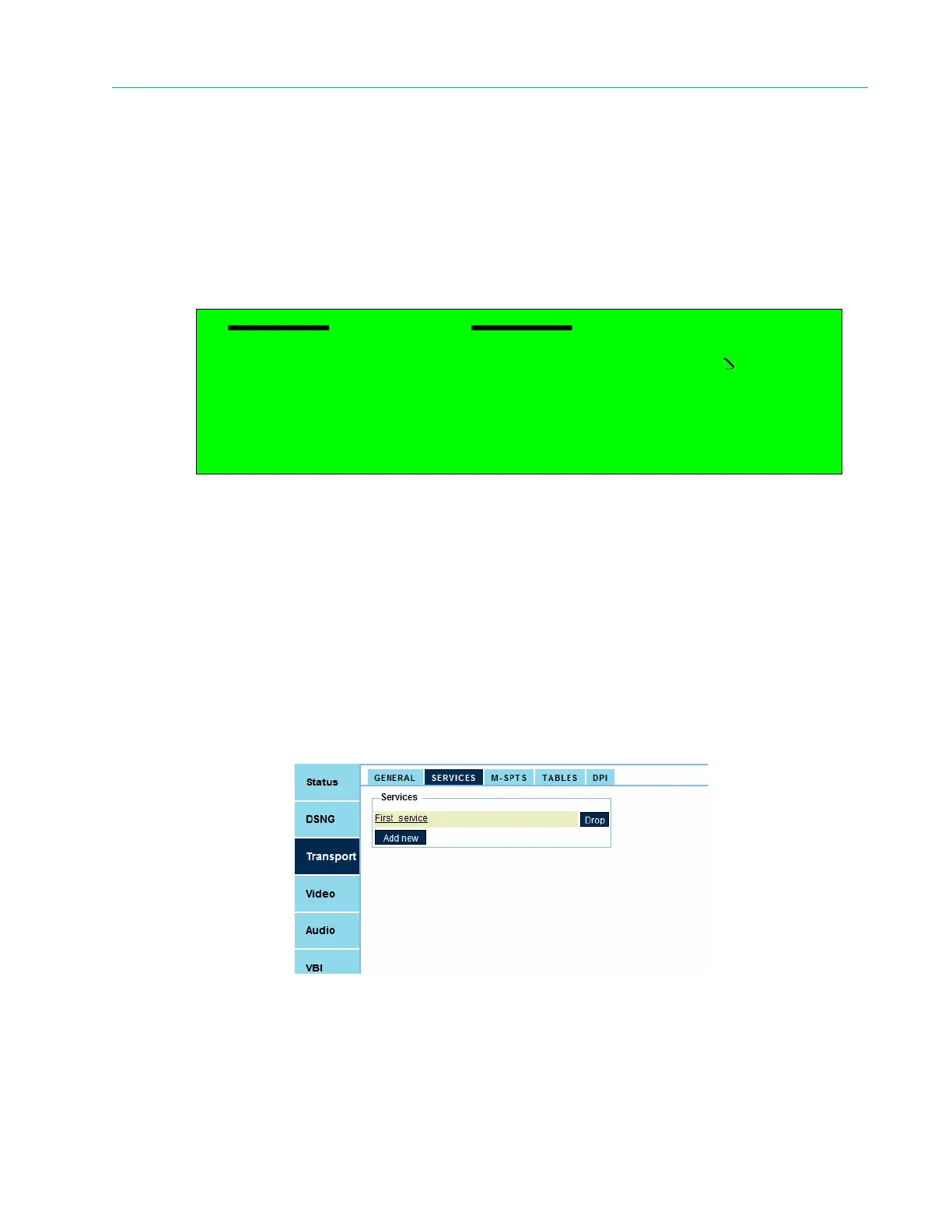
1. Select Transport > Services.
2. Click Add New.
It creates a 'New Service' in the service list (for configuring the new service, refer to
4.2.2 TS Service Configuration on page 81).
Add Service
1 Service Name
Service-3
2 Add



 To Next Page