Chapter 4 Transport Stream Configuration
© 2013 Harmonic Inc. Harmonic All rights reserved. 78 Ellipse 3000 Release 3.0, Rev. B
Services Sub-Menu/Tab
Web Manager
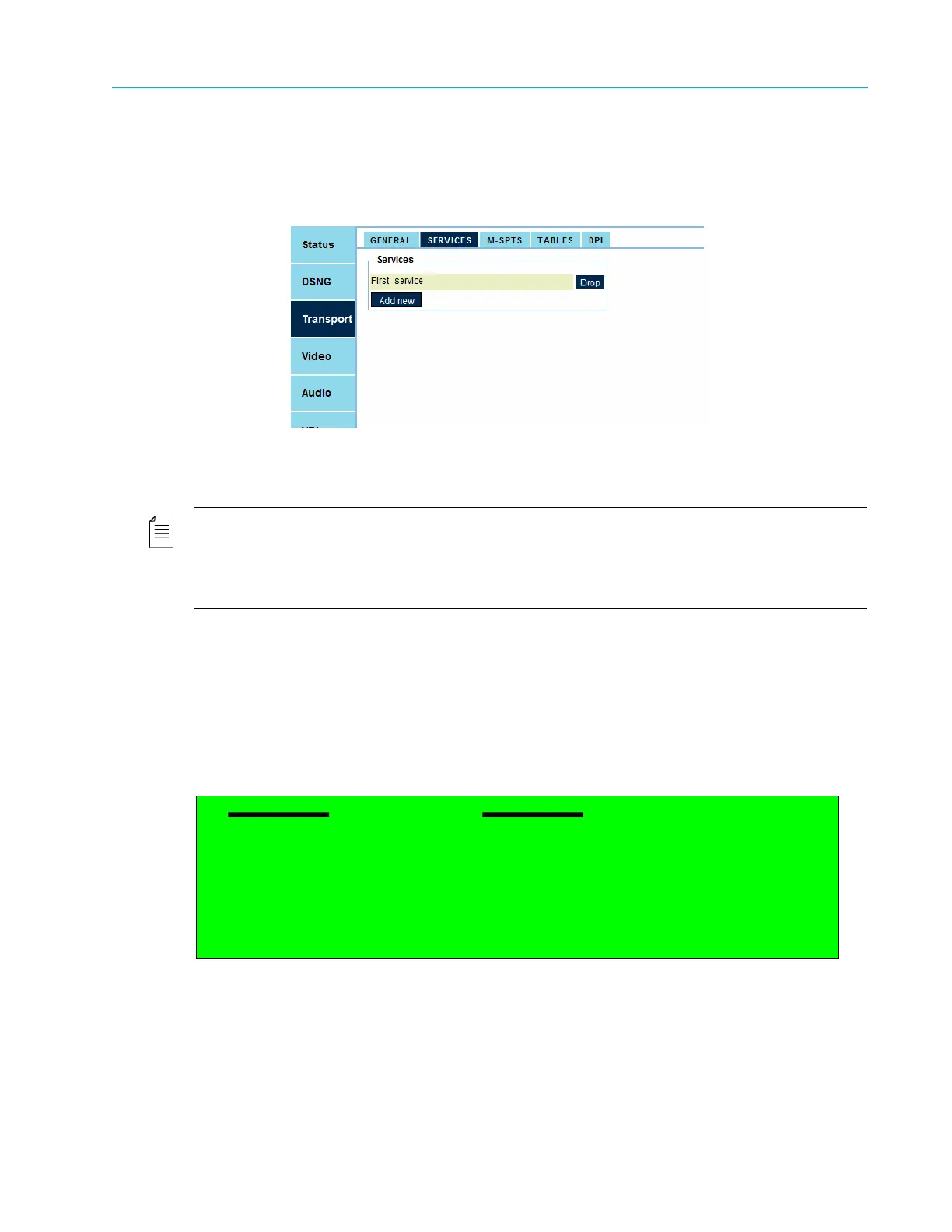
To access the Services menu in the Web Manager:
❖ Select Transport > Services.
4.2.1.1 Listing Available Services
The Service List menu displays a list of services defined for the transport streams.
NOTE: If the Service List is empty (in other words, there are no service defined for the stream), click the [Add
New] button to add an entry.
The Add Service Menu is displayed only when one or more unused channels are available.
The number of available services is set according to license permission. The license permission can start from
one service per video channel and up to 16 services per unit. The default value is set to 8 services.
Selecting a service from the services list displays the service configuration menu. Section
4.2.2 TS Service Configuration on page 81 details the various parameters and setup options of the
service.
Front Panel
To display the list menu on the front panel:
❖ Navigate Root > Configuration > Transport Stream > Services > Service List.
Web Manager
To view the list of services using the Web Manager:
❖ Select Transport > Services.
Service List
1 VTP_SDI_1_SD_FLICKER
2 VTP_SDI_1_HD_FLICKER



 To Next Page