Chapter 3 Ellipse Management
© 2013 Harmonic Inc. Harmonic All rights reserved. 57 Ellipse 3000 Release 3.0, Rev. B
Preset Menu
3.3.2.2 Specify Preset Name Menu
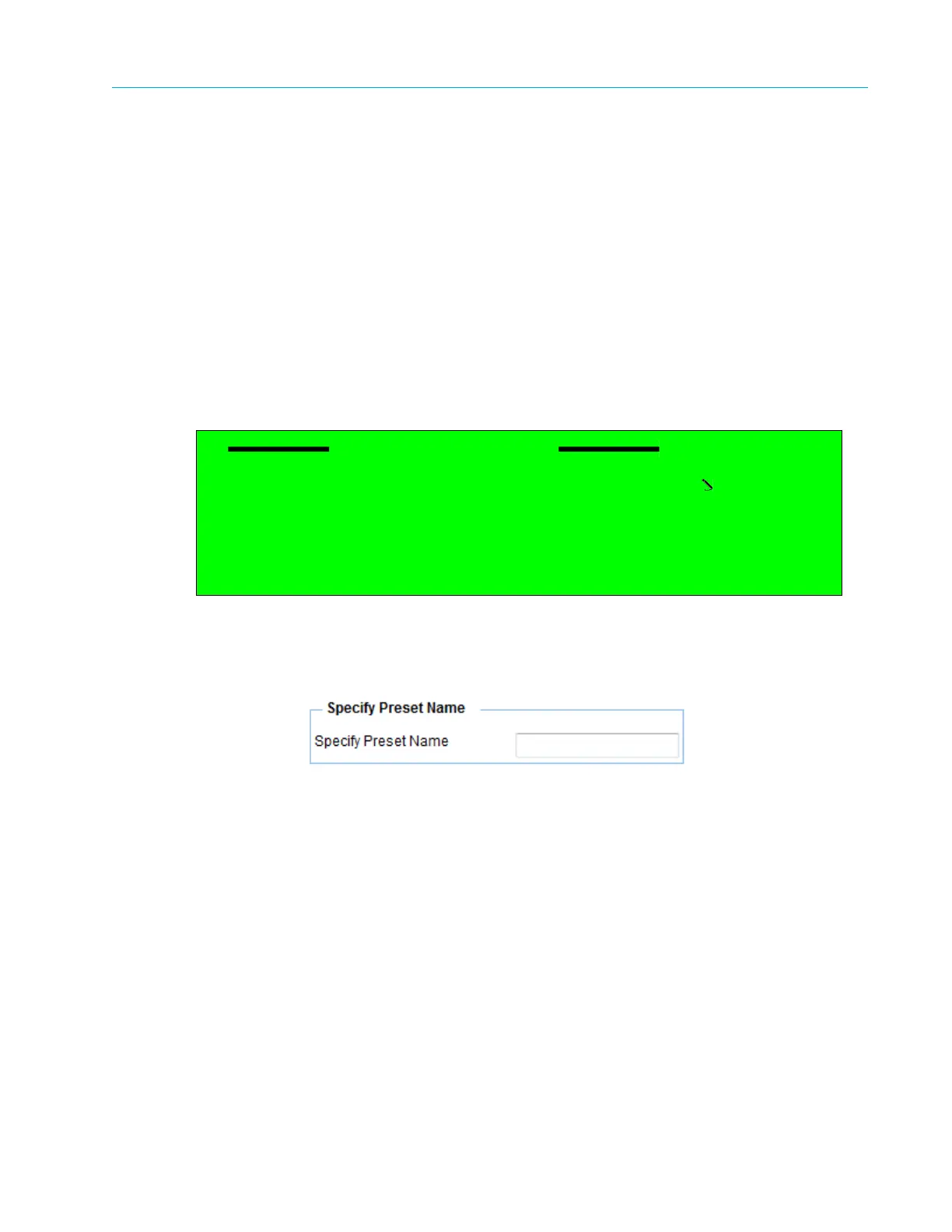
The Specify Preset Name menu allows saving the current setup parameters as a new preset file.
The Specify Preset menu provides the following options and parameters:
■ The Specify Preset Name parameter allows the user to set the new preset filename. This
option displays an edit-value screen that allows entering the new filename using the
alphanumeric touch-pad with free text. In the web-management, enter the new filename into
the free-text field.
The available option is a string of characters specifying the new filename.
Front Panel
To access the Specify Preset Name menu on the front panel:
❖ Select Root > Preset > Save Current > Specify Preset Name.
Web Manager
To access the Specify Preset Name menu in the Web Manager:
❖ Select Preset > Save > Specify Preset Name.
Specify Preset Name
1 Specify Preset Name
Preset-file
2 Save Preset



 To Next Page