Chapter 3 Ellipse Management
© 2013 Harmonic Inc. Harmonic All rights reserved. 56 Ellipse 3000 Release 3.0, Rev. B
Preset Menu
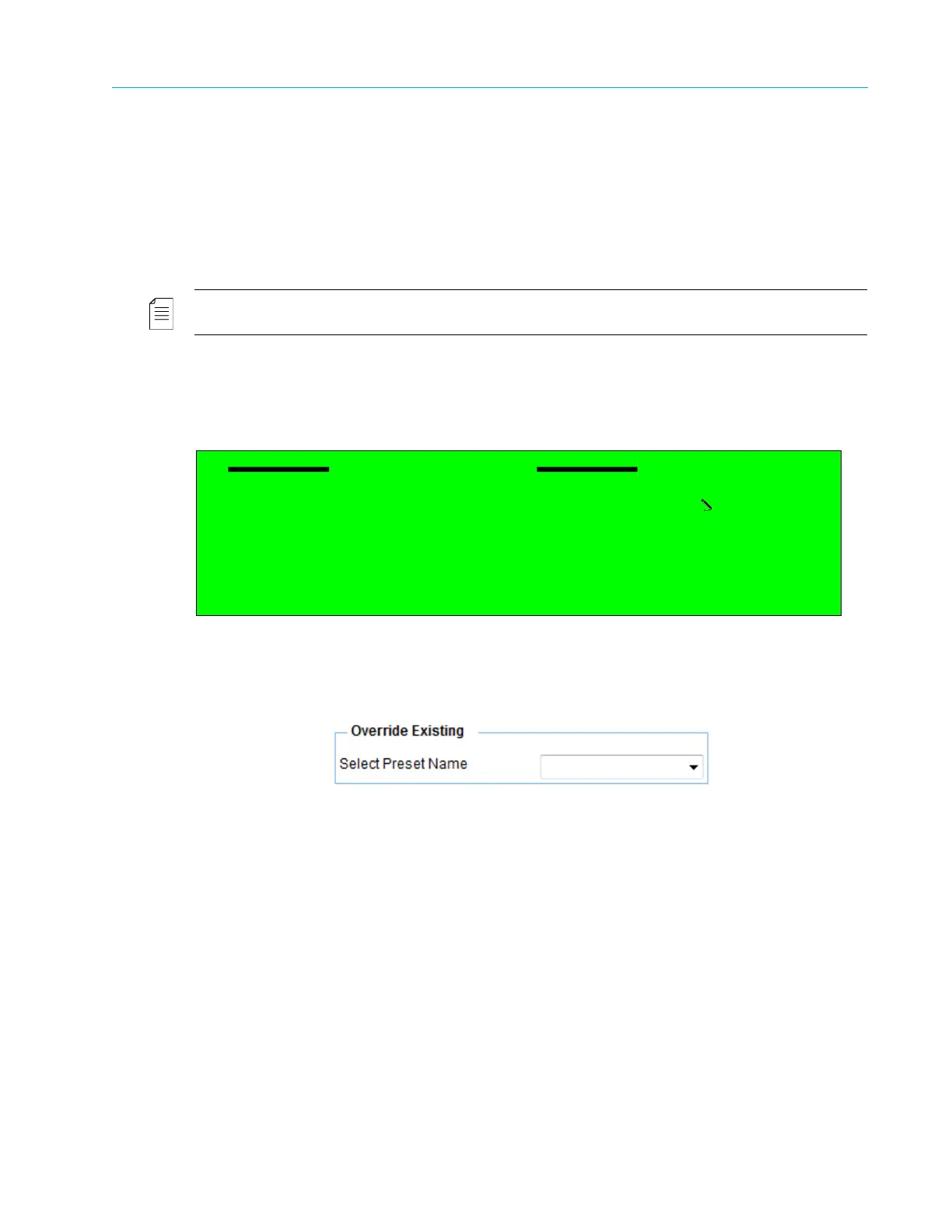
3.3.2.1 Override Existing Menu
The Override existing menu allows the user to save the current parameter setup configurations
into an existing preset file, erasing the former parameters setup.
The Override Existing Preset menu provides the following options and parameters:
■ The Select Preset Name parameter allows the user to select a preset file to override. This
option lists all preset files.
NOTE: The default factory preset file cannot be overwritten.
Front Panel
To access the Override Existing menu on the front panel:
❖ Navigate Root > Preset > Save Current > Override Existing.
Web Manager
To access the Override Existing menu in the Web Manager:
❖ Select Preset > Save > Override Existing.
Override Existing
1 Select Preset Name
Preset-1.db
2 Save Preset



 To Next Page