Chapter 7 VBI
© 2013 Harmonic Inc. Harmonic All rights reserved. 236 Ellipse 3000 Release 3.0, Rev. B
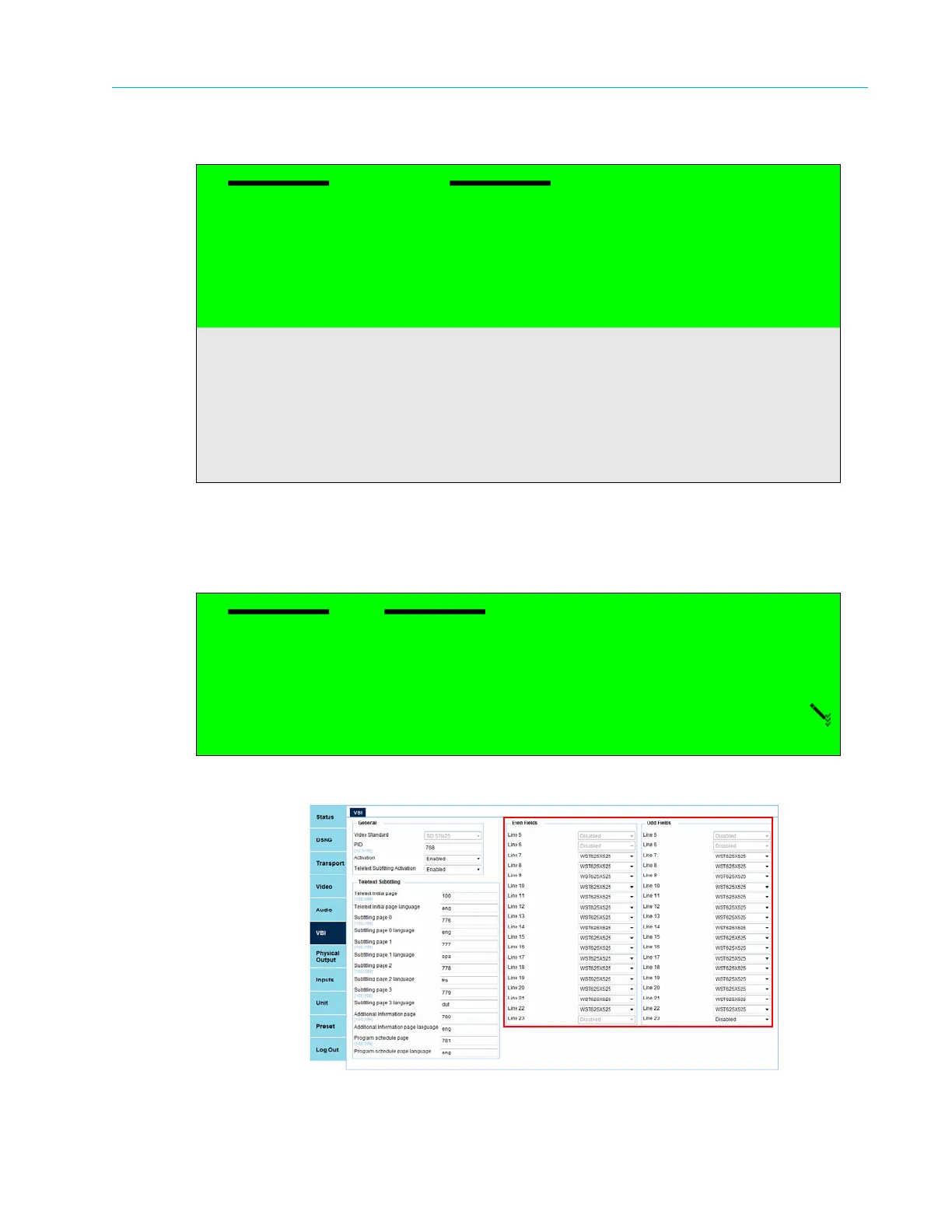
VBI Lines (Even Fields and Odd Fields)
Front Panel
To set the odd and even values of a line, on the front panel:
1. Select the line.
2. Select the odd or even side for value see the following example for VBI line 11/Odd).
Web Manager
Figure 7–2: VBI Lines Menu Display
VBI Lines
01 Line 5
02 Line 6
03 Line 7
04 Line 8
05 Line 9
.
.
.
19 Line 23
Odd
1 ƒ Disabled
2 ‚ Raw_data
3 ‚ WST625x525



 To Next Page