Chapter 10 Unit Configuration
© 2013 Harmonic Inc. Harmonic All rights reserved. 259 Ellipse 3000 Release 3.0, Rev. B
General
Front Panel
To access the Unit Configuration menu on the front panel:
❖ Navigate Root > Configuration > Unit.
Web Manager
To access the Unit menu in the Web Manager:
❖ Select the Unit tab.
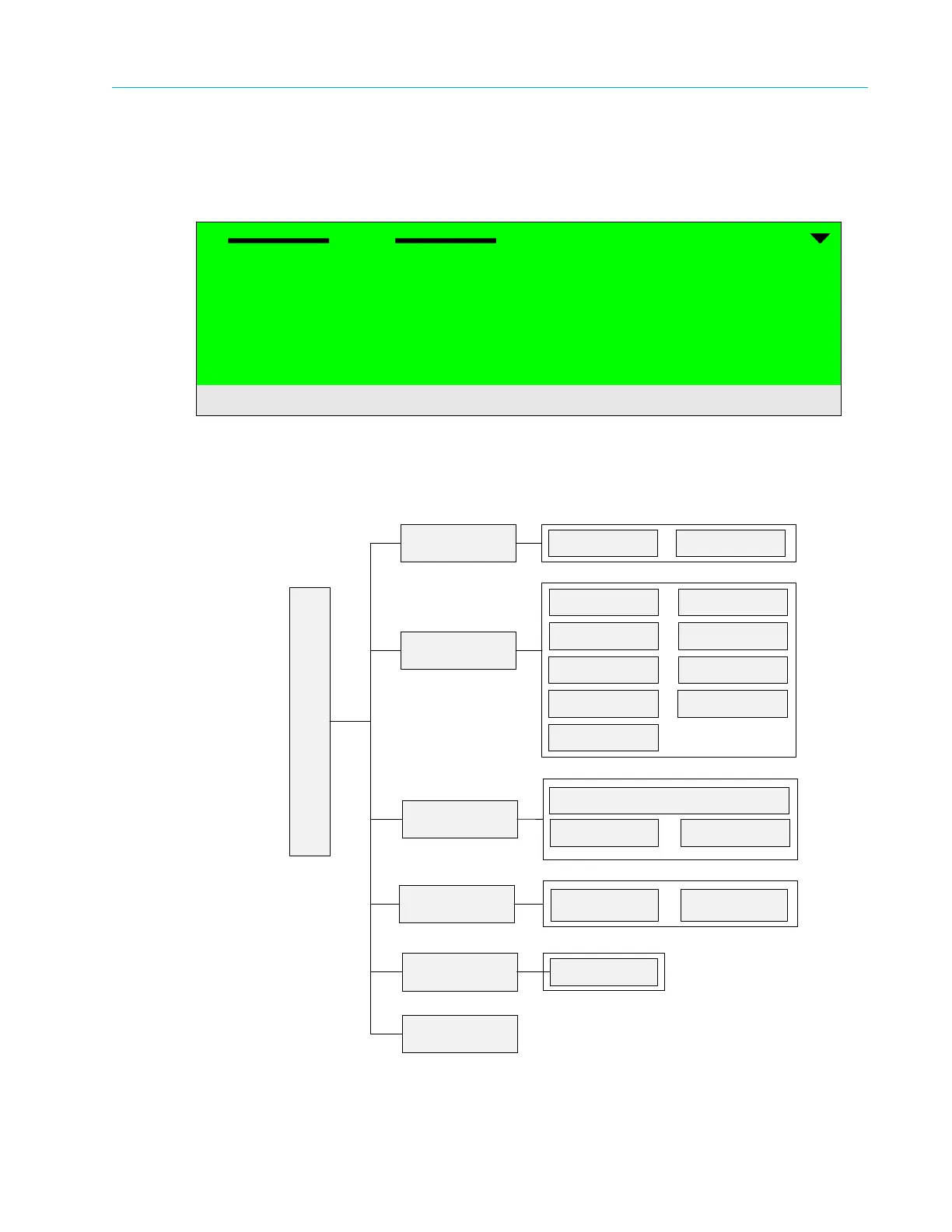
Figure 10–1: Unit Configuration Menu Tree Structure
Unit
1
1 Licensing
2 System
3 SNMP Traps
4 Alarm
5 Display contrast
Licensing
Device ID License Key
System
SNMP Traps
Trap Destination List
Add Entry
Alarm
Display
Contrast
Set Contrast
Drop Entry
Unit Configuration Menu
Version
Administration
Description
Date
System Clock
Serial Port
BOOTP Control
FP Control
Ethernet Port
Redundancy
Alarm
Configuration
Action Upon
Critical Alarm



 To Next Page