Chapter 2 Initial Configuration and Basic Opera-
tion
© 2013 Harmonic Inc. Harmonic All rights reserved. 27 Ellipse 3000 Release 3.0, Rev. B
Web Configuration
2.1.1.4 Web Manager Save Procedure
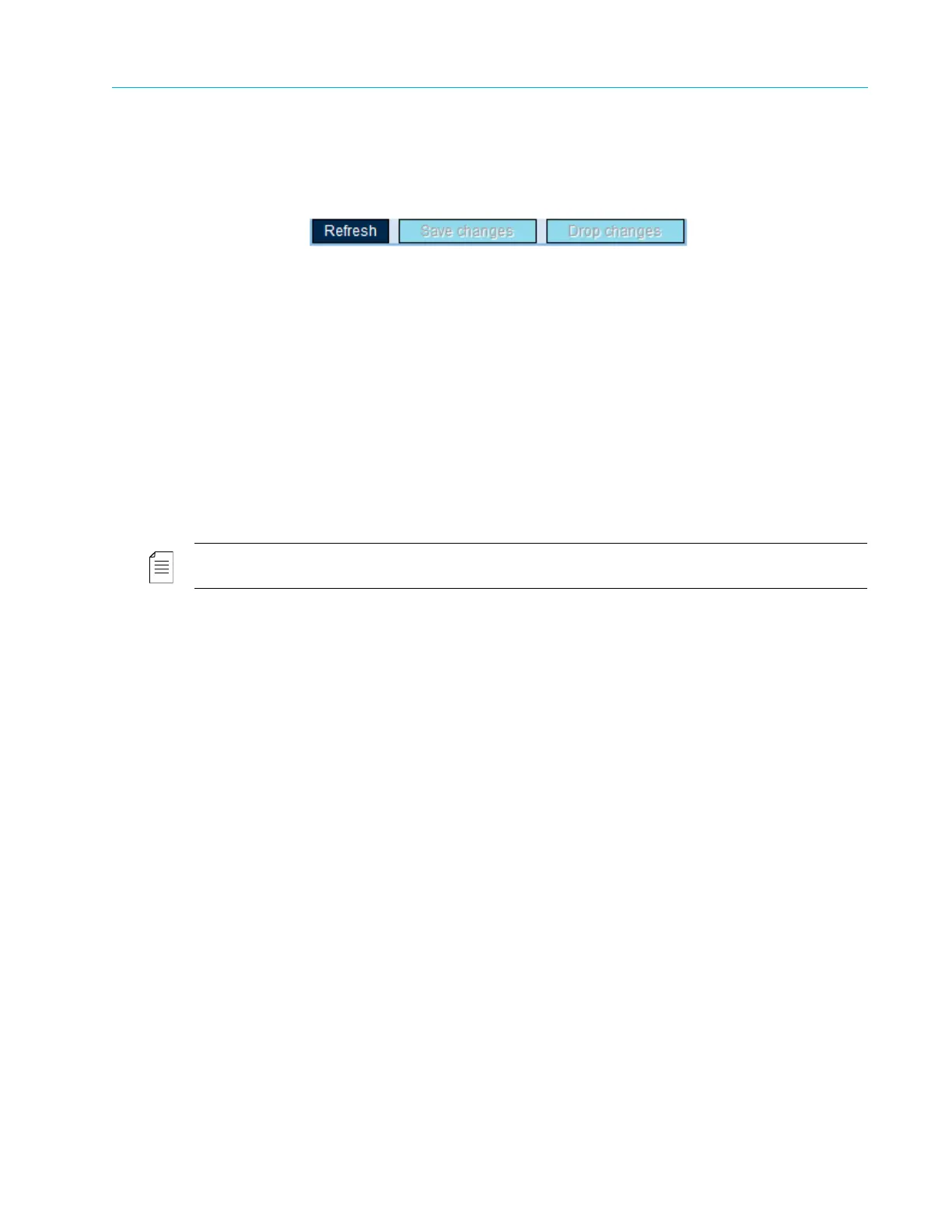
Use the Save Changes button in the top part of the Explorer window to save any changes you
make.
Changes are reflected immediately in the web manager window but only occur in the encoder’s
operation after you save the new settings. After you make a change in the web manager, the Save
Changes button flashes for a few seconds to indicate that you have unsaved changes.
For example, changing the Audio Encoding Scheme from MPEG-1 Layer 2 to Dolby® displays the
Dolby® sub-menus and specific parameters in the Explorer window. But the encoding affects the
audio encoding only after you click the Save Changes button.
Use the Drop Changes button to cancel recent configuration changes, returning the changed
parameters to their last-saved state. A pop-up message confirms that the changes have been
dropped.
Use the Refresh button to refresh the web page. This is useful for updating changes that were
configured on the front panel.
NOTE: The Refresh button allows refreshing all parameter values displayed on the Web Manager. This is useful
for when a new configuration has been set and saved using the front panel.



 To Next Page