3-13
Chapter 3: Table
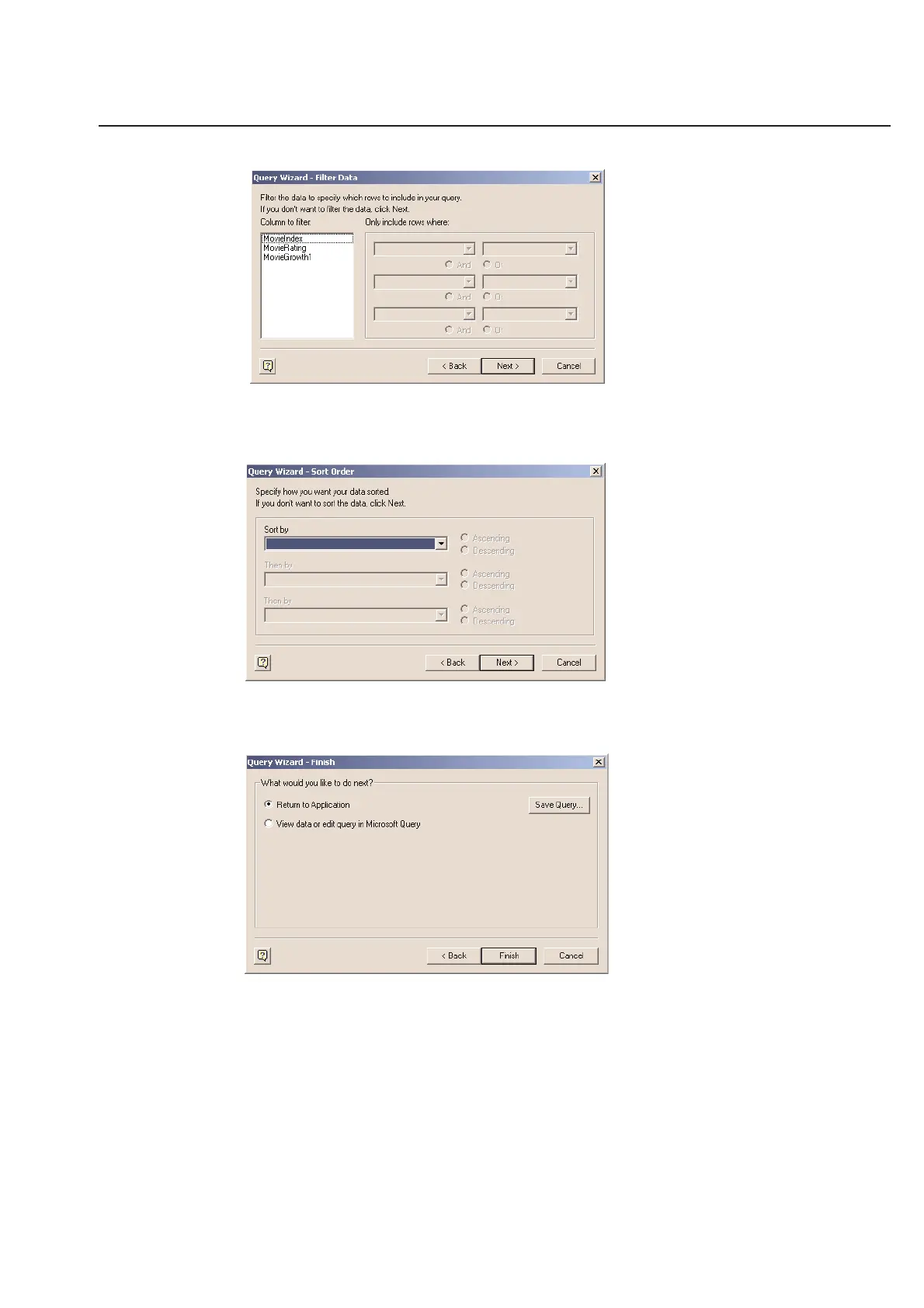
This allow you so filter the data if needed (Again consult your manual for MS QUERY in Windows to establish exactly
how to use the filtering features. Click Next to move to the Sort Order screen.
You can sort the data, depending on your needs. Click Next to confirm if you wish to go back to the TagPrint Pro
Table or view the data in MSQuery.
If you select Return to Application and Finish, the data is imported and you are returned to the table in TagPrint
Pro. The final screen shows all the connecting string information and the SQL statement that refers to the specific file
that you have selected.
Click on Import and the data will come directly into the table.



 To Next Page