3-12
Chapter 3: Table
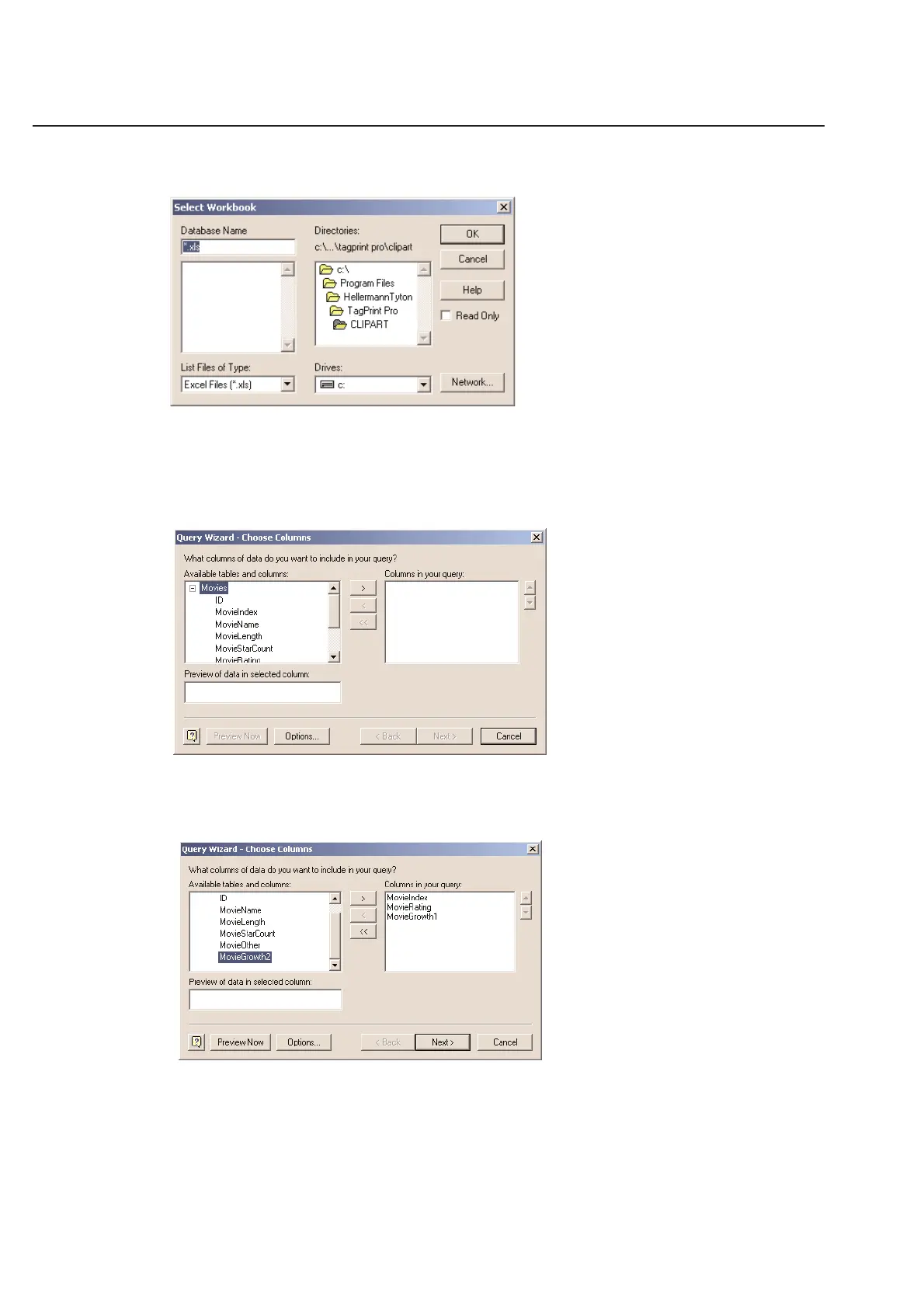
Select your database source - Example select Excel Files*
Click OK and the Select Workbook menu will appear.
Select the path and file name of the Excel file to which you wish to connect.
NOTE: If selecting an Excel database, the Excel database must have been created with Data Tables in order to connect
using ODBC. Otherwise you will get an error that says there are No Visible Data Tables. This should not occur with
MS Access or dBASE files. Once you have selected a database, the following Query Wizard - Choose Columns
menu will appear.
In this case, the file has a series of columns. You can highlight a column and click on the > icon to move the column
in the Columns in your query field. You can select as many columns as you wish.
Click Next to continue to the Query Wizard - Filter Data screen.



 To Next Page