5-7
Chapter 5: Label Definitions
Gap/Mark Width
The Gap/Mark width adjustment should match the physical size of the Gap or Black mark of the label you are
using. The measurement should be approximated based on an actual measurement. The actual number used for the
Gap/Mark width may vary from the physical size, but this is a very good starting point.
Gap/Mark Offset
The Gap/Mark offset is used on labels where the Gap or the Black mark is not at the true top of the label.
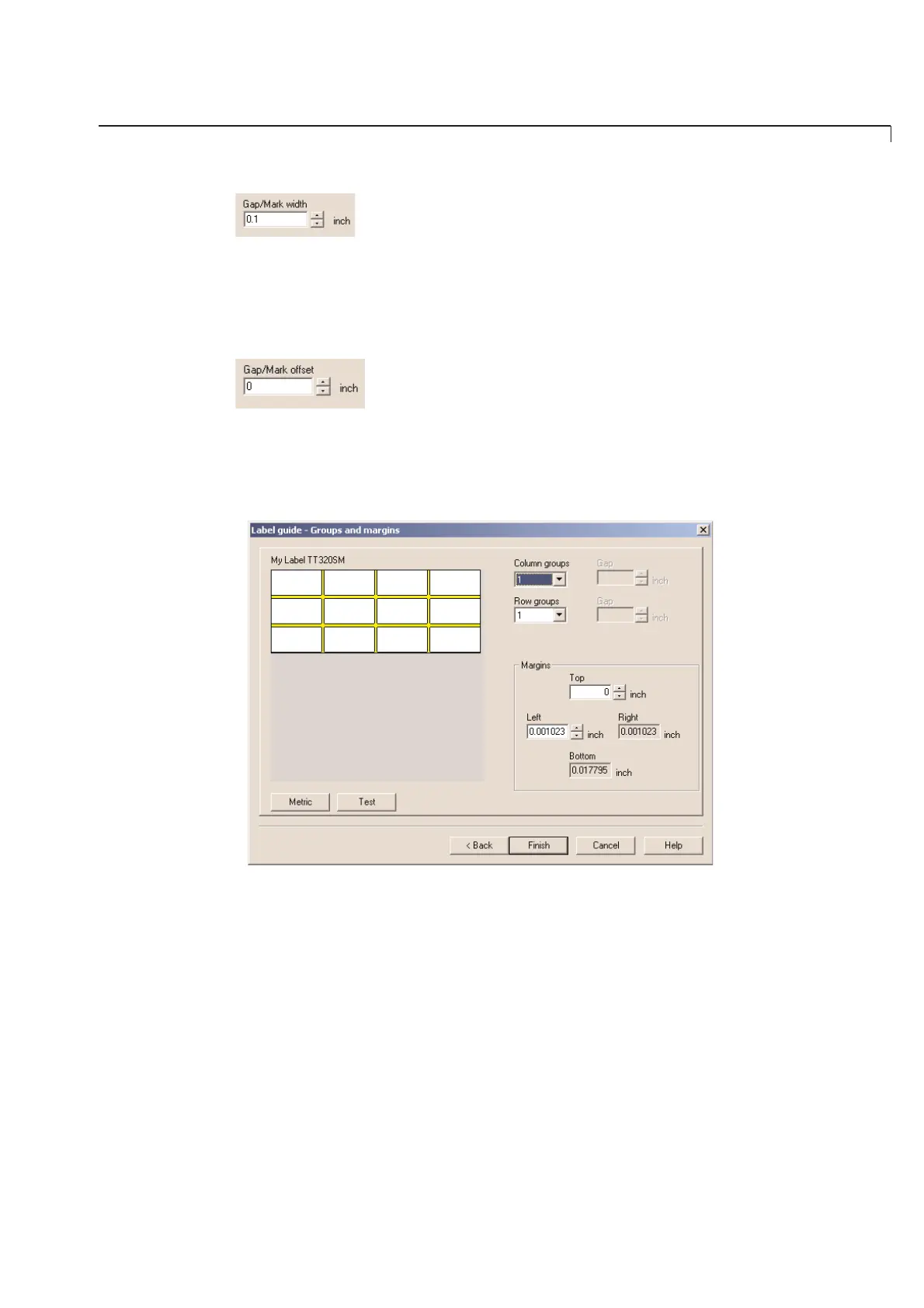
Label Guide - Groups and Margins
The final step in the label design guide is to set up how you want your labels to print on the sheet. You can group
your labels for printing and set the margins in this dialog box.



 To Next Page