3. Configuring the Heska Element COAG
™
Analyzer
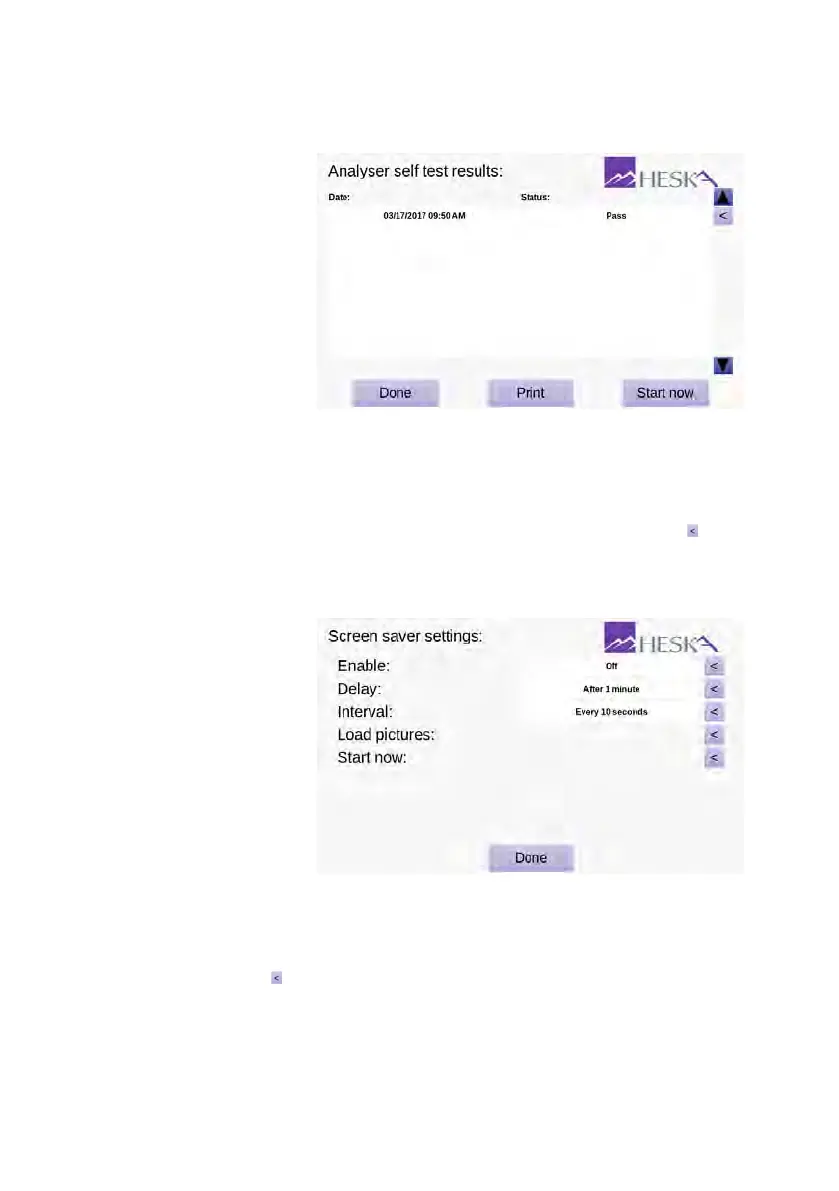
3.2.7.2. Analyzer Self Test
Figure 3.18:
Analyzer
self test results. This
menu provides an
overview of the details
regarding date(s) and
time(s) for when an
Analyzer self test has
been performed.
3.2.8. Screen Saver
The Screen Saver Settings screen is shown in
Figure 3.19
. To enter the Screen Saver
Settings screen, touch
Setup
on the Analyzer’s Home Screen and touch the to the
right of the Screen Saver category in the Settings Menu. The Heska Element COAG
™
Analyzer’s screen saver consists of user-selected pictures shuffled randomly.
Figure 3.19:
Screen
saver settings. From
the screen saver
settings menu, it is pos-
sible to enable/disable
the screen saver. If the
screen saver is enabled,
the delay for starting
the screen saver and
the interval between
the exchanging the
displayed images can
be configured.
Five options are available to configure the Heska Element COAG
™
Analyzer’s screen
saver:
Enable
Touch the to the right to turn the screen saver on/off. If the screen saver is
turned off, the remaining settings have no effect.
34



 To Next Page