5-12
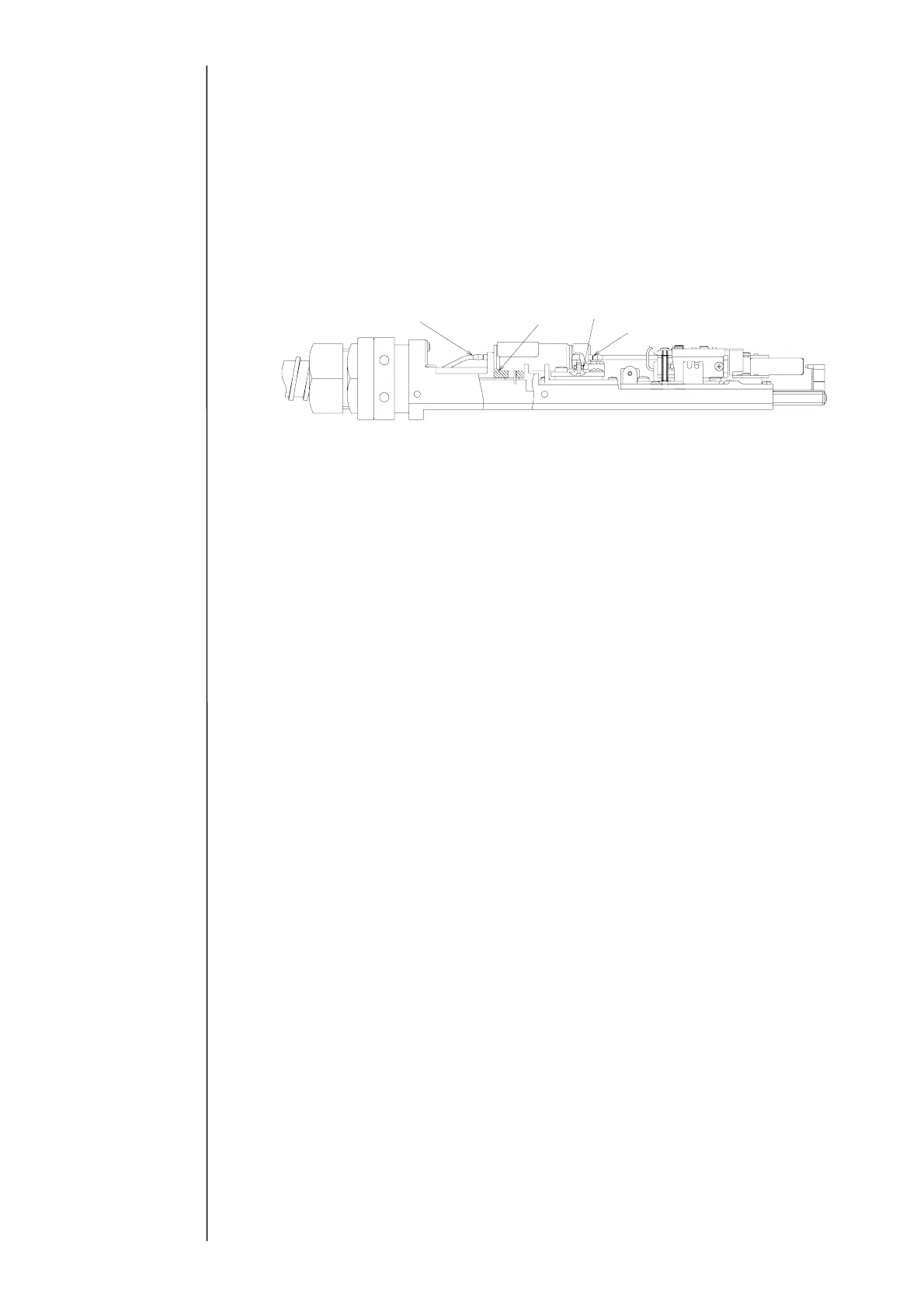
(9) Connect the ink-furnishing tube(E) and fasten it by the heating unit joint presser
foot.
“Caution”
①Engage the slit of the heating unit joint presser foot as shown in the following
figure.
②After dipping the O-ring in an intensifier, connect the ink-furnishing tube.
(Damage prevention of O-ring)
(10) Attach the sealing valve.
(11) Fix the connector and attach the head base rear cover.
(12) After the completion of the assembly, spurt ink and confirm that there is no leak
from each terminal area.
(13) Attach all of the covers.
(14) If “Ink warming abnormality,” “Warming unit abnormality detected” or “Warming
unit abnormality” occurs, the “Ink temperature correction” is automatically set to
“0: No.” In that case, select the System environment setup screen from the
Maintenance menu screen, and change the “Ink temperature correction” to “1: Yes.”
(15) Confirm the print state. In the case where the set value of the excitation voltage is
changed at the occurrence of abnormality, reset the set value.
Sealing valve IN joint
Sealing valve packing
Sealing valve heating unit O-ring
Nozzle IN joint



 To Next Page