6-30
6.4 Warning (printing continuously performed)
6.4.1 Ink Shelf Life Exceeded
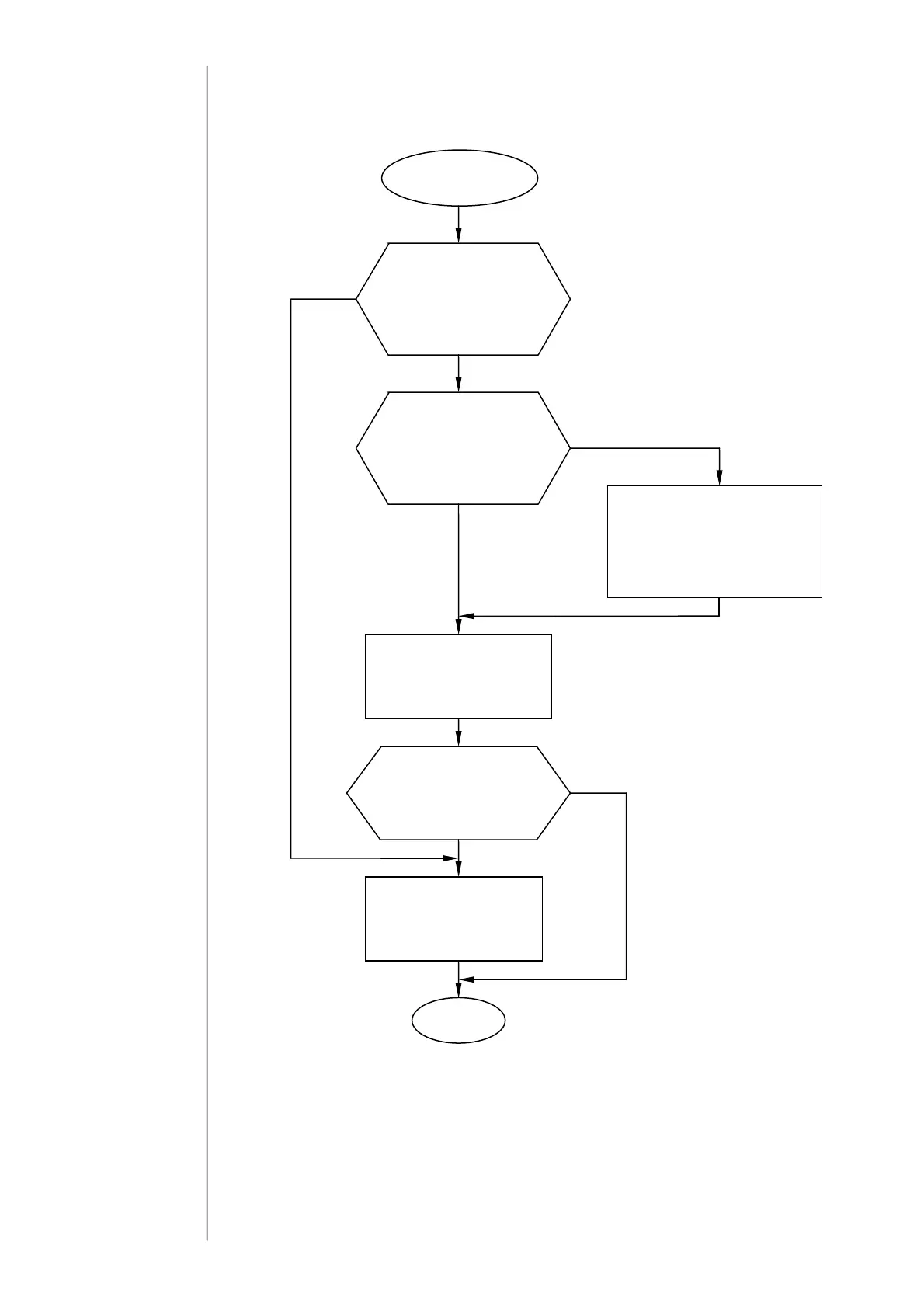
Ink Shelf Life Exceeded
Is the “Operation time”
setting in the operation
management screen smaller
than the ”Warning time”
setting?
Has the “Warning time”
preselected from the
operation management
screen elapsed since last
ink replacement?
Was the “Operating time”
set to 0 from the operation
management screen when
the ink was replaced last?
Replace the ink and set the
“Operating time” to 0 from
the operation management
screen.
Enter the cumulative ink ejection
time elapsed since last ink
replacement in the “Operating
time” field of the operation
management screen.
Enter the standard ink life
limit value in the “Warning
time” field of the operation
mana
ement screen.
Resume the
operation.
No
es
es
es
No
No



 To Next Page