2-16
3Turn power on.
A version of the controller part and the engine part is displayed.
When the version of the engine part is older than that of the controller part, be
sure to perform the download.
4 Use Password protection to set the printer to the service personnel
maintenance mode.
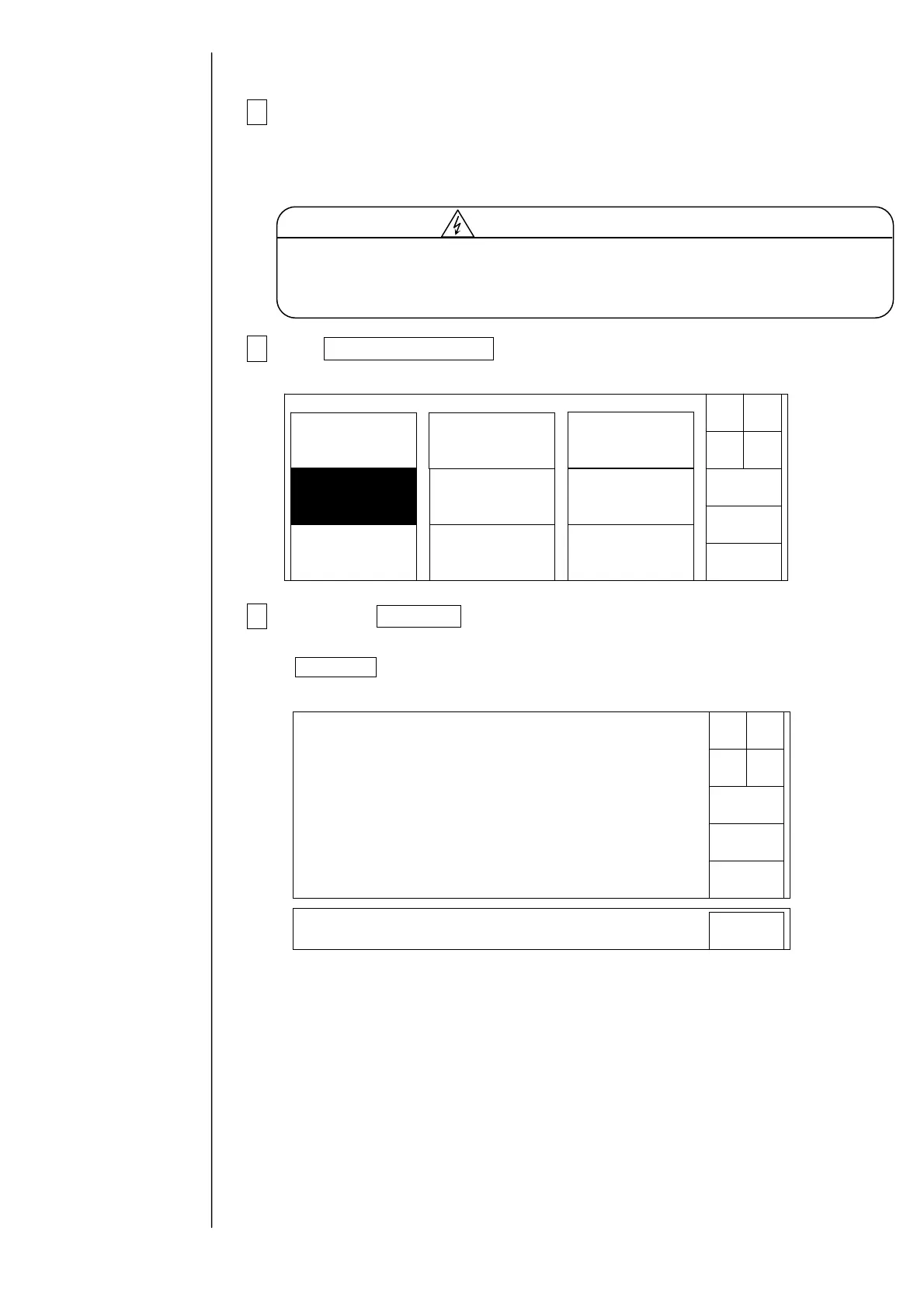
5Use Press Download on the second page of service maintenance
screen.
If Next menu does not appear in the maintenance menu, use “Password protection”
to set the printer to the service personnel maintenance mode.
The versions of memory card (CF card) block and IJ printer board will appear.
If the version of control block of IJ printer board is older than that of the memory
card (CF card) block, be sure to execute downloading.
When downloading is finished, the print data screen will be restored.
It is necessary to supply power with the operation panel open for this work.
During turning on, take great care of electric shock since a high voltage is
applied to some portions in this printer.
Cautionforelectricshock
Solenoidvalve/
pumptest
Adjustment/
operationalcheckout
LanguagechangeUnitinformation
Systemreset
System
environmentsetup
Download
Next
menu
Back
Maintenancemenu
Manual
Shut
down
Status:XXXXX
Controllersoftware 03.00 02.00
PrintcontrollersoftwareM03.00 02.00
PrintcontrollersoftwareS 03.00 02.00
Execute
Download
Cancel
PrintcontrollerROMdata 03.00 02.00
CGfontdata 03.00 02.00
Correctiondata 03.00 02.00
(Memorycard)→ (Substrate)
Press<Execute>todownload.
Status:XXXXX
Execute
Press<Execute>todownload.
Bydownloading,thepreviousversionisdownloaded.Confirmit.



 To Next Page