4-13
4.8 Circulation Unit Replacement Procedure
1 Perform “Ink drainage” and then “Pressure relief”.
2 Turn off the power supply.
3 Perform “4.1.3 Approach to the parts on the rear side of the equipment”.
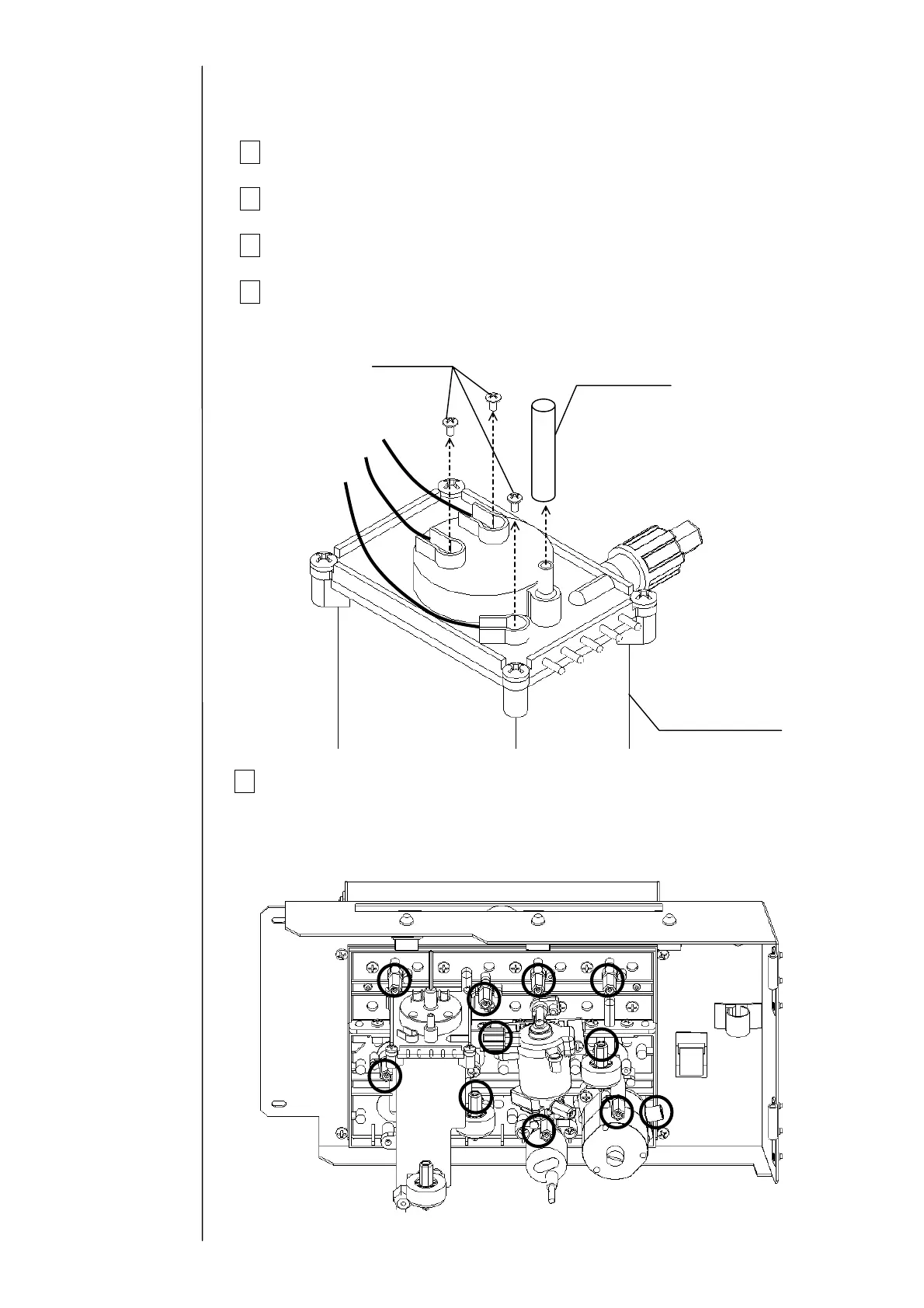
4 Remove the wire connecting part screws (3 positions) of the liquid level
sensor in the main ink tank and the exhaust tube.
5 Remove the plumbing tubes (11 positions) that are connected to the
circulation unit.
"Caution" Take care about an ink drip.
Fixing screw
Exhaust tube
Black (long)
White
Black (short)
Main ink tank



 To Next Page