2-21
2.7 System reset
●Set the set values on the “Printing data,” “User pattern” and “Maintenance” screens to the
values of initial condition.
●Perform this function when the EZJ102 board or the EZJ93 board is replaced in a state
allowing no backup.
●If this function is performed, perform setup and/or adjustment according to the contents
described in “3.2.1 EZJ102 board” and “3.3.1 EZJ93 board.”
1Turn on the power.
2Put it into the Service representative maintenance mode by using
Password protection.
3Press the System reset on the second page of the Service
maintenance screen.
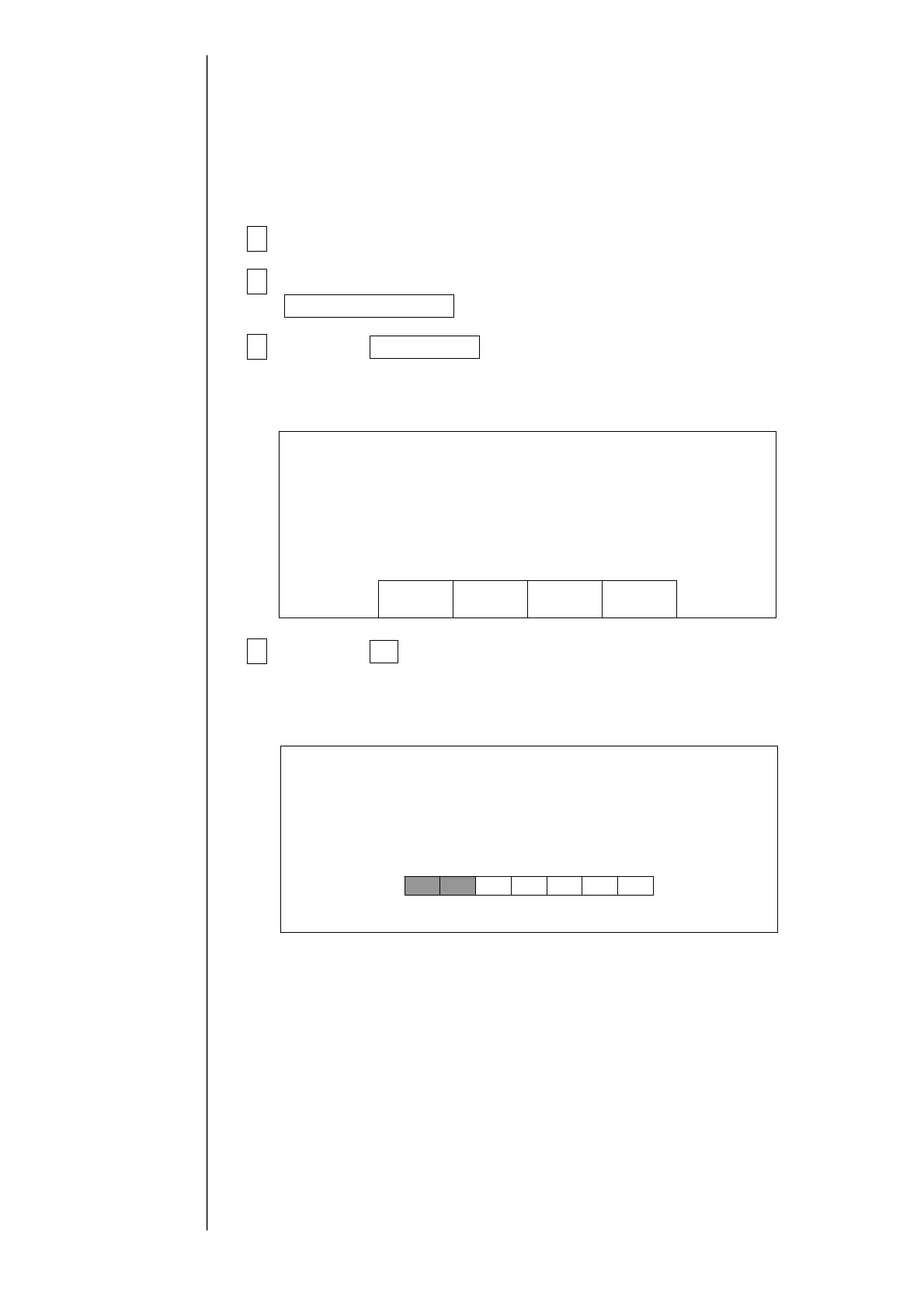
A confirmation message appears.
4Press the OK button.
“Wait for a minute” will appear.
When the system reset is complete, the service maintenance work screen will be
restored.
CancelOK
Thesystemwillbereset.
S
stemReset Confirmation
========= =========
Systeminitialization
Waitforaminute.



 To Next Page