3-7
3.2.3 Control panel
【Function】
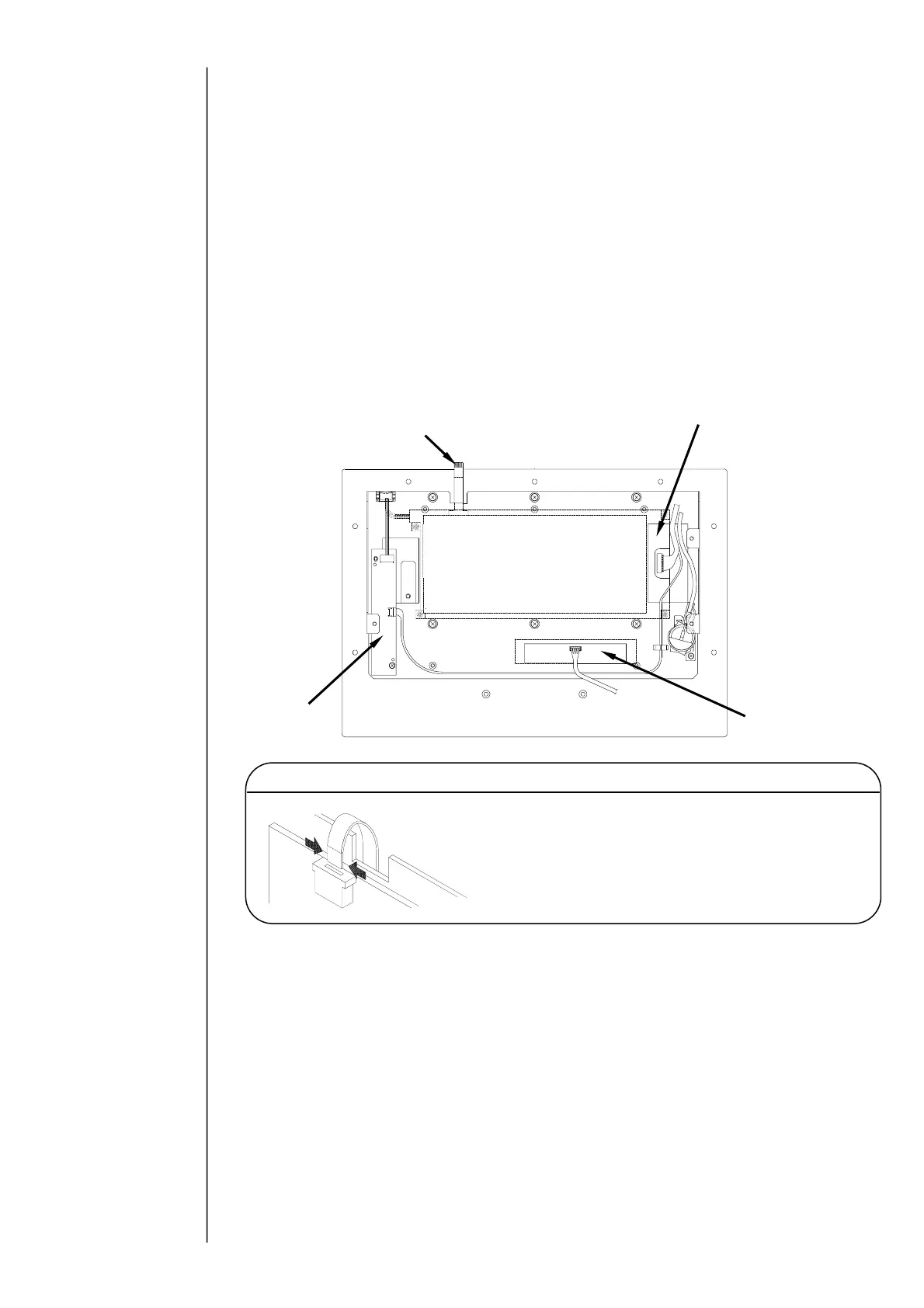
●LCD, converter, touch panel and EZJ97 board (LED board) are included in the
control panel.
【Note at the replacement】
●At the replacement, be sure to cut off the power supply.
●Incorporate the EZJ102 board and the battery as shown in the following
figure.
●Connect the LCD connecting harness, LCD backlight power supply connection
harness, the EZJ97 board connecting harness and the touch panel cable to the
predetermined connector.
●Set the touch panel coordinates.
●After the replacement and setting to "5" in LCD contrast, adjust the contrast
by
the volume for LCD contrast adjustment.
●Set the date and time.
With respect to the
setting of date and hour,
refer to the Instruction
manual “4.3 setting the
Date and Time”.
With respect to the
setting the touch panel
coordinates, refer to the
instruction manual “5.4
correcting the touch
panel coordinates”.
With respect to the
setting the contrast,
refer to the instruction
manual “4.7 Display
Environment Setup”.
When inserting the touch panel connection cable
into the connector on EZJ102 board, always hold
both sides of reinforced section for connection (as
shown in the figure) so that the cable is not bent.
Caution
Touch panel
connecting cable
LCD
(Back side of steel)
LCD backlight
power supply
EZJ97 board



 To Next Page