2-26
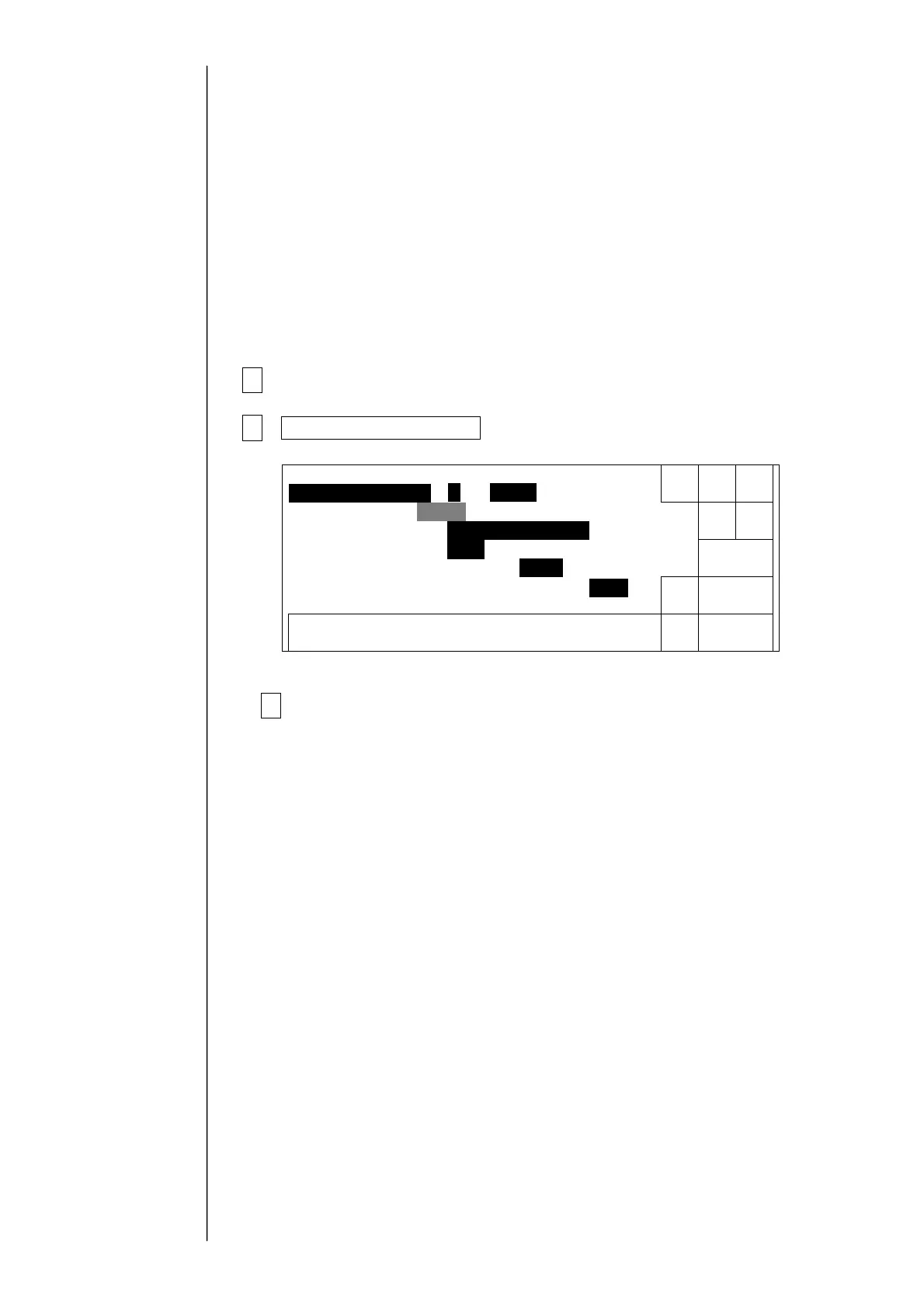
2.10 Handling Warning for “Product speed matching error”
●This function switches “Product speed matching error” between enable and disable.
Enable: Indicated warning in case of the speed for encorder signal period was exceeded.
Disable: Not indicated Warning.
●The setting for “product speed matching error” will appear in the service personnel
maintenance mode: It will not appear in the user mode.
1 Set to the service personnel maintenance mode.
2User environment setup in the environment setup menu.
The user environment setup screen will appear.
3 Change the option for “Product speed matching error”.
Caution:
Note that, if Product speed matching error is specified disable, no warning
will appear even when a condition for occurrence of warning is met and
faulty printing occurs.
Frequencydivision[001](1/1〜1/999Enterdenominator.)
Decre-
ment
Back
0987654321
Userenvironmentsetup
Manual
Shut
down
Incre-
ment
Show
cursor
← →
Excitationwarning[1](0:Disable1:Enable)
Char.size1[1](1:5×82:5×7)
Calendaroffset[1](1:dayprecedingsameday2:sameday)
Productspeedmatching [0](0:Disable1:Enable)
Status:XXXXX
Productspeedmatchingerror[1](0:Disable1:Enable)



 To Next Page