2-3
2.2 System environment setup
●The setting with respect to the system environment of the IJ printer is
performed.
①
Ink type ②Ink temperature correction
③
Excitation frequency ④Excitation curve
⑤
Ambient temperature limit (upper limit/lower limit)
⑥Nozzle orifice
●This setting is performed in the IJ printer "Stop" state.
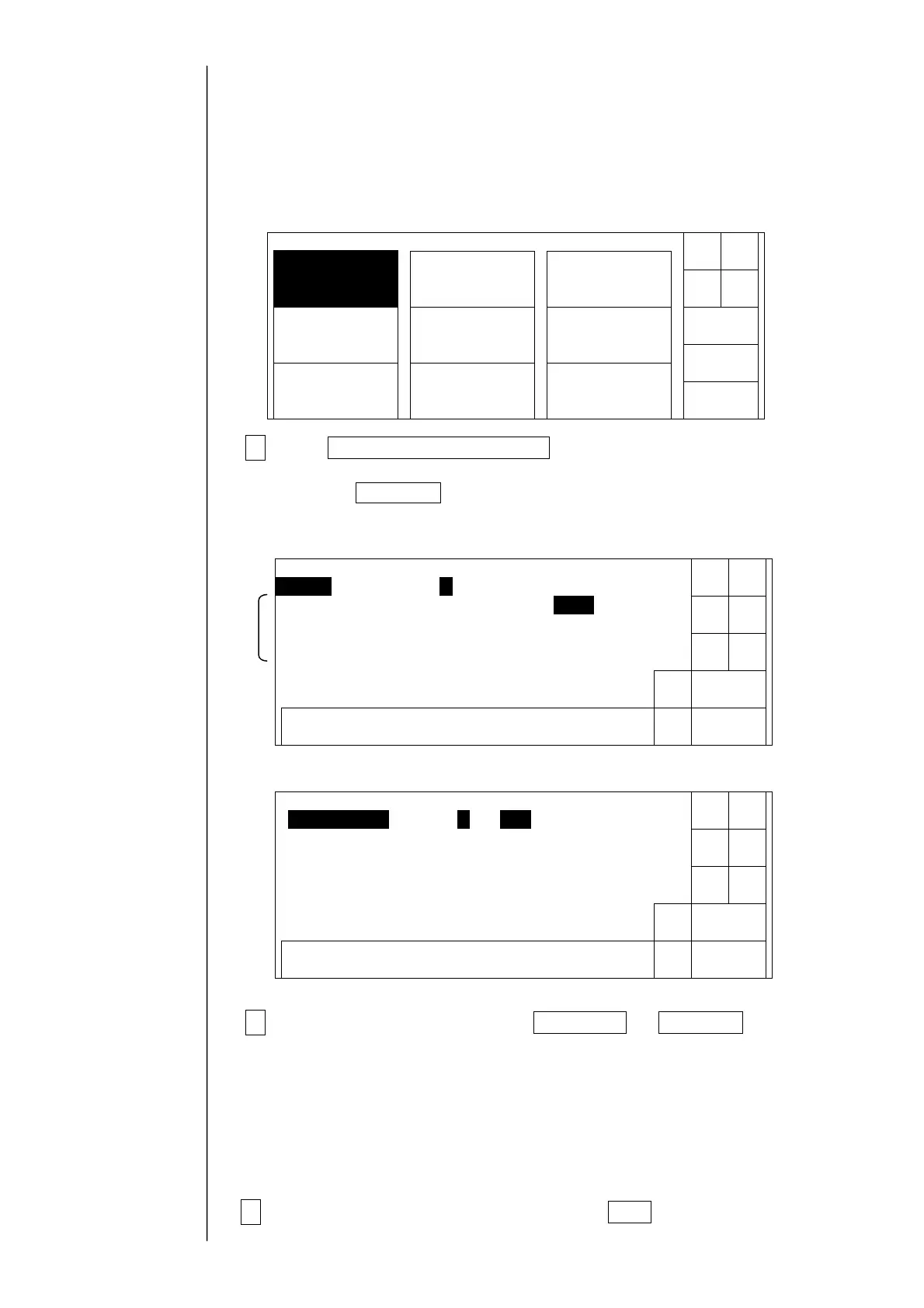
1Press System environment setup at the second page of the service
maintenance work screen.
When the Next menu are not displayed in the maintenance work menu, set to
the service personnel maintenance mode by the password protection.
System environment setup first display
System environment setup second display
2Set values using the numeric, Decrement, or Increment button.
Note: When the ink type is set, an initial value is automatically set.
With respect to the initial value, refer to the next page.
The standard nozzle orifice of PB machine is stainless. If using a ruby
nozzle orifice in emergency, be sure to choose ruby using this menu.
The PB machine is controlled by the drive curve for ruby.
3After the completion of the setting, when Back is pressed, the screen
returns to the maintenance menu.
With respect to the
Password protection,
refer to "2.1 setting of
service personnel
maintenance mode".
*)
Solenoidvalve/
pumptest
Adjustment/
operationalcheckout
LanguagechangeUnitinformation
Systemreset
System
environmentsetup
Download
Next
menu
Back
Maintenancemenu
Manual
Shut
down
Status:XXXXX
Decre-
ment
Back
0987654321
Systemenv.setup
Incre-
ment
Next
menu
Ink type [0 1 ] ( JP−K6
Inktemperaturecorrection[1](0:disable1:enable)
Excitationfreq. [ 68.9](kHz;standardvalue:68.9)
Excitationcurve [01](standardvalue:1)
Ambienttemp.upperlim.[40](℃;35-45;standardvalue:40)
Ambienttemp.lowerlim.[00](℃;0-5;standardvalue:0)
Tochangetheexcitationfreq.setting,usetheinc/decbutton.
Status:XXXXX
← →
Decre-
ment
Back
0987654321
Systemenv.setup
Incre-
ment
Next
menu
Orificematerial [1](1:Ruby2:Stainlesssteel)
← →
Status:XXXXX



 To Next Page