2-2
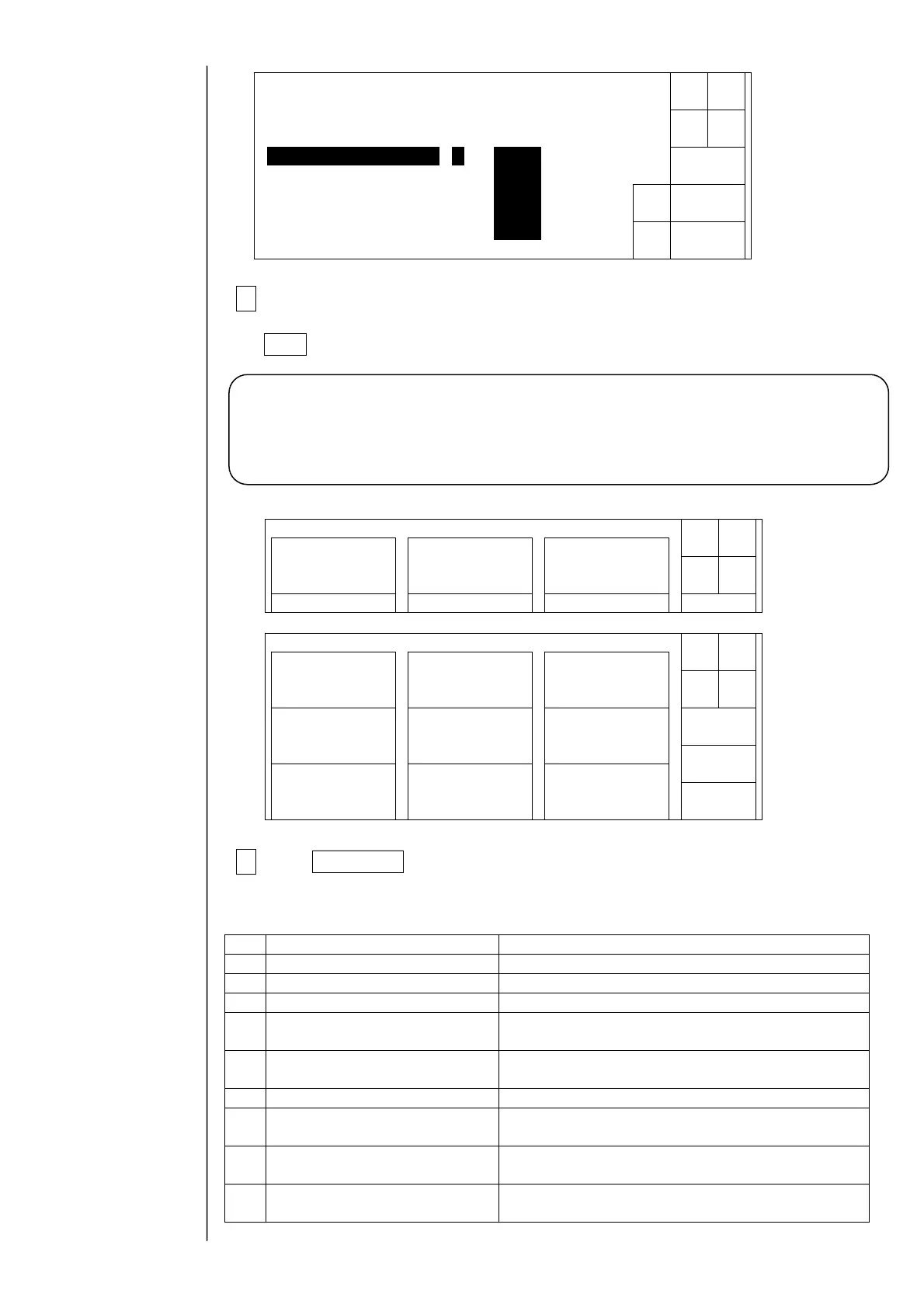
3When passing the password judgment, the "service personnel
maintenance" is displayed and therefore, select "0" and press the
Back key.
4The Next menu switching key is displayed and thereby the screen
for the service personnel maintenance can be displayed.
Functions in Service Personnel Maintenance Mode
No. Function Content
1 Maintenance menu The 2nd page of maintenance work menu is displayed.
2 User environment setup screen “Product speed matching error” is displayed.
3 Operation management screen “Operating time” can be changed.
4 Operation management screen
“Heating unit temperature” and “Ink temperature” are
displayed.
5 Log management screen
[Clear] appears, and the history of records can be
deleted.
6 Circulation control menu Calibration of viscometer can be started.
7
Circulation environment setup
screen
“Ink concentration message” is displayed.
8 Use time management screen
The use times of pumps and solenoid valves can be
changed.
9 Fault
Ink supply will not stop even if alarm “No ink drop
charge” occurs.
[Caution] After the completion of the service maintenance work, be sure to
return the setting of the “service personnel maintenance” to “1”
(protect) (when the power supply is turned off, the display
of the “service personnel maintenance” automatically turns to
non-display (protect)).
Solenoidvalve/
pumptest
Adjustment/
operationalcheckout
LanguagechangeUnitinformation
Systemreset
System
environmentsetup
Download
Next
menu
Back
Maintenancemenu
Manual
Shut
down
Status:XXXXX
Maintenancemenu
Operation
management
Environmentsetup
menu
Manual
Shut
down
Testprint
Next
menu
Status:XXXXX
Afteryouhaveenteredacorrectpassword,youarepermittedto
Password[****]
Back
Passwordprotection
Decre-
ment
Incre-
ment
changethepasswordprotectionsettingsbelow.
Status:XXXXX
Editmessage/Selectmessage[0](0:access 1:protect)
Savemessage [0](0:access 1:protect)
Printspecifications [0](0:access 1:protect)
Printformat [0](0:access1:protect)
Maintenance [0](0:access 1:protect)



 To Next Page