6-27
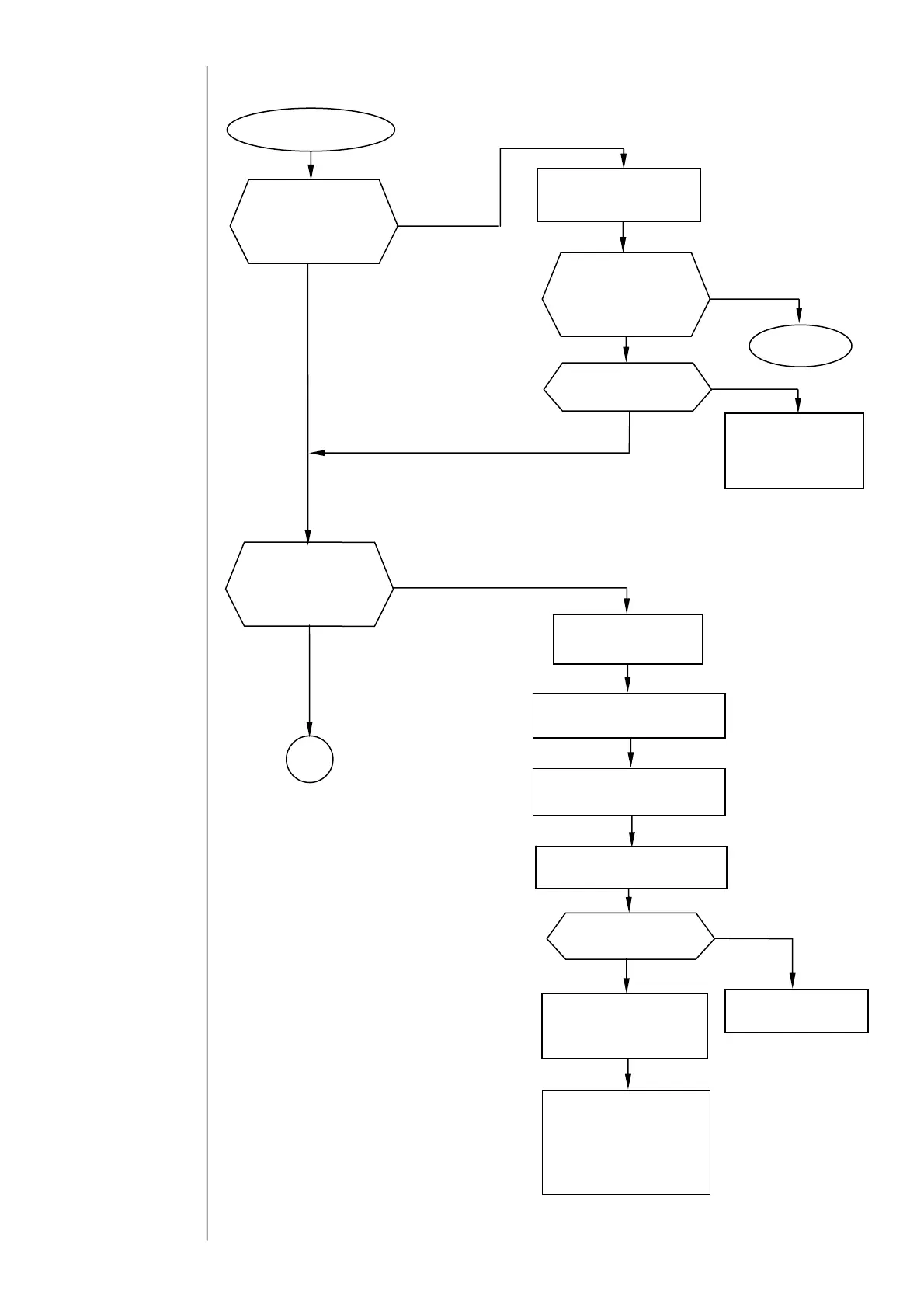
6.3.7 Ink Drop Charge Too High
Ink Drop Charge
Too High
Resume the
operation.
Position the ink beam at
the gutter center.
Replace the circulation
unit.
Initiate “Ink circulation” from
the circulation control screen.
Does the IJ printer
become ready for
printing when you
initiate ink ejection
and start it?
es
No
es
es
No
No
No
es
No
es
Is the ink
recovered without
filling the gutter
hole with it?
1
If the problem is
not fixed:
Execute the “Nozzle
Backwash” function from
the circulation control
screen.
If the problem is
not fixed:
Remove the orifice plate
from the nozzle. Reinstall
it after subjecting it to
ultrasonic cleaning.
Adjust the beam position.
If the problem is
not fixed:
Perform “Gutter cleaning” from
the circulation control screen.
If the problem is
not fixed:
Replace the recovery filter (see
the recovery filter replacement
rocedure).
Is the gutter
section soiled?
Clean the gutter section
and its surrounding area
with a cleaning solution.
Is the ink properly
atomized?
Change the excitation
voltage setting to
assure proper
atomization.
Is the recovery
system clogged?



 To Next Page