6-6
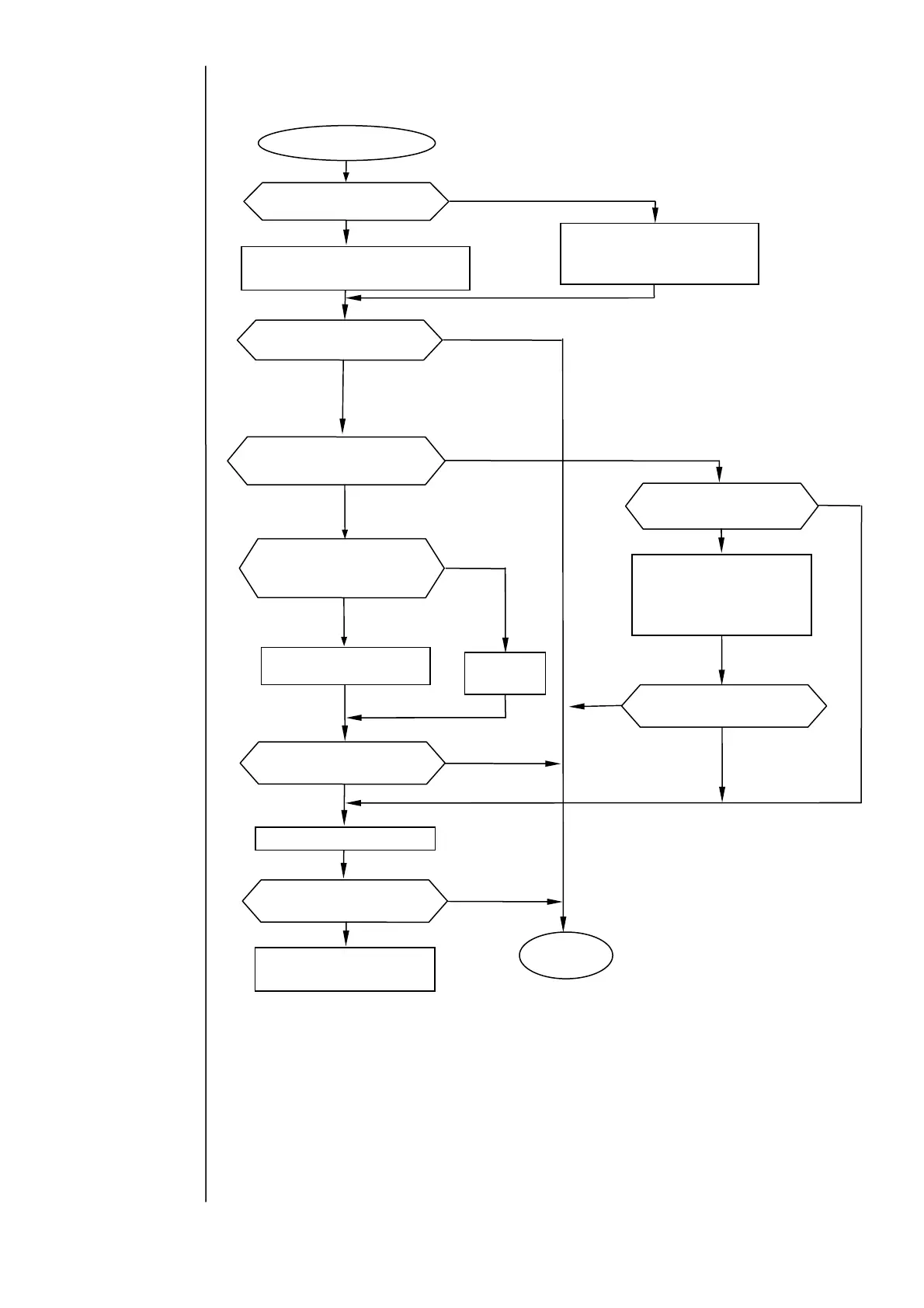
6.2.4 Replenishment Time-out
※CAUTION
If you remove a solenoid valve or other piping part without relieving the
pressure from the path, the ink may gush out. Before performing the above
steps, be sure to provide pressure relief.
Replenishment timeout
Press the Reset key to clear the fault
and restart the printer.
Check and correct the
conduction of the connection
harness of the initial level
sensor.
Replace the EZJ93 board.
Is the ink refilling function
being executed?
Press the Reset key to clear the
fault and execute the ink
refilling function again.
Does the MV7 (makeup ink
valve) operate when you force
it to?
Resume the
operation.
es
No
No
Does the initial-level
sensor operate?
Disconnect the connector,
then reconnect it
No
Is the EZJ93 board CN5
or MV7 connector
Connect the
connector.
es
Does the “replenishment
Timeout” fault recur?
es
No
es
es
Replace the MV7 (makeup ink
valve) unit.
Does the “replenishment
Timeout” fault recur?
es
No
No
Does the “replenishment
Timeout” fault recur?
es
No
Does the “replenishment
Timeout” fault recur?
No
es



 To Next Page