2-17
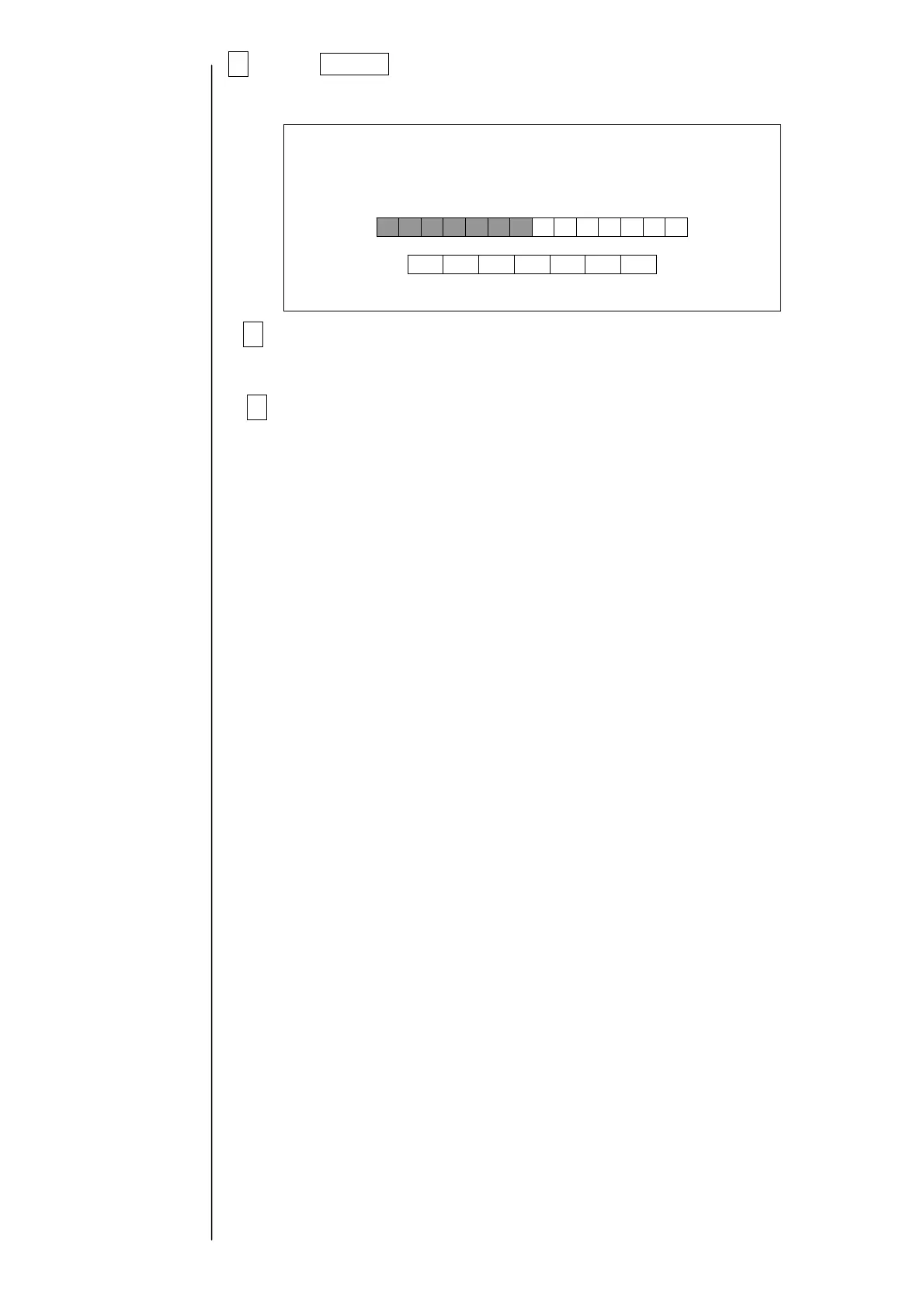
6Press Execute .
“Wait for a minute” is displayed. After the completion of the download, the screen
returns to the print description screen.
7After copying is finished, turn power off and press the ejector (button) to
remove the memory card from the slot.
8Reattach the operation panel to printer.
Download
Waitforaminute.



 To Next Page